Connect to Power| 21
Connect to Host Computer
Using the USB cable: Plug one end into the USB port labeled Computer on the
instrument and the other end into an available port on the computer.
l If the computer is connected to the Internet, turn on the instrument. Let
Windows
®
automatically locate and install the necessary USB drivers (follow
the online instructions), if applicable or open the link below to download the
drivers.
l Virtual Com Port (VCP) drivers for all Windows operating systems are available
at http://www.ftdichip.com/Drivers/VCP.htm
l If the computer is NOT connected to the Internet, install the drivers using the
supplied “Virtual USB Com Port” driver software CD.
l The Home screen must be displayed for the LHC to communicate with the
instrument.
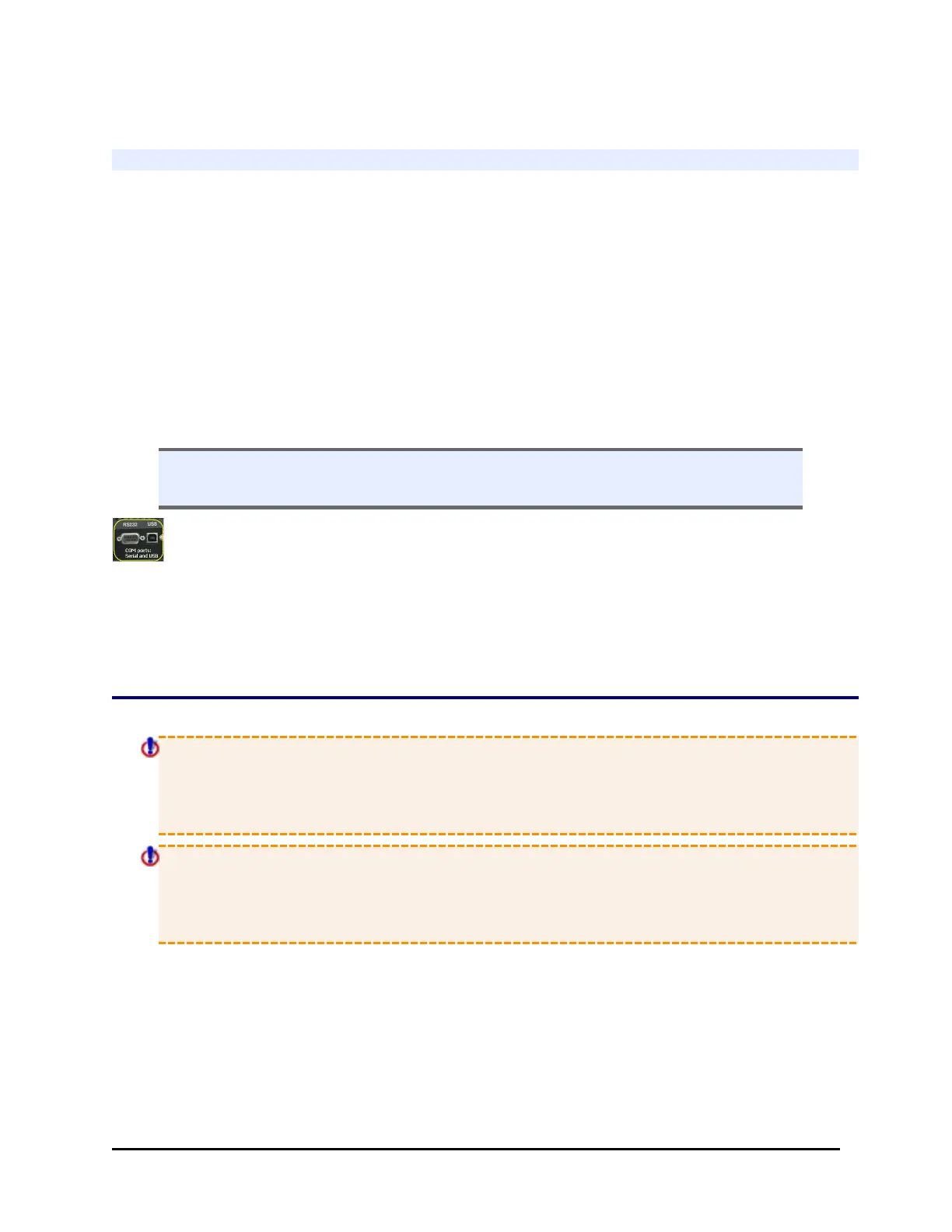
Technical Note: Only one of the two communication ports (COM port) on the
instrument can be used at a time. They cannot be used simultaneously. You can
use USB to connect the 405 TS to the computer or the RS232 serial port to connect to
a BioStack or similar robotic device. But you cannot use both ports simultaneously,
i.e. make sure only one cable is plugged in at a time.
Connect to Power
Warning! Power Rating. The 405 TS must be connected to a power receptacle
that provides voltage and current within the specified rating for the system. Use
of an incompatible power receptacle may produce electrical shock and fire
hazards.
Warning! Electrical Grounding. Never use a two-prong plug adapter to
connect primary power to the 405 TS. Use of a two-prong adapter disconnects
the utility ground, creating a severe shock hazard. Always connect the system
power cord directly to a three-prong receptacle with a functional ground.
The 405 TS supports voltage in the range of 100-240 V~ at 50-60 Hz.
1. Plug the power cable into the power cable socket in the rear panel of the 405 TS.
2. Insert the three-prong plug into an appropriate receptacle.
BioTek Instruments, Inc.



 To Next Page