20 | 405 TS Getting Started Guide
l Ensure that there are no loose fittings or cable connections.
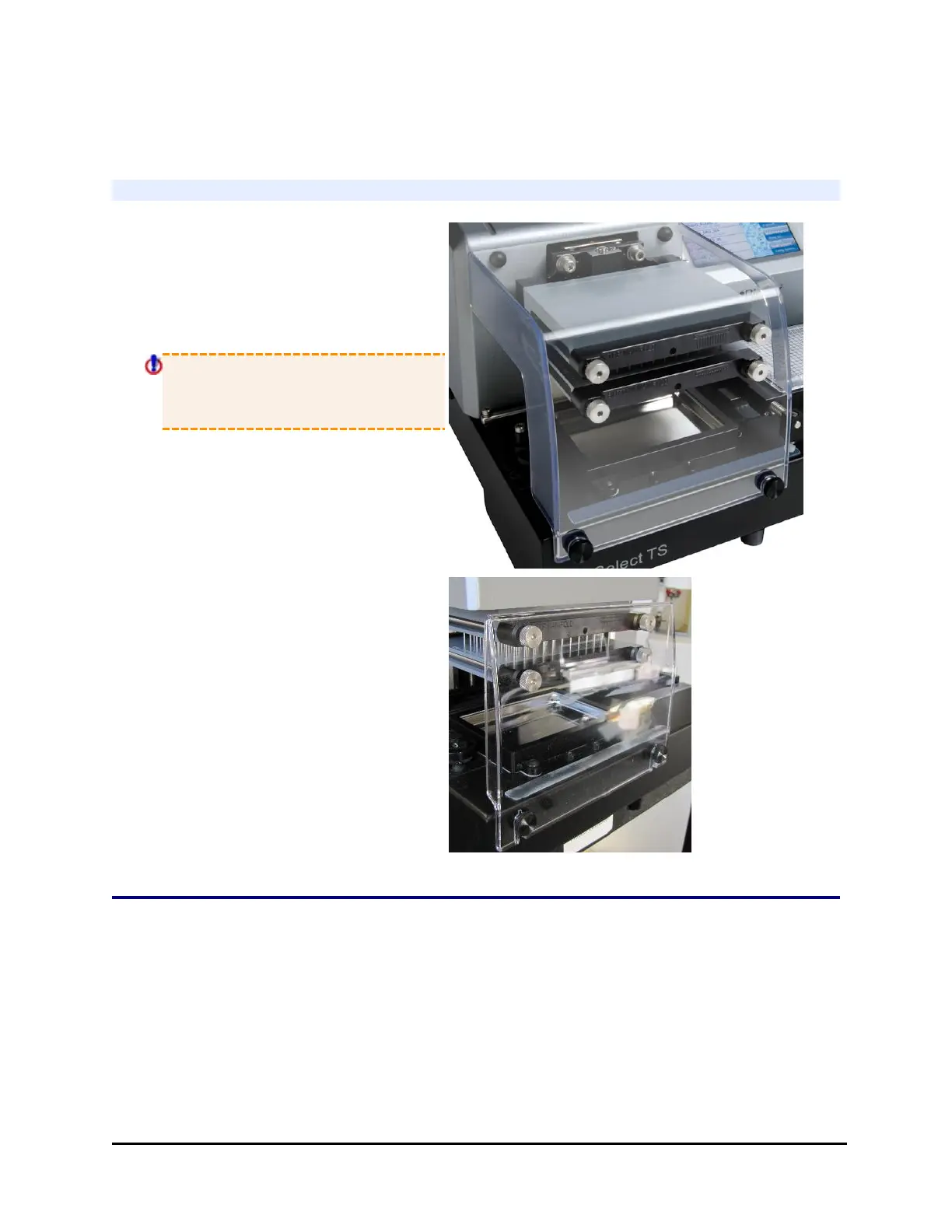
Attach the Mist Shield
1. Position the mist shield so the
gaps align with the
thumbscrews. The top rests on
the two rubber pads above the
manifold.
Always lift the mist shield
straight up, not towards you,
when removing it.
405 TSs equipped with Verify™ Clog
Detection Technology ("Q" models)
have a smaller mist shield.
Install Software/Connect to Computer
If you purchased BioTek's Liquid Handling Control™ (LHC) Software to control the
405 TS using your personal computer (PC), please refer to the LHC Installation
Guide for complete installation and setup instructions.
405™ TS Microplate Washer



 To Next Page