BP-007 User’s Manual
- 49 -
ESC p Generate cash drawer drive pulse
Format: ASCII: ESC p m n1 n2
Decimal: 27 112 m n1 n2
Hex: 1B 70 m n1 n2
[Description]
Generate cash drawer drive pulse.
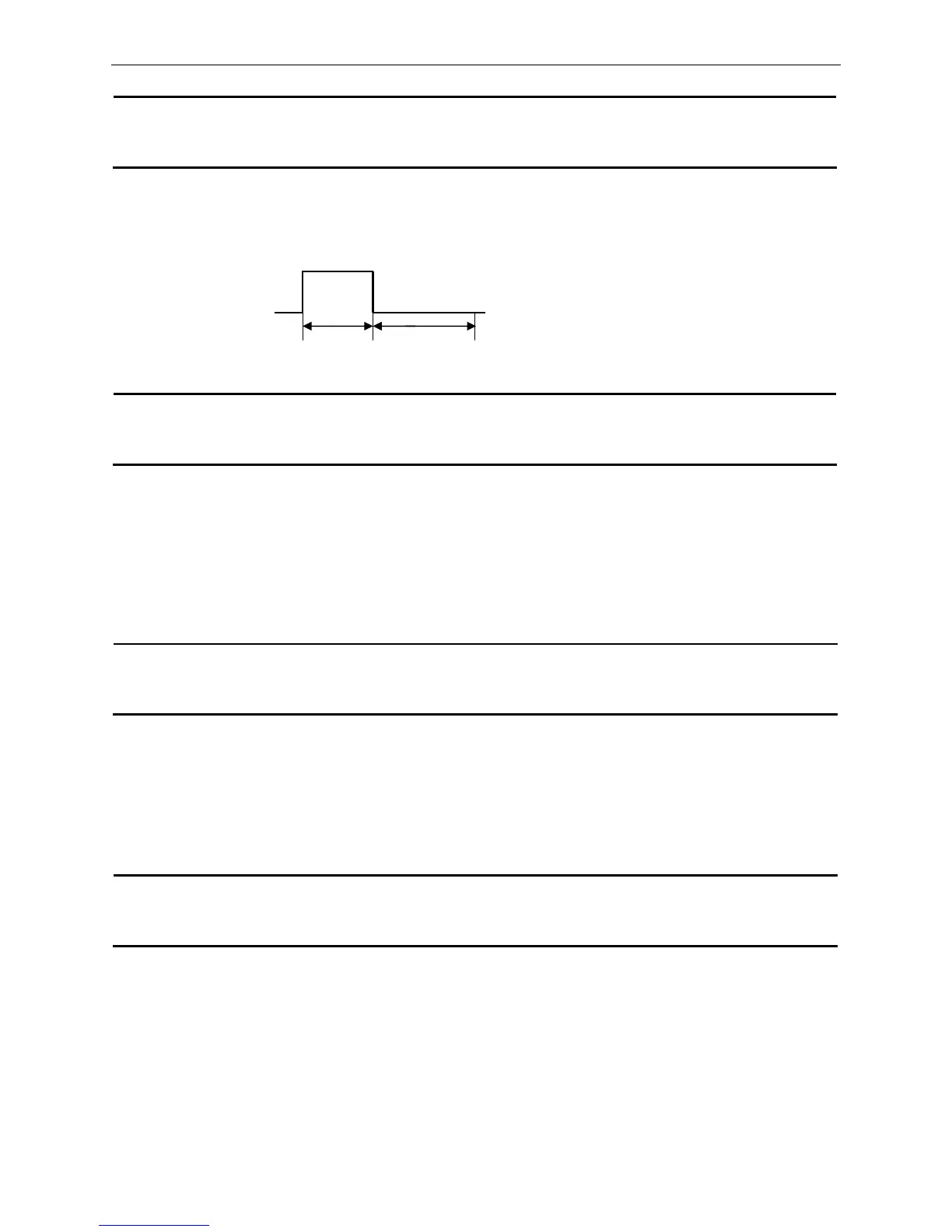
M=0, 1, 48, 49; 0≤n1≤n2≤255
The format of pulse is shown as follows:
ESC v Transmit printer status
Format: ASCII: ESC v
Decimal: 27 118
Hex: 1B 76
[Description]
This command is effective by using serial interface, and its function is to transmit the status of paper sensor
as 1 byte of data. The signification of this byte is following:
When paper is out, bit2=1; When paper is in, bit2=0;
When black mark is effective, bit7=1 denotes that the current position is the black mark position; bit7=0
denotes that the current position is not the black mark position. If black mark is ineffective, this bit is
undefined.
FS ! Select Chinese character mode
Format: ASCII:
FS ! n
Decimal: 28 33 n
Hex: 1C 21 n
[Description]
The bit function of “n” is shown as follows:
bit2=0, double-height mode is disabled; bit2=1, double-height mode is enabled
bit3=0, double-width mode is disabled; bit3=1, double-width mode is enabled
bit7=0, underline is disabled; bit7=1, underline is enabled
[Default] n = 0
FS & Enter Chinese characters printing mode
Format: ASCII:
FS &
Decimal: 28 38
Hex: 1C 26
[Description]
When received this command, after finishing current line printing, the printer will change to Chinese
characters printing mode from next line.
Default mode is Chinese characters printing mode.
n1×2ms n2×2ms



 To Next Page