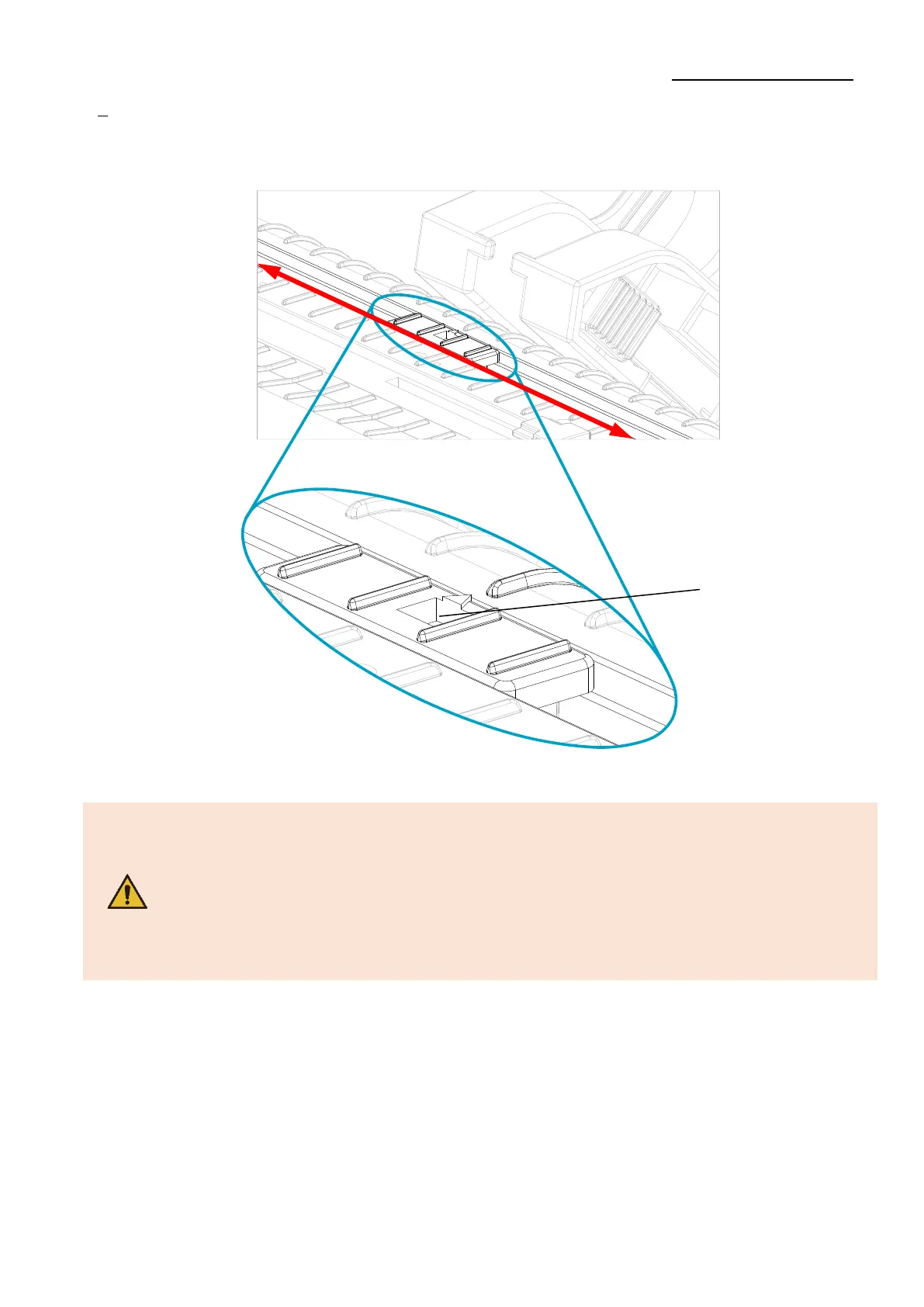
4) After Installation the media, lift the media and manually set the sensor(Black-Mark
& Notch Sensor) to the correct position
- When opening or closing the cover, be careful not to pinch your fingers.
- Do not open the print head levers while the printer is printing.
The printer may be damaged.
- Change the media when the printer is not receiving data, or data may
be lost.
- The print head gets extremly hot while printing or after the printing,
this can cause serious burns. Do not touch the print head.












 To Next Page