5-2-2 Print Cancellation
• The following processes occur in the print cancellation mode.
- All label printing cancelled
- All data received in the printer communications buffer deleted.
- All received data deleted.
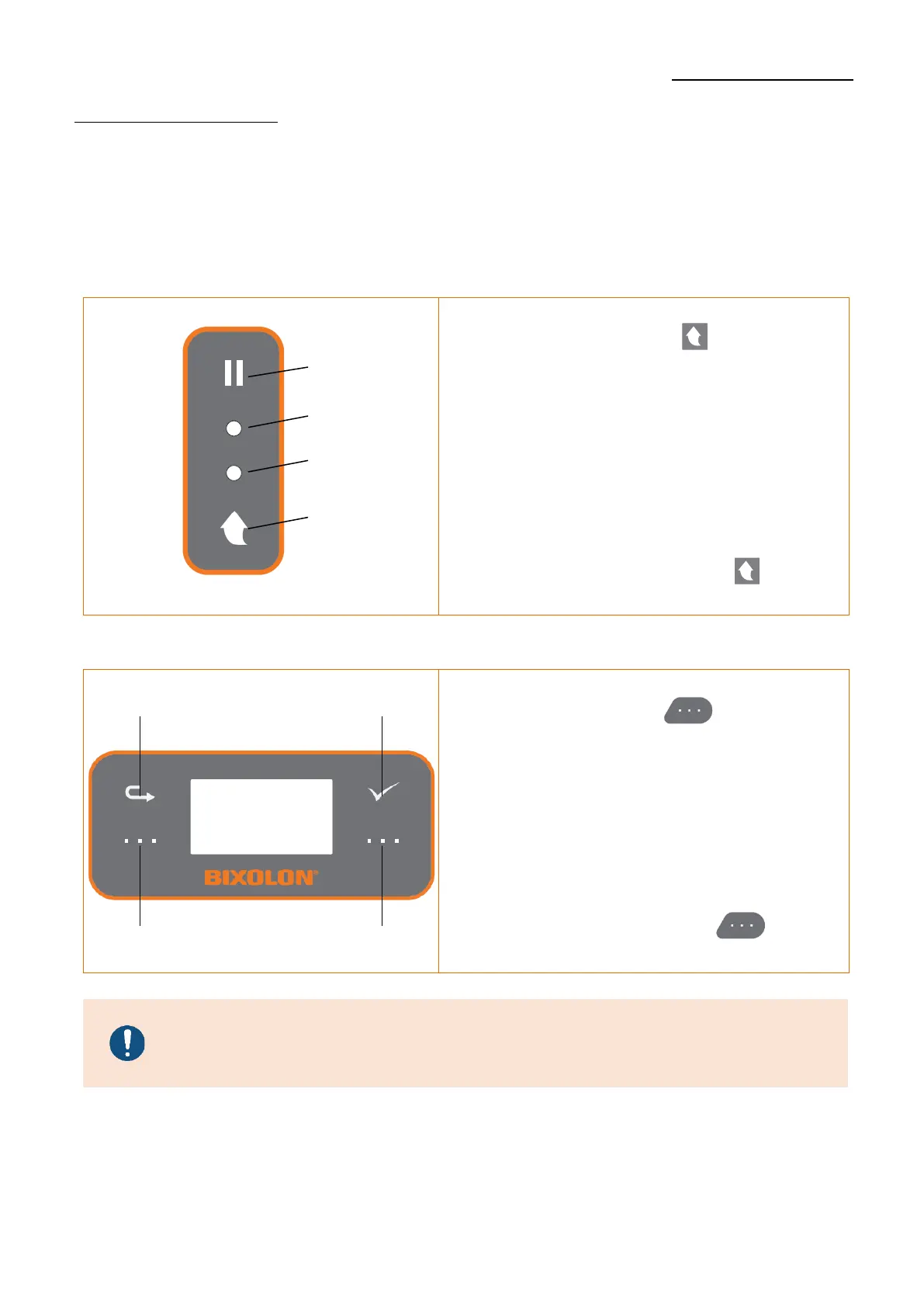
1) Standard Model
1) During printing and/or pause mode, press
the Feed/Cancel button ( ) enters the
print cancellation mode.
2) The LED Status in the print cancellation
mode can be as follows.
- LED 1: Green On
- LED 2: Red Blink
3) While in the print cancellation mode,
press the Feed/Cancel button ( ) again
to return to print ready mode.
1) During printing and/or pause mode, press
the Function button 2( ) enters the
print cancellation mode.
2) The LCD Status in the print cancellation
mode can be as follows.
- LCD Display: Press Cancel
3) While in the print cancellation mode,
press the Function button 2( ) again
to return to print ready mode.
Contact the authorized dealer if the printer does not execute
pause/resume function.












 To Next Page