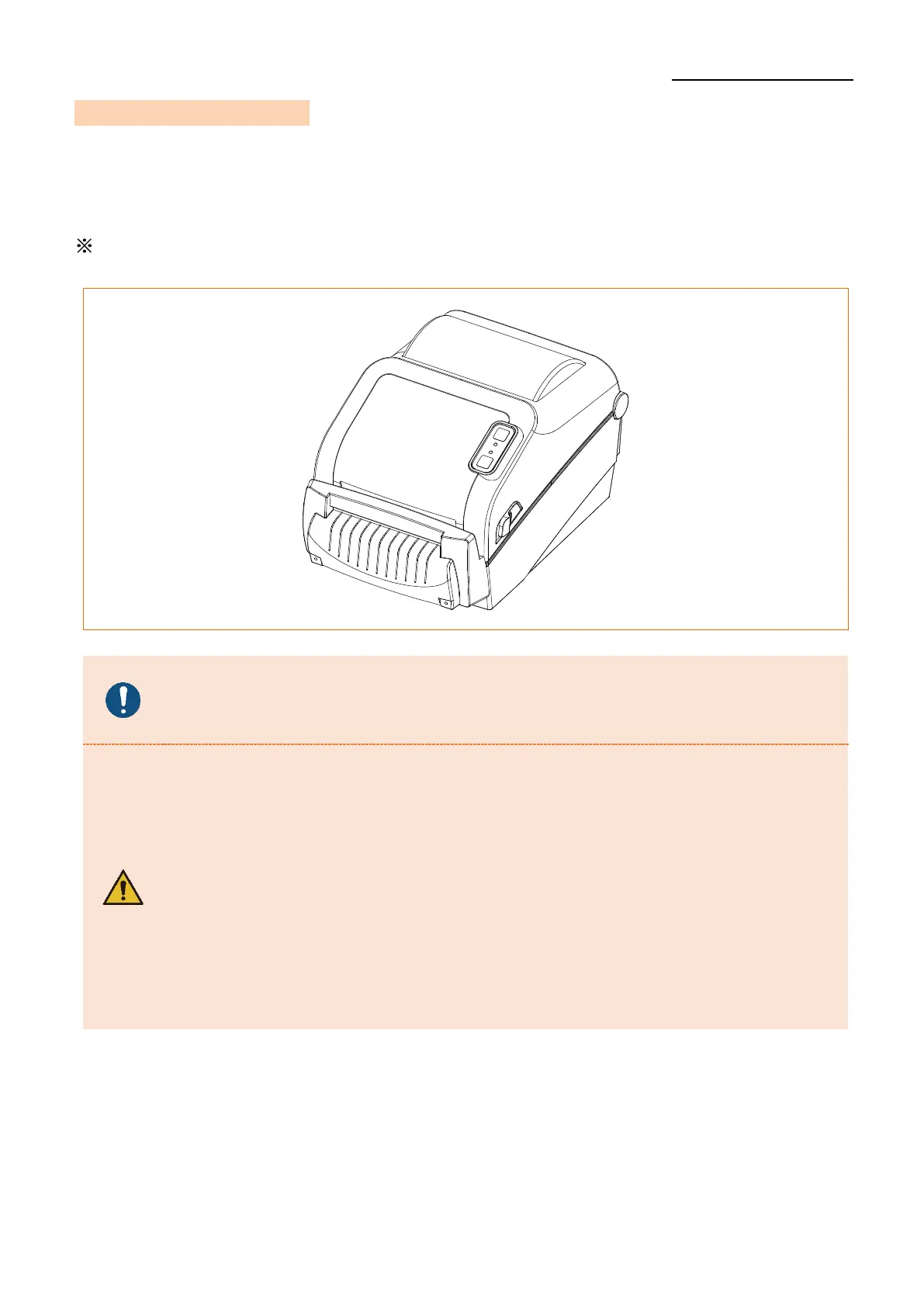
5-13 Auto Cutter (Option)
• For auto media cutting, products equipped with auto cutter are available.
Auto-Cutter can be controlled by command.
The media installation method is the same as media with no auto cutter.
Please refer CUT(Auto-cutter Enable/Disable) of Programming
(SLCS) Manual or Unified Label Utility-II Manual for more information.
- When opening or closing the cover, be careful not to pinch your fingers.
- Do not open the media cover while the printer is operating.
The printer may be damaged.
- Change the media when the printer is not receiving data, or data may
be lost.
- Never insert objects or fingers while performing the cutting function.
This can cause serious bodily injury.
- Be careful not to touch the cutter blade with your hand.
There may be a risk of personal injury.
- The print head gets extremly hot while printing or after the printing,
this can cause serious burns. Do not touch the print head.












 To Next Page