6. Printer Maintenance
Printing quality might be degraded by dust, foreign substance, adhesive substance, or
other pollution materials stuck in the printer head or inside the printer.
When dirty, clean the print head as follows
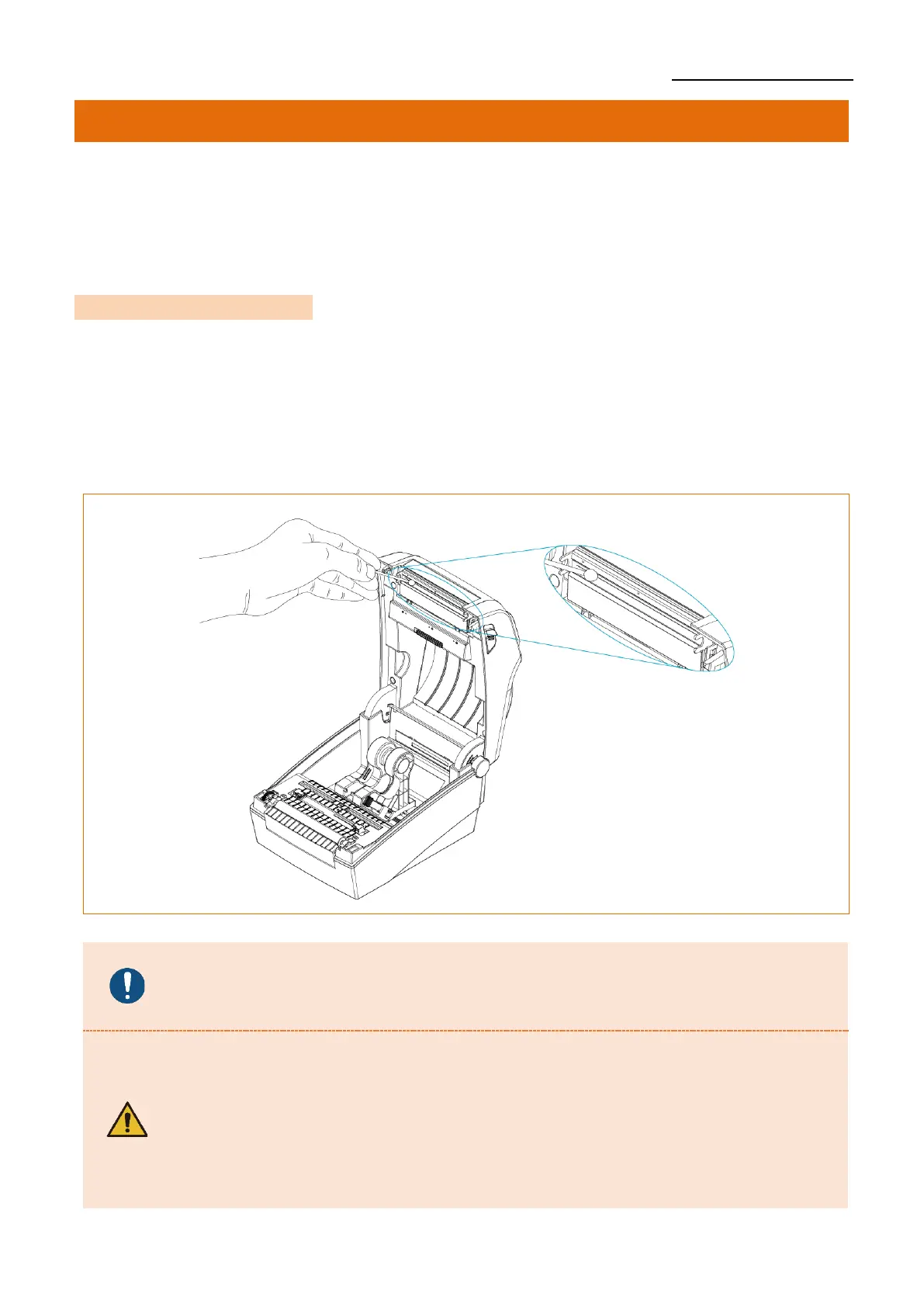
6-1 Cleaning Printer Head
• Be sure to turn the printer off.
1) Open the media cover and then remove adhesive foreign substances or
other pollution materials with the cloth or cotton swab soaked in alcohol for medical.
2) After cleaning the head, do not use the printer until the alcohol used for cleaning
evaporates completely. (1~2 min)
Perform the cleaning process each time the media roll is replaced to prevent
print quality deterioration.
- Be sure to clean after turning the printer off.
- Be careful not to leave scratches in the print head.
The printer may be damaged.
- The print head gets extremly hot while printing or after the printing,
this can cause serious burns. Do not touch the print head.
- Do not touch heated area of print–head when cleaning.
Personal injury may result from static electricity, etc.












 To Next Page