5. Detailed Features
5-1 Stand-alone Configuration Mode
• This function is supported on standard model(without LCD) only.
5-1-1 Start Stand-alone Configuration Mode and execute each function
1) The Pause button( ) is pressed for two seconds while in Print Ready Mode.
2) Both LEDs will change to orange color, then release the Pause button( )
The printer will be set to Stand-alone configuration mode.
3) When the printer enters into this mode, the status of LED 1 and LED 2 are changed
sequentially.
4) When the Feed/Cancel button( ) is pressed at specific LED color combination, the
corresponding printer operation will be executed.
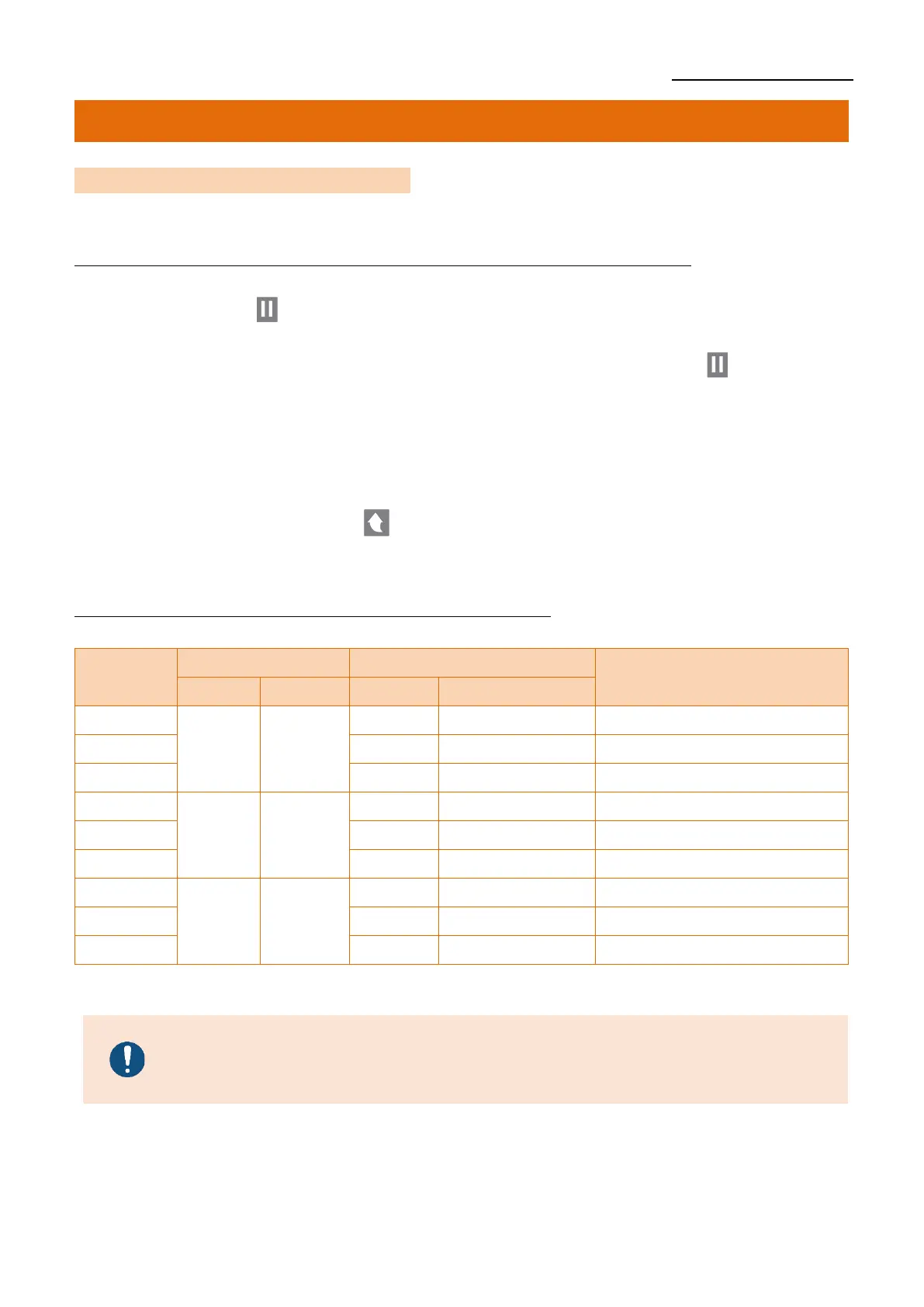
5-1-2 Function List Of Stand-alone Configuration Mode












 To Next Page