- When opening or closing the cover, be careful not to pinch your fingers.
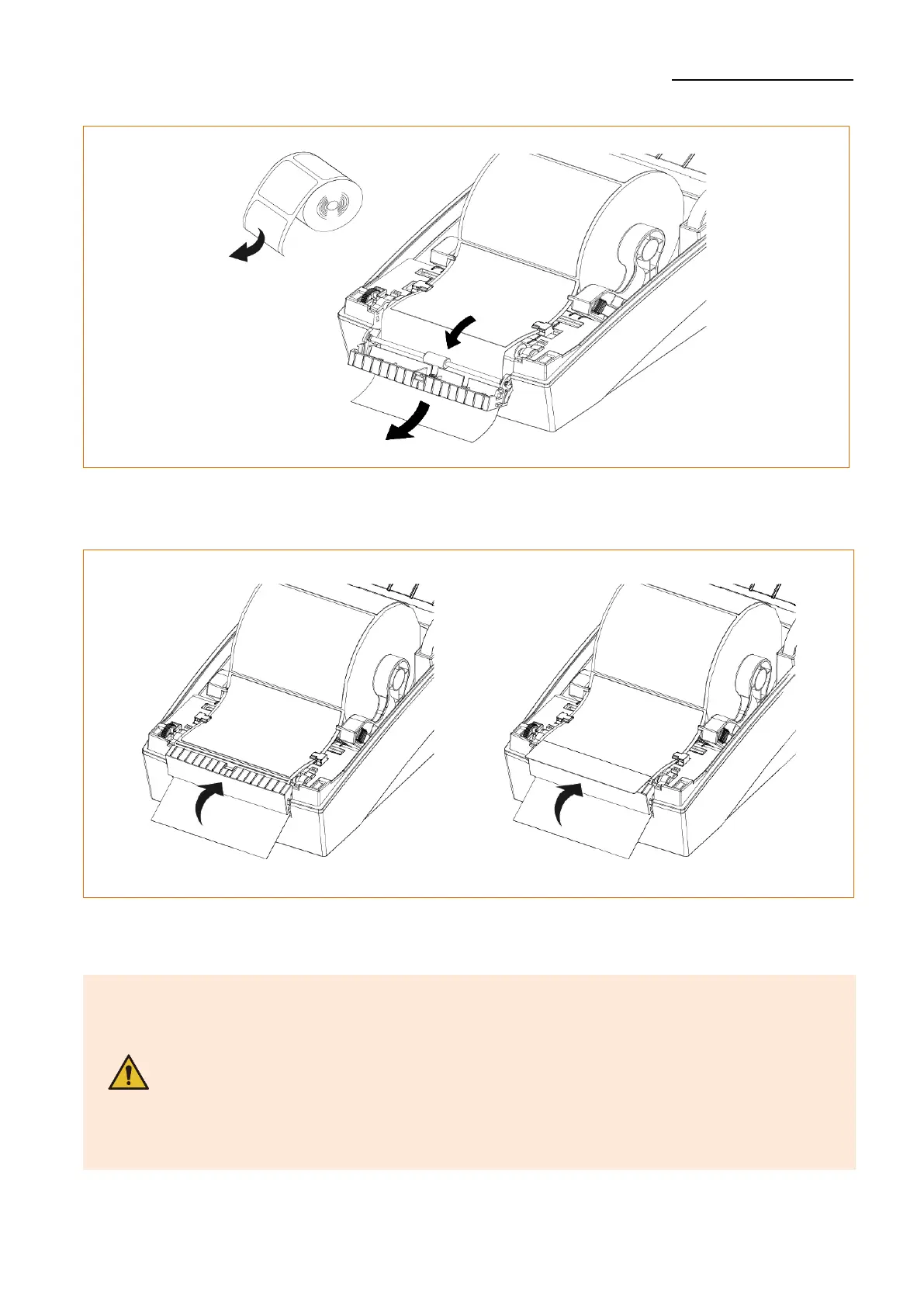
- The peeler function is only available for Gap media.
- When the peeler is switched on, the next label will not be printed
unless the printed label is removed from the peeler.
- When the peeler is switched off, the peeler does not work.
- The print head gets extremly hot while printing or after the printing,
this can cause serious burns. Do not touch the print head.












 To Next Page