Enigma™ M4 Manual - Rev A Page 18 (c) 2020 Blizzard Lighting, LLC
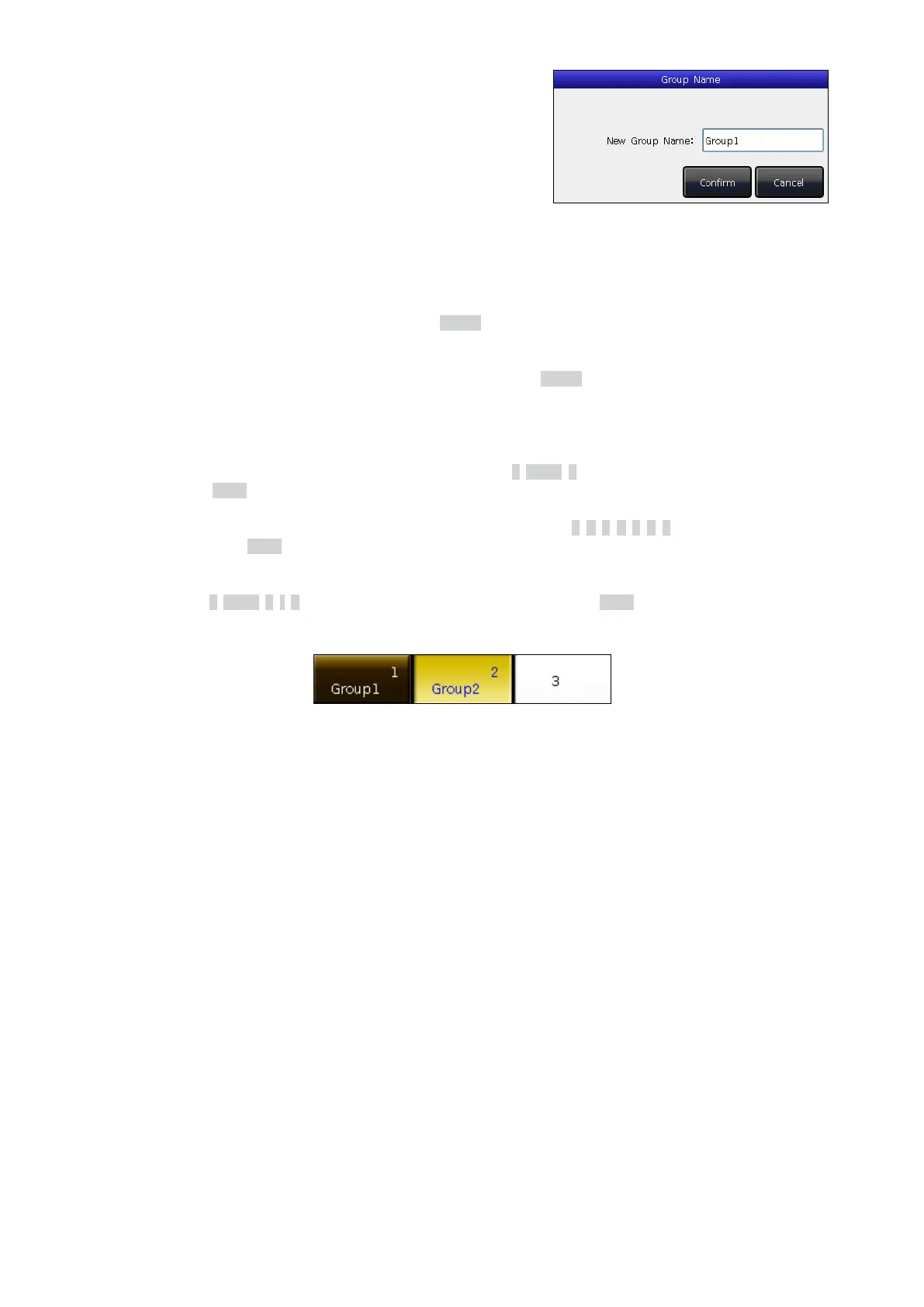
5. You can rename group in [Edit], or delete groups using [Delete
Group] using the options on the right. You could also rename
groups using [Edit Labels] in LIVE SHOW.
4.3.3 Select Groups
This console oers you multiple ways to select groups:
1. Touch Screen — You can select the groups on the touch screen directly.
2. Selection Keys — When the LED indicator of the Group key is active, hold down the rst key and then press the
last one to select the series of groups.
3. Numeric Select — In LIVE SHOW, when the LED indicator of the Group key is active, input of the numbers can
select those groups.
For example:
If you want to select groups 2 to 5, you can press the keys in order as 2, THRU, 5. The top right of the touch screen will
display 2~5. Press the Enter key to select those groups.
If you want to select groups of 2,4,6, and 8... you can press the keys in order as 2, +, 4, +, 6, +, 8. The touch screen will
display 2+4+6+8. Press the Enter key to select those groups.
If you want to select a series of groups but without certain ones in it, such as selecting 1,2,4,5 (not including 3), you can
press keys in order as 1, THRU, 5, -, 3. The touch screen will display 1~5-3. Press the Enter key to select those groups.
The selected groups will be shown in yellow on the touch screen, and the LED indicators on the keys of the selected
group will turn on.


 To Next Page
 Loading...


