Enigma™ M4 Manual - Rev A Page 46 (c) 2020 Blizzard Lighting, LLC
9.3 System Management
9.3.1 Upgrade Manage
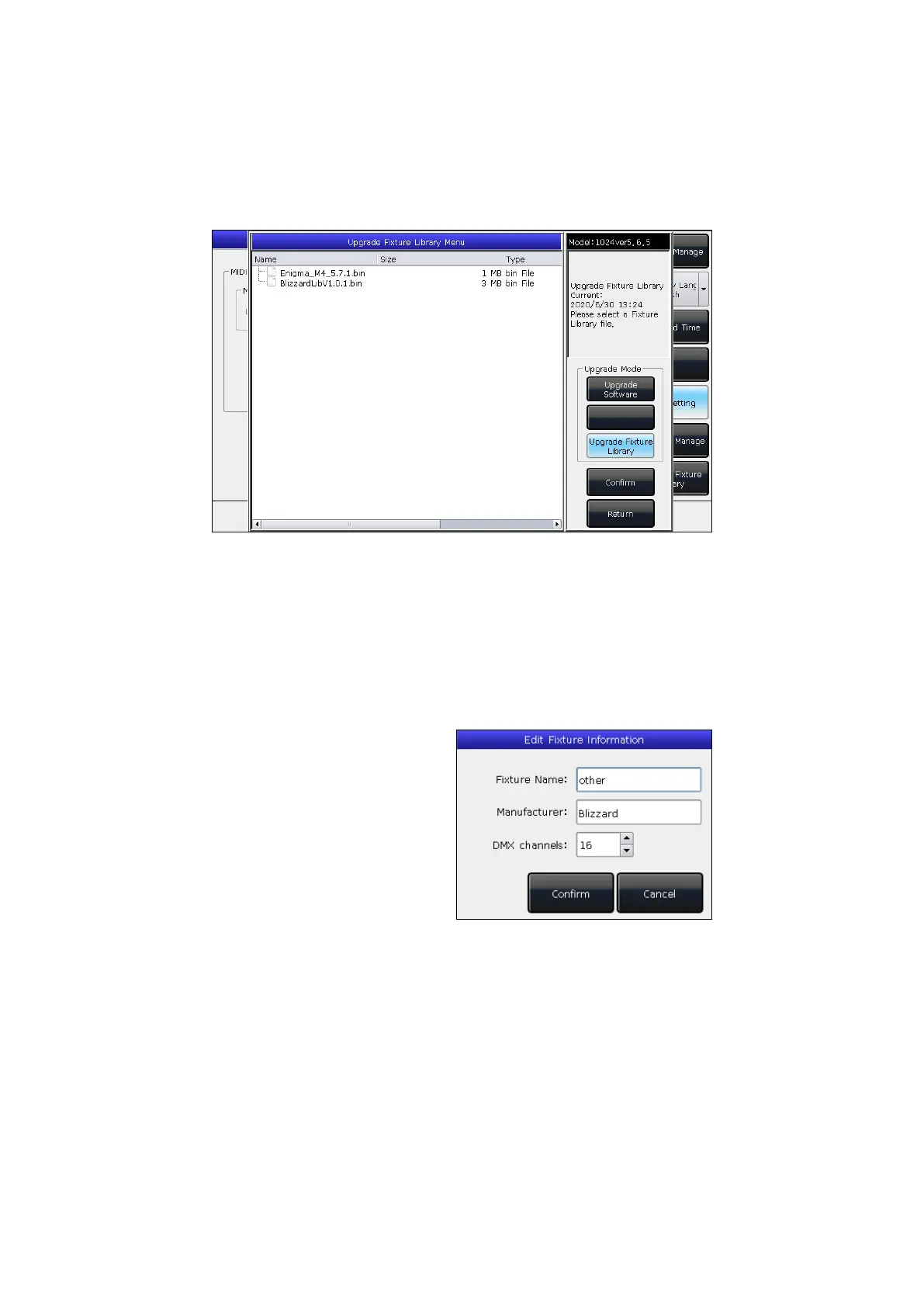
This option allows you to upgrade the system or library les. You can upgrade the system or library via USB driver when
updates are available. You can check the system version and date of the current library.
9.3.2 Manage Fixture Library
If the xture you need can not be found, you can create or edit the user library on the controller.
When entering the option, it will list all loaded or created user libraries on the left side. Selecting any one will list its
channel details, which are editable.
1. Press [Add New Fixture].
2. Enter the Fixture Name, Manufacturer, and DMX Channels, then press [Conrm].
3. The xture information will be listed on the left, and it will list the channels when you select the xture name. The
number of rows will be equal to your setting of DMX channels.
9.3.2.1 Create New Fixture



 To Next Page