Enigma™ M4 Manual - Rev A Page 37 (c) 2020 Blizzard Lighting, LLC
8.5 Lock the Controller
If you want to step away for a moment, you can password protect your controller using numbers or letters. In LIVE SHOW,
press [Lock Controller]. When locked, all operations are disabled until you input the correct password.
Note: Restarting the system will also unlock the controller.
8.6 Record a Macro Show
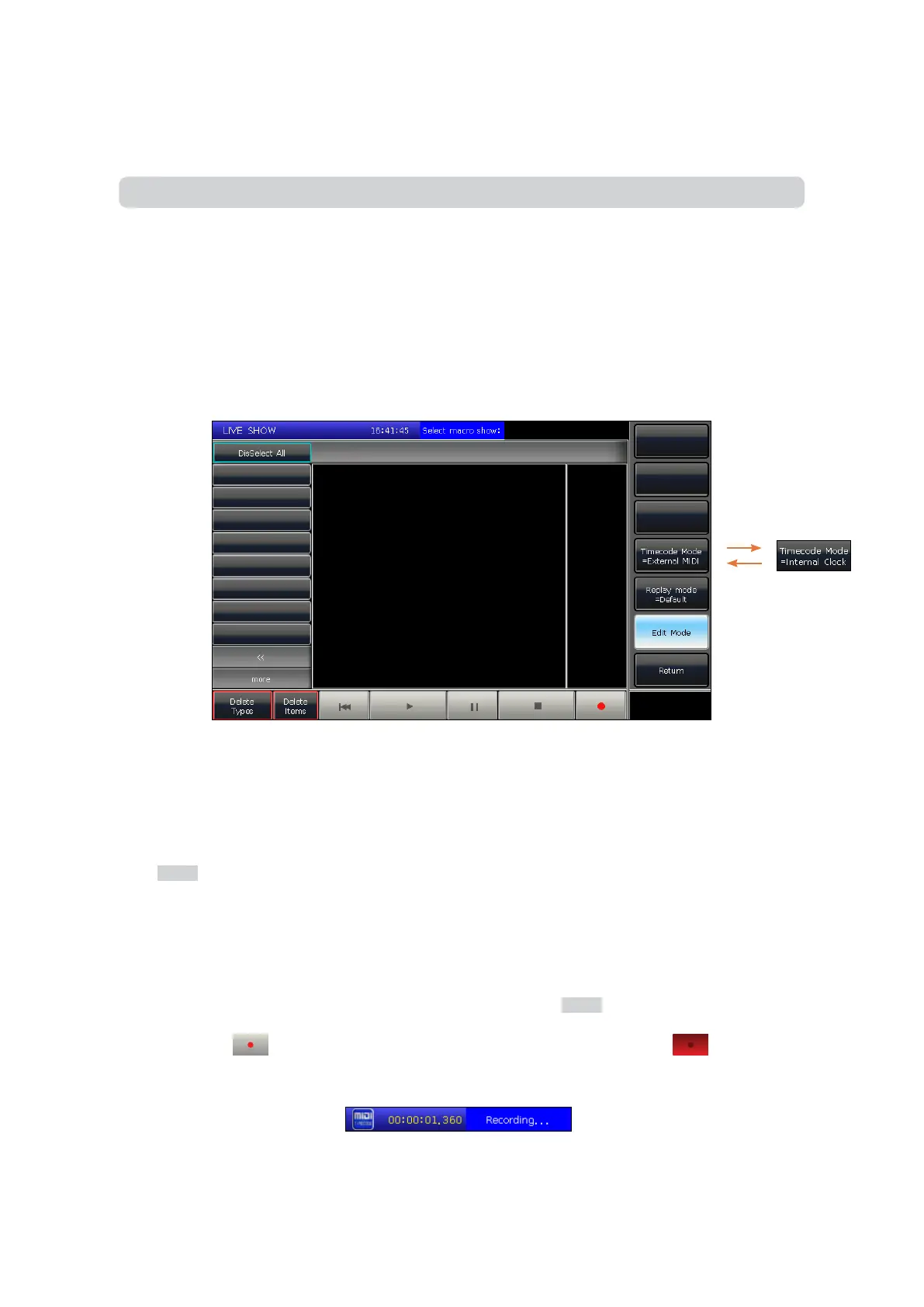
A macro show is a function based on a time code which allows you to record and replay a sequence on the playback
output. When recording the show, you can select dierent modes of time code as needed. This controller oers two kinds
of time code modes:
1. External MIDI — This mode needs an external MIDI device to oer the time code to trigger recording. Please set
the controller to “Slave Mode” before using this mode.
2. Internal Clock — This mode will record and trigger the show recording using the internal clock.
You can replay the playbacks and presets by recalling the macro show. When it is replaying, the output of playbacks and
presets are completed followed by operations when making the macro show.
Press [Show Record Mode] on the touch screen and select the time code mode. At this time, the key in the Select section
will switch to Macro, then select a key for recording. The gray bar will show where the recording has been put in.
8.6.1 External Midi
In this mode, you should connect the controller to an external MIDI device via the MIDI cable input (you can use the midi
to USB cable if needed), and the controller should be set to “Slave mode” in the midi settings.
1. Select [Time code Mode = External MIDI] and select a record key on Macro.
2. Press the soft key . It will then turn red, which means that recording has started.
Play the music on external equipment. Now the internal clock will change into midi time code.
3. The output of playbacks or presets will follow the rhythm of the music. If there is a Cue-list playback, you may use
the function of GOTO to record.



 To Next Page