Enigma™ M4 Manual - Rev A Page 35 (c) 2020 Blizzard Lighting, LLC
7.9.2 Other Options
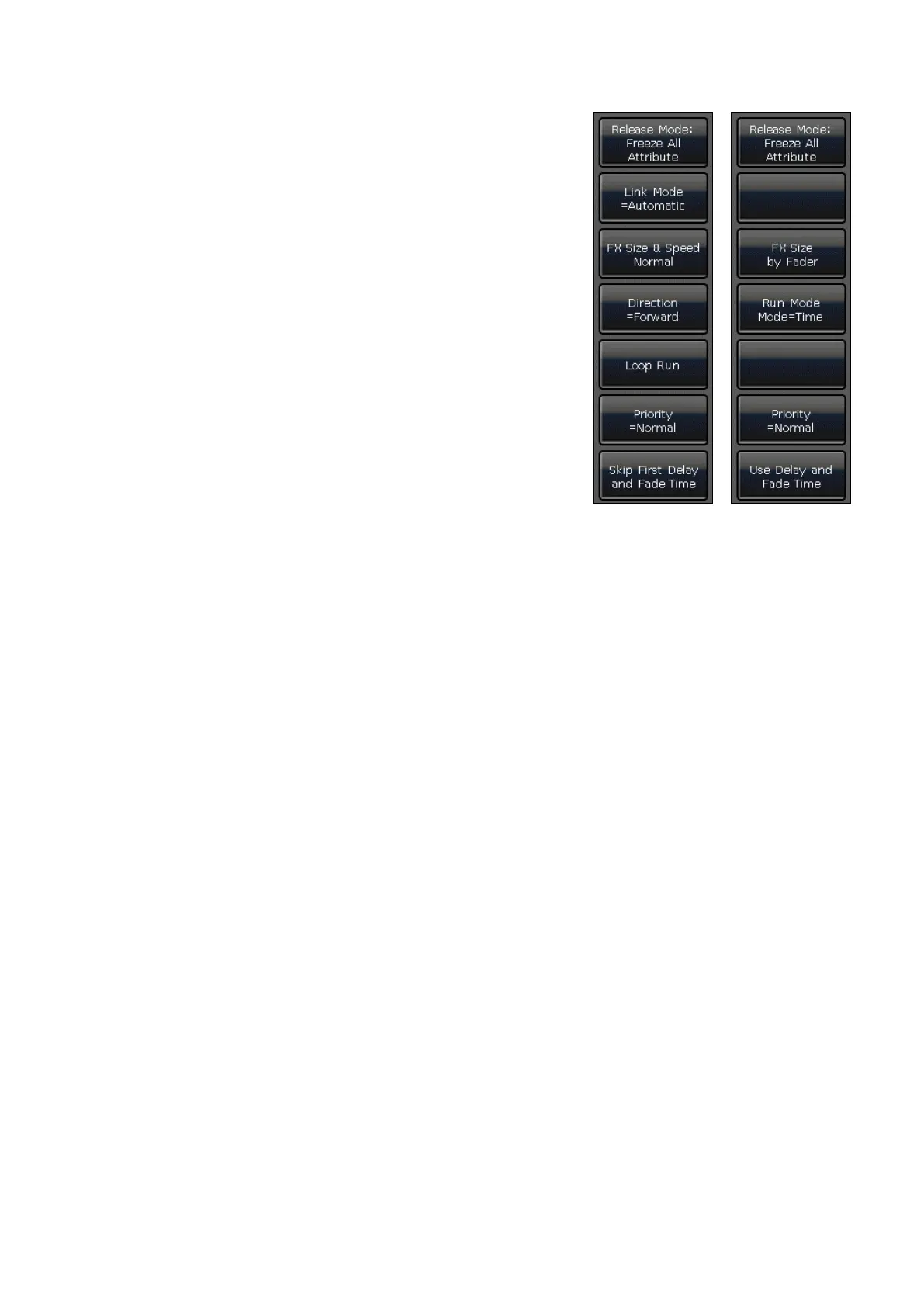
After pressing [Playback Parameters] and selecting the playback, there
are some other options that can be set. Most of these functions are the
same as Playback Edit Menu.
7.9.2.1 Release Mode
You can set the release mode for playback as follows:
• [Release All Attribute] — Resume all attributes to their
beginning state.
• [Freeze All Attribute] — All attribute channels will be held
except the HTP channel
• [Release Only Pan/Tilt] — Resume Pan and Tilt to their
beginning states, and hold other attribute channels (except the
HTP channel)
7.9.2.2 Direction
If there is a Cue-list playback, press the [Direction] option to set the
Cue-list to run forward or backward.
7.9.2.3 Run Mode
If there is a Cue playback, you can set one of run modes for the cue.
7.9.2.4 Loop Run
If there is a Cue-lists playback, pressing the [Loop Run] option can change the run mode to [Stop in Last Step].
Cue-Lists Cue



 To Next Page