Enigma™ M4 Manual - Rev A Page 41 (c) 2020 Blizzard Lighting, LLC
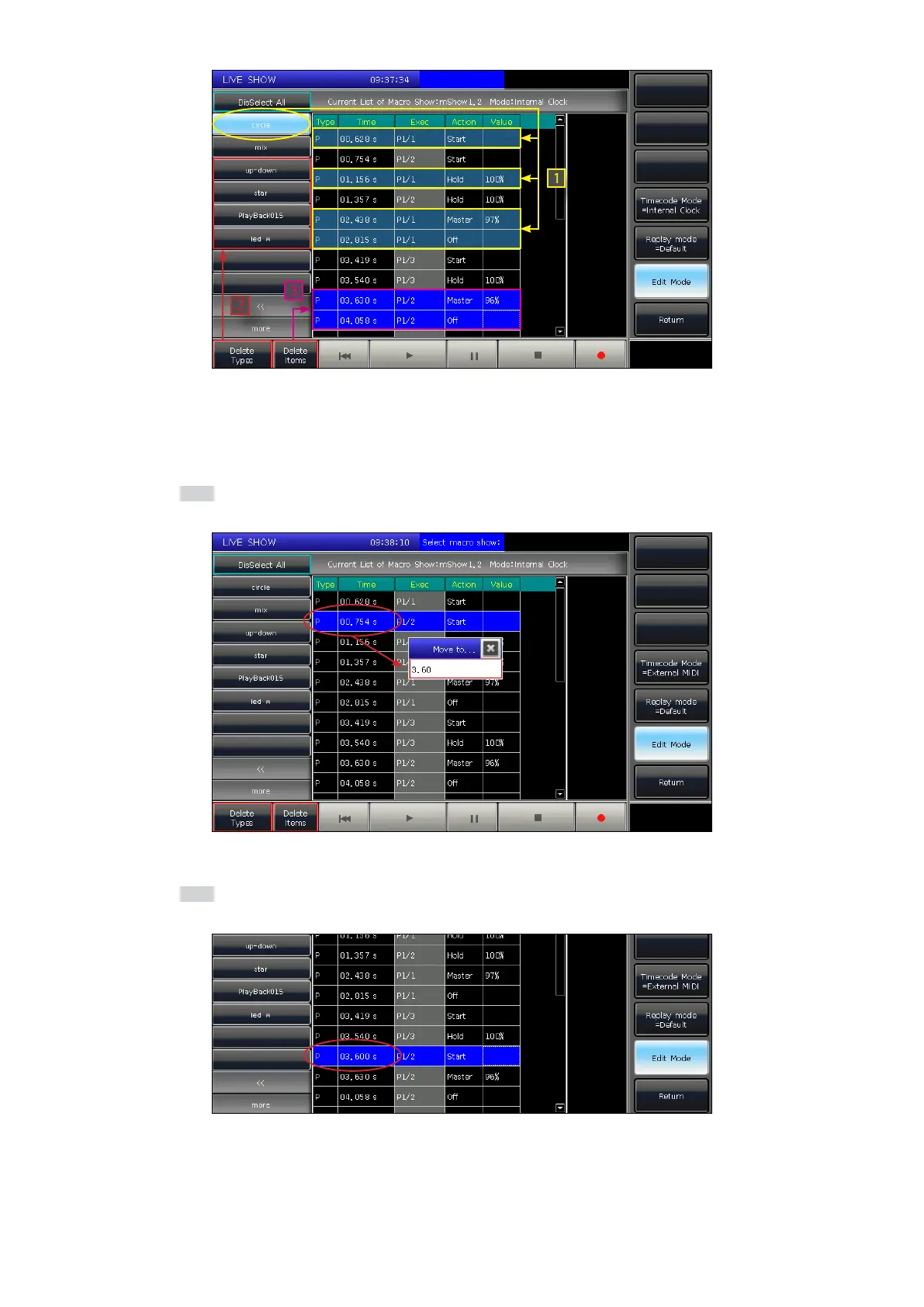
The operation status of the playback or presets will be listed when you select the names on the left side bar.
1. Enter the show recording that needs to be edited.
2. Select the operation that needs to be edited.
3. Press the Enter key, or press Wheel D.
4. Enter a new time for the operation which can match the speed of the rhythm.
5. Press the Enter key, or Wheel D again to change the time.



 To Next Page