5
Case opening and closure
In standard operating conditions, it is not necessary to open or close the Bjong case.
But it could be in these cases:
✓ Internal battery replacement
✓ SIM card Installation/replacement/removal
✓ Data transmission antenna replacement
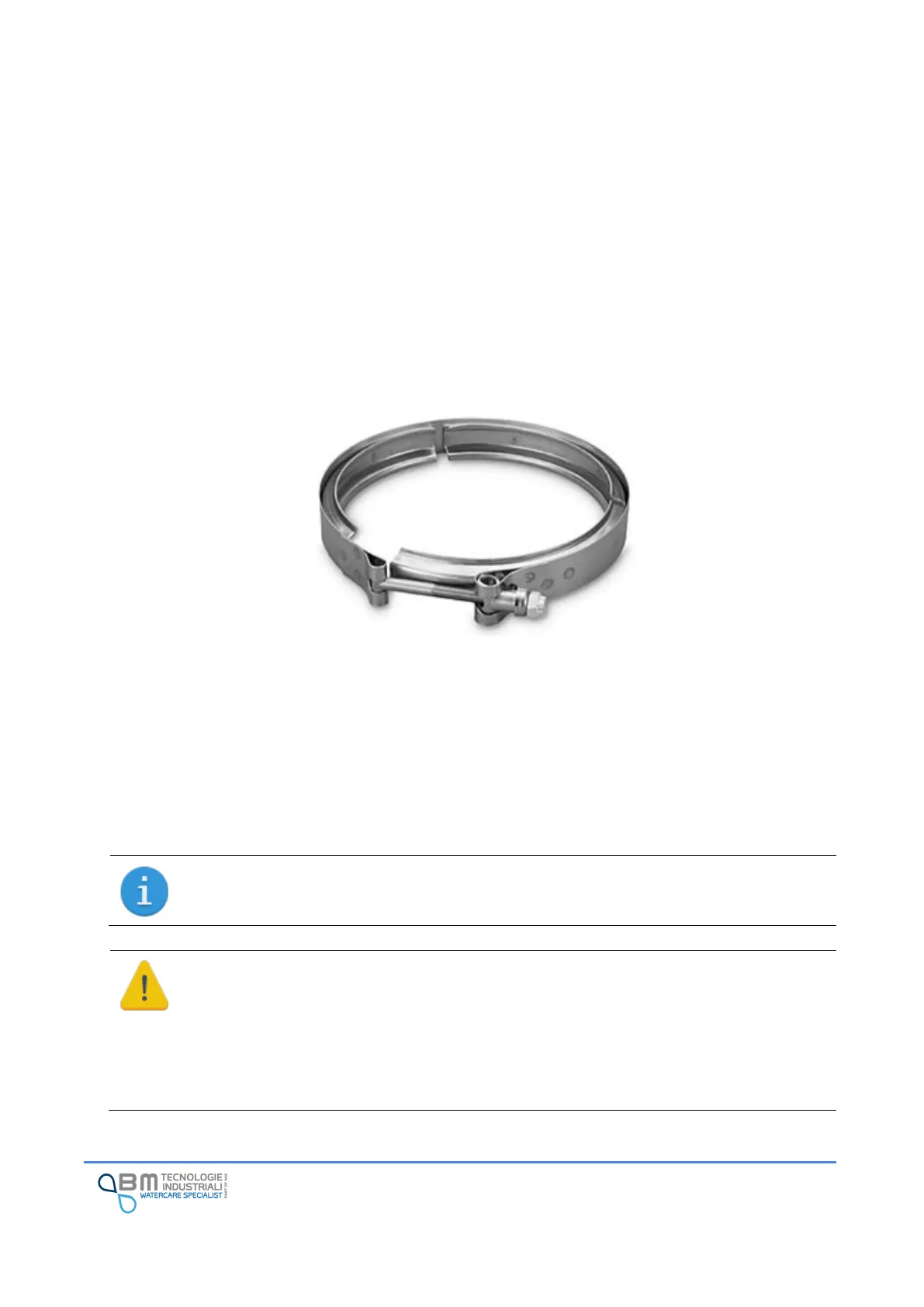
If necessary, unscrew the collar external clamp nut and use the quick-release system to remove the
device.
Once the clamp is removed, separate the two parts of the case.
To close bring the two parts of the case closer so that they fit together. Pay attention to any wires: do not
press them between the parts of the case itself or of the internal components. Install the locking collar
and tighten the nut.
The correct tightening is done when the two parts of the case come into contact. A led help the user to
detect the right tightening.
The IP68 protection degree of the case is guaranteed by two O-rings: before closing, check
that they are present, correctly positioned, lubricated and not damaged. Cracks, cuts and
deformations can seriously affect the IP68 seal of the case.
Long periods of closure, exposure to high or low temperatures are natural conditions of
deterioration of the O-rings.
In the event of damage, it is necessary to replace them by requesting them from the assistance
service.


 To Next Page