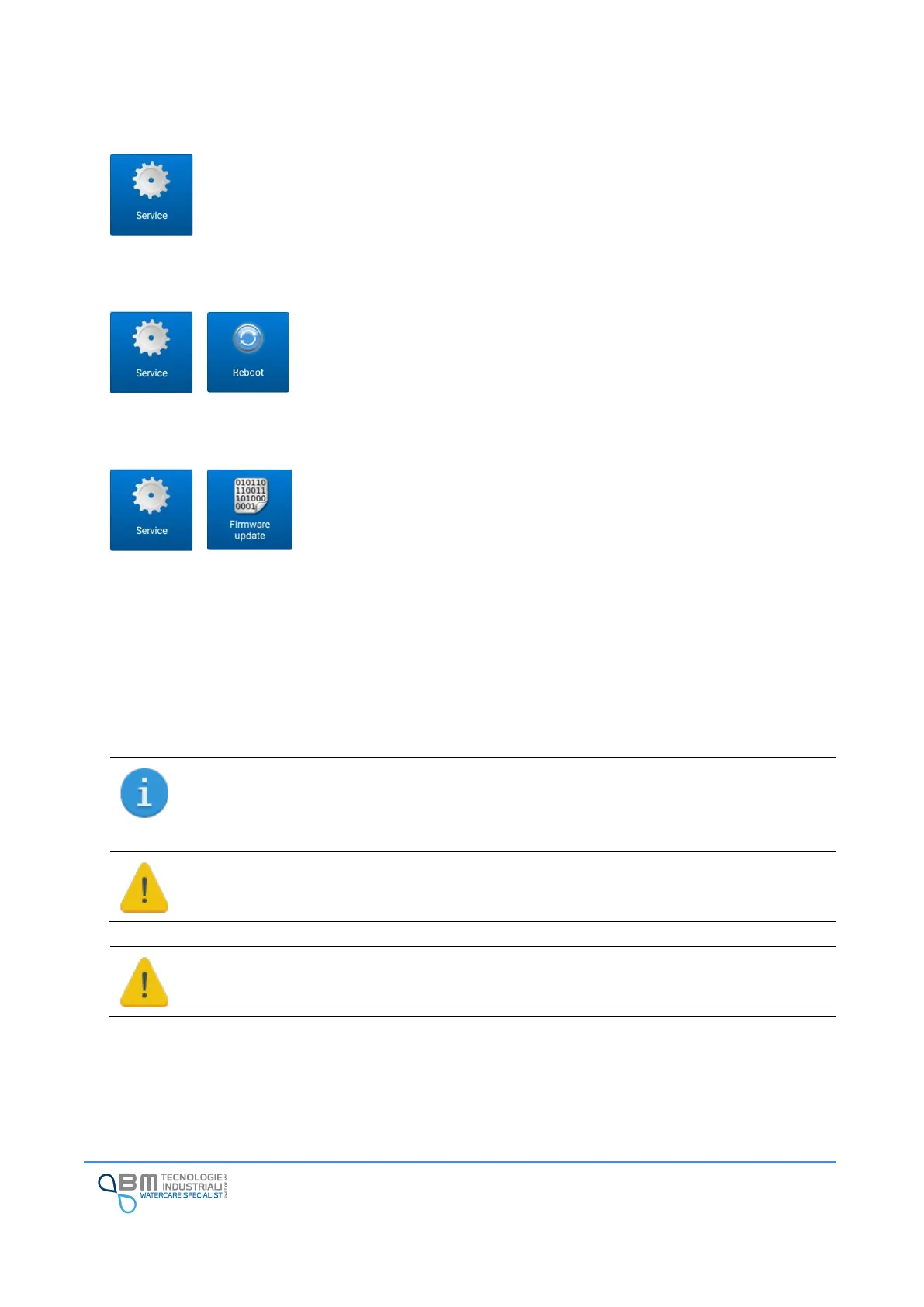
12.13 Service Function
This section includes some advanced “service” function for the instrument’s management.
12.13.1 Reboot
Device reboot is not usually necessary. If there are some anomalies, it is
possible to do it.
12.13.2 Firmware Update
The firmware of Bjong is constantly revised and improved in order to
guarantee optimal performance and new features.
If an update is available, the operation to follow is very simple:
1. Copy the file (extension .mhx) on the internal memory of the tablet or on the external SD memory
card using the USB cable, the Bluetooth data exchange or another available system (refer to the
operation of your smartphone/tablet) remembering exactly the position
2. Access the firmware update menu and, using the appropriate button, select the update mhx file
to be loaded
3. Wait for the completion of the operation
Once the file has been uploaded to the Bjong, a short period of time is required for updating,
restarting and restoring the Wi-Fi network.
Is mandatory to perform a reset to factory settings after the transition from the Flow version
to the 485 standard version and vice versa. All data stored will be lost.


 To Next Page