Bjong – User Manual – V1.0 - pg.68
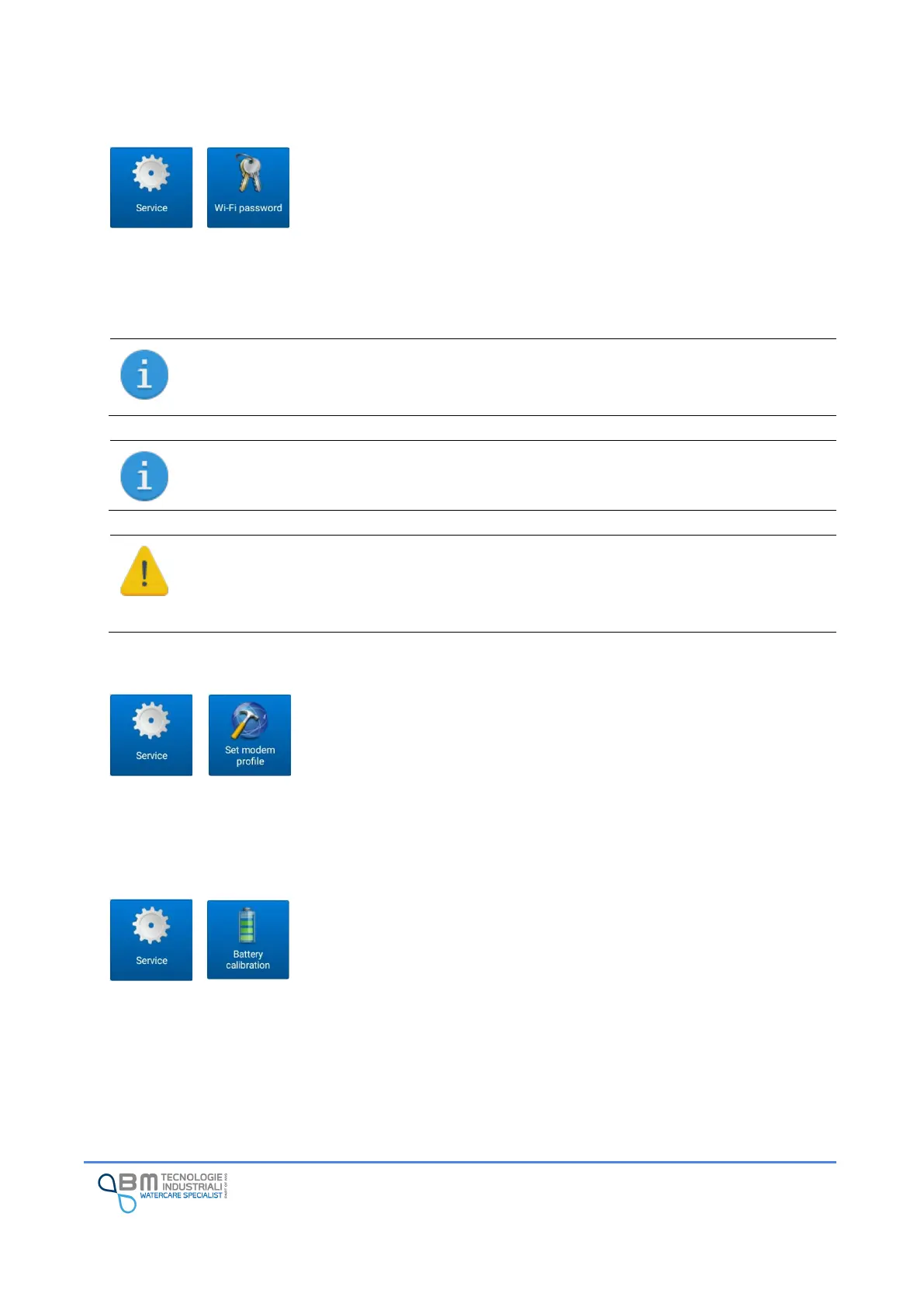
12.13.3 Wi-Fi password
The display of the data and the configuration of Bjong are possible only via
Wi-Fi network. To ensure a high level of protection, so that unauthorized
persons cannot access the data or change the settings, it is necessary to set a
personal password by changing the default one.
The password must contain at least 8 characters and a maximum of 14. It is advisable not to use easily
identifiable passwords (such as company name, names and dates of birth in general), but to use an
articulated sequence of lower and upper case letters, numbers and special characters.
Characters allowed in the password are shown below:
✓ lowercase and uppercase letters (a-z A-Z) and numbers (0-9)
✓ punctuation and special characters! "# $% & '() * +, -. / :; <=>? @ [\\] ^ _` {|} ~
When setting the new password, the network of Bjong recreated. It is completely normal for
the tablet to disconnect.
The App stores the new password set so that it does not have to be entered to connect to
the network. It is important to write it down and keep it in a safe place so that it is possible,
for example, to connect with a different smartphone or tablet. Without the password it is not
possible to connect to the instrument!
12.13.4 Set modem profile
This function is used to read the model, the serial code and the firmware
version of the modem. These data are displayed in the information screen of
the instrument accessible from the status bar at the top of the App.
The profile set is carried out during the testing phase of the instrument at the
end of production. However, you may need to do this after a firmware update. In any case, in case of
anomalies, this situation is highlighted as an error in the EasySetup status bar.
12.13.5 Battery calibration
The battery calibration is carried out at the end of the production, during the
testing phase.
Only in case of incorrect value reading, it is possible to perform the calibration
at a later time.
The procedure is simple and requires a few steps:
1. Measure the battery voltage with an accurate digital multimeter
2. Enter the value read and tap on the "set" button
In this way a correction factor will be calculated and applied so that the instrument is able to read a
correct voltage value.


 To Next Page