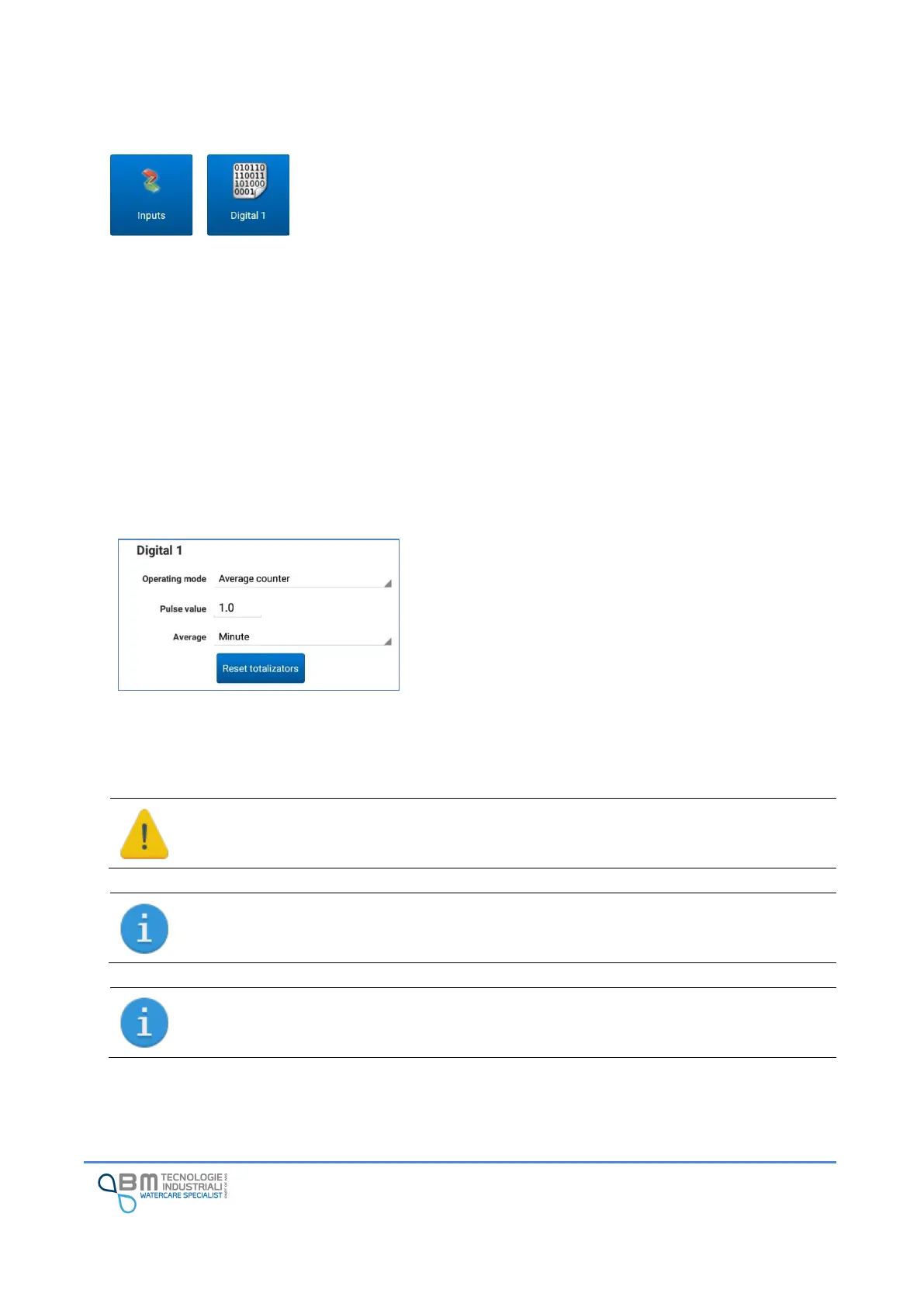
12.4 Digital inputs
Bjong can be equipped with four digital inputs which, according to the
operating mode set, allow it to operate as a status input or counter.
Each digital can be configured in a different way than the others:
✓ State: without the need to set additional parameters, log represents the input state (open or
closed). By setting an alarm to record an event, you can receive an alert in case of particular
conditions (for example, broken cable);
✓ Counter: a counter is incremented with each pulse received by the specified engineering value;
✓ Counter with average: the operation is similar to the counter mode. The difference is in the value
saved in the log which will be commensurate with the set average period.
In particular applications where it is necessary to be able to carry out a balance between two meters, it is
possible to activate specific calculation functions (see “Mathematical functions”). In this case the allowed
modes are “counter” and “counter with average”. In case of inadmissible settings, EasySetup will propose
a window to guide you in selecting the correct settings.
Operating mode: digital operating mode. In addition to the
methods described, it is possible to disable the input by
selecting “none”.
Pulse value: value to be totalized for each received pulse.
Average: time unit, if needed, to calculate average values in
sampling time.
Reset totalizators: it is possible to reset the totalizators and
start a new counting.


 To Next Page