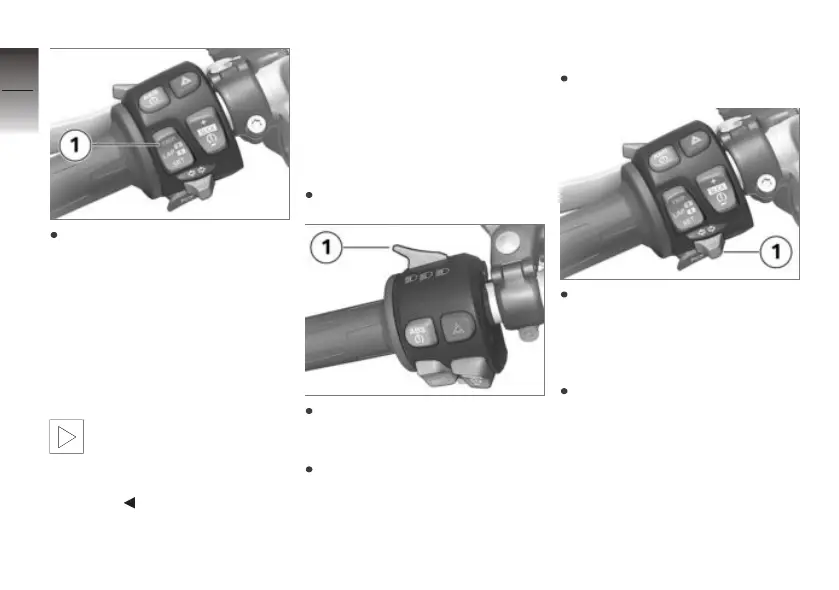
To switch off the speed warn-
ing: Hold down button 1 until
OFF appears on the display.
Lights
Side light
The side lights switch on auto-
matically when the ignition is
switched on.
The side lights place
a strain on the battery.
Do not switch the ignition
on for longer than absolutely
necessary.
Low-beam headlight
The low-beam headlight switches
on automatically when you start
the engine.
High-beam headlight and
headlight flasher
Start the engine.
Push button 1 forward to
switch on the high-beam
headlight.
Pull button 1 back to operate
the headlight flasher.
Parking lights
Switch off the ignition.
Immediately after switching off
the ignition, push button 1 to
the left and hold it in this po-
sition until the parking lights
come on.
Switch the ignition on and off
again to switch off the parking
lights.
4
40
z
Operation


 To Next Page