18
7) Main menu programming
7.1 Standby state
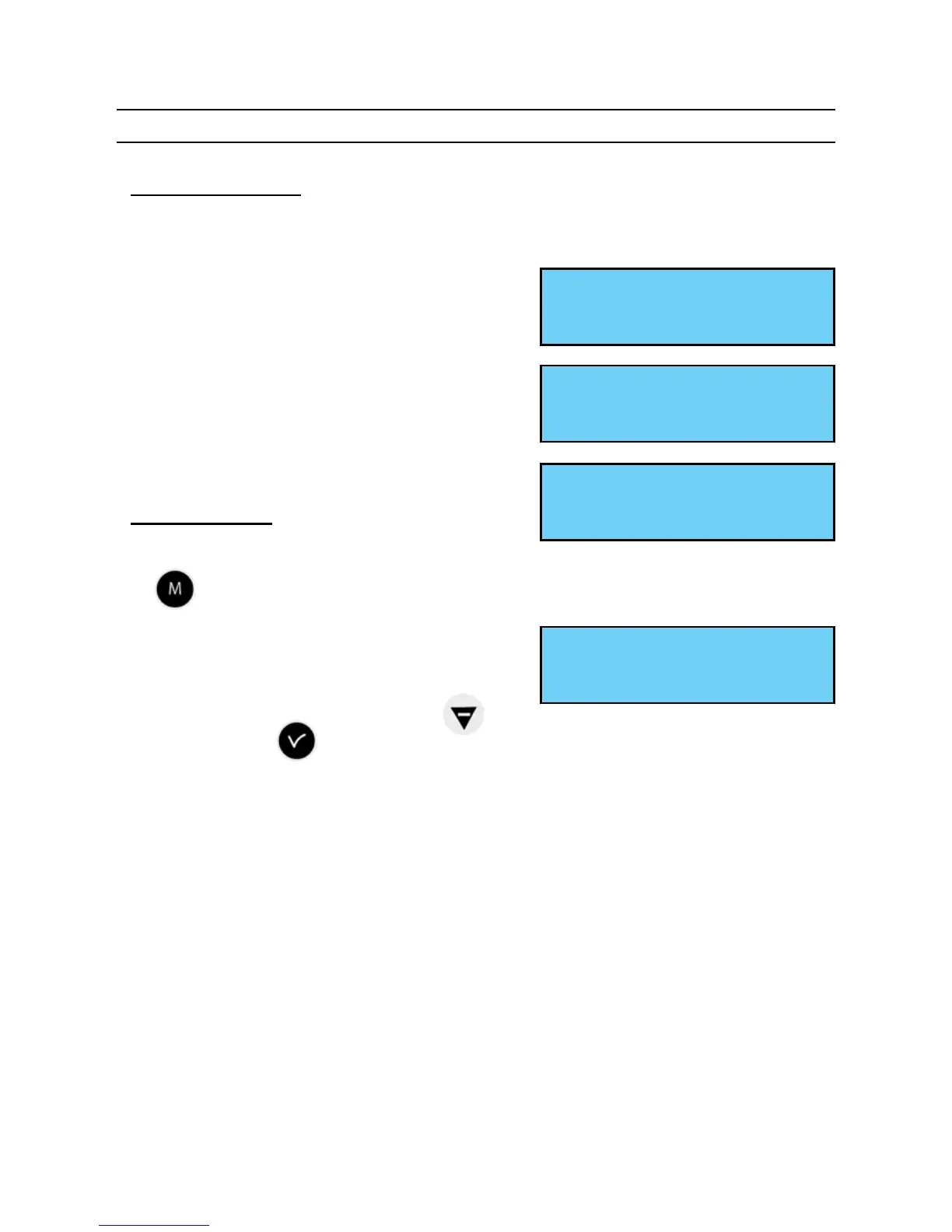
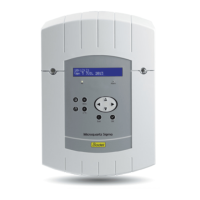
■ In normal functioning the SIGMA displays the time and date :
is the radio signal indicator, which
ashes if reception is poor.
■ If a bank holiday, a special day or a holiday
period has been programmed on this given
day, the SIGMA indicates this via a display
during the period in which it applies, with
priority management.
7.2 User menu
To access the user menu, press the menu
key .
Enter the user access code if necessary (see
page 21).
Access the menu options using the key
and validate with .
The user menu options are :
1/ USB loading and backup,
2/ Add DHF receivers,
3/ Bank holidays,
4/ Customer menu access code,
5/ Time and date / time changeover,
6/ View dynamic reception,
7/ Language choice,
8/ System version.
10:54:32
Fri 22 MAY 2014
10:54:32 BANK DAY
Thu 25 DEC 2013
10:54:32 HOLIDAYS
Mon 24 DEC 2013
USB transfer ok
Add DHF receivers õ


 To Next Page