24
8) Programming the circuits
The Sigma M has three programmable (hard-wired) circuits allowing contacts
(relays) to be activated. The option boards allow relays to be added. See
circuit setting programming in the technician menu on page 39.
The programming circuit menu is accessed by pressing the key.
The programming can be carried out simply on a PC and be imported via the
USB port of the Sigma (see “USB loading and backup”, page 19).
The conguration of the circuits can be displayed at any time.
Assignment of the relays as a programming circuit or as a melody output is
carried out in the technician menu.
Depending on this assignment, the relay number is therefore a control circuit
(no. 1 to 3) or an HF relay circuit (no. 60 to 75) or an HF melody control circuit
(no. 60 to 75 with a musical note pictogram).
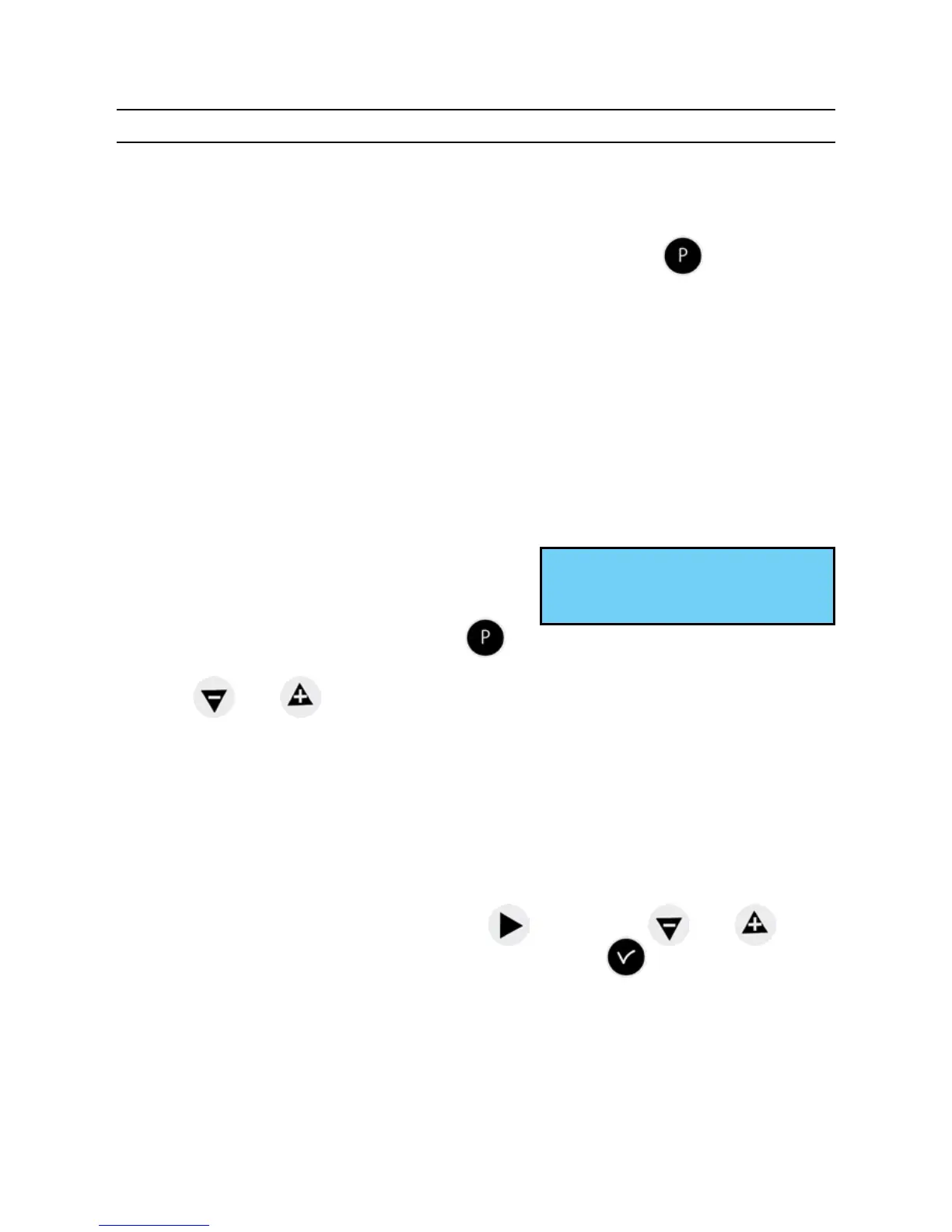
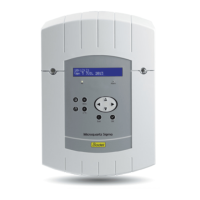
On this screen, you see the rst circuit, its
status (Start or Stop) and the name of this
circuit on the second line.
To view the various circuits, press the
key successively.
Use the and keys to select the mode of the circuit.
Description of circuit statuses :
- STOP : program steps not activated.
- START : program active.
- DISPLAY : to view the program steps without modifying them.
- PROG. : to go to circuit programming.
- DELETE : to delete all the program steps of the circuit.
- STATUS : to view the status of the circuit.
To change the name of the circuit, use the key. Use the and keys
to select the characters of this text and validate with the key.
Circuit 01: START ú
Circuit ligth ok


 To Next Page