32
11) Technician menu programming
The technician menu is accessible via an access code sent to the approved
persons.
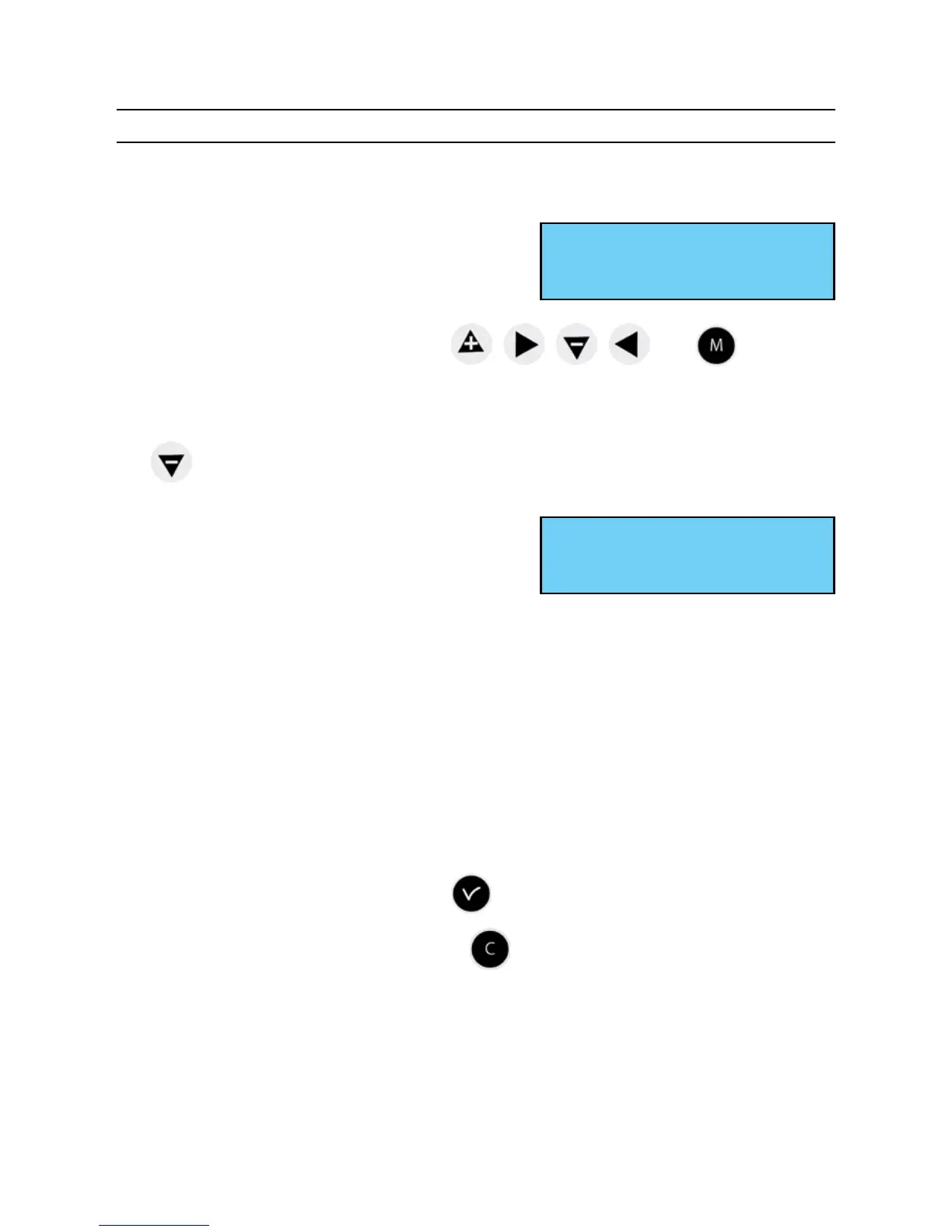
Press one of the navigation keys for a few
seconds.
A code is then requested.
The technician code is a xed code, , , , and .
You then have access to the technician menu,
Validate the required option with the key, or access the following options with
the key.
The options in the technician menu are :
1/ Time synchro,
2/ Time output and DHF management
(impulses, D1 D2, Afnor, DHF) and output time zone differential,
3/ IP conguration,
4/ Alarm and D1 D2 relay assignment,
5/ RHF box assignment,
6/ Function assignment,
7/ Delete all programming,
8/ CPU hardware software download (.cod extension),
9/ Restore factory conguration.
Validate the required option with the key.
To exit the technician menu, press the key.
Enter TECHNICIAN code
****
Time synchro ok
Time outputs õ


 To Next Page