38
11.3 IP conguration menu
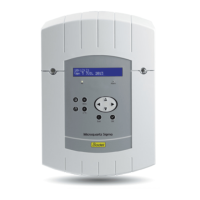
This menu is used to congure the IP parameters of the SIGMA.
To enter the SIGMA IP conguration menu,
validate the option in the technician menu
with the key ,
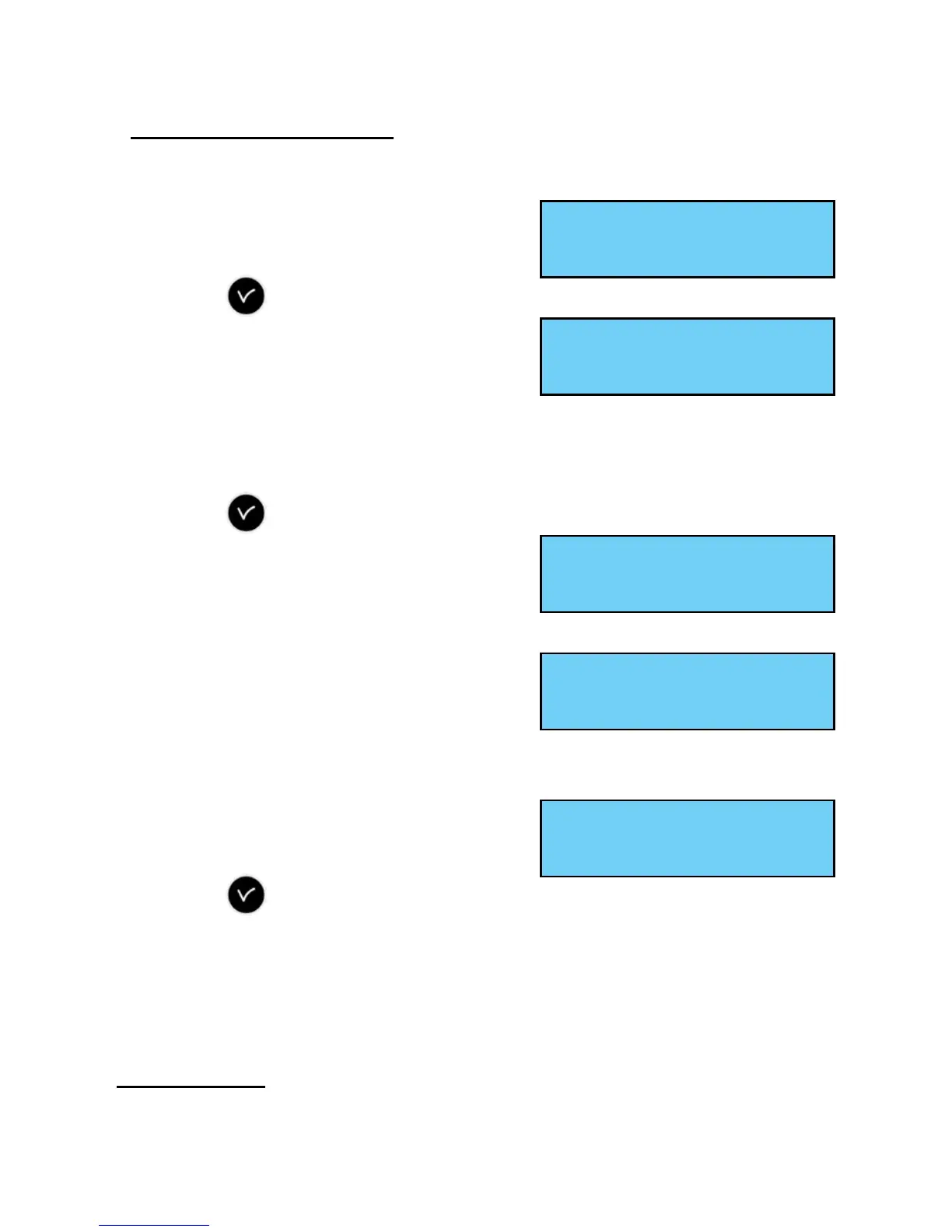
The following screen is displayed :
If DHCP
2
=YES, then it is the network’s DHCP
server which gives the product its IP parameters.
If you wish to give the SIGMA a xed address, validate this option (set to No)
with the key ,
The following screen is displayed:
Enter the IP address and then validate.
The following screen is displayed:
Enter the sub-network mask and then
validate.
The following screen is displayed:
Enter the address of the gateway and
validate the option in the technician menu
with the key ,
This data is neither saved nor present in the printing.
After validation, the master clock restarts automatically to take into account
the DHCP changes.
2 Dynamic Host Conguration Protocol (DHCP) is a term designating a network
protocol which carries out automatic conguration of the IP parameters of a station, notably by
automatically assigning it an IP address and a sub-network mask.
IP setting ok
Relay setting õ
DHCP : No ú
IP Address fixed ok
IP Address : ú
---.---.---.--- ok
Subnet Mask ú
---.---.---.--- ok
Gateway : ú
---.---.---.--- ok


 To Next Page