39
11.4 Relay setting menu
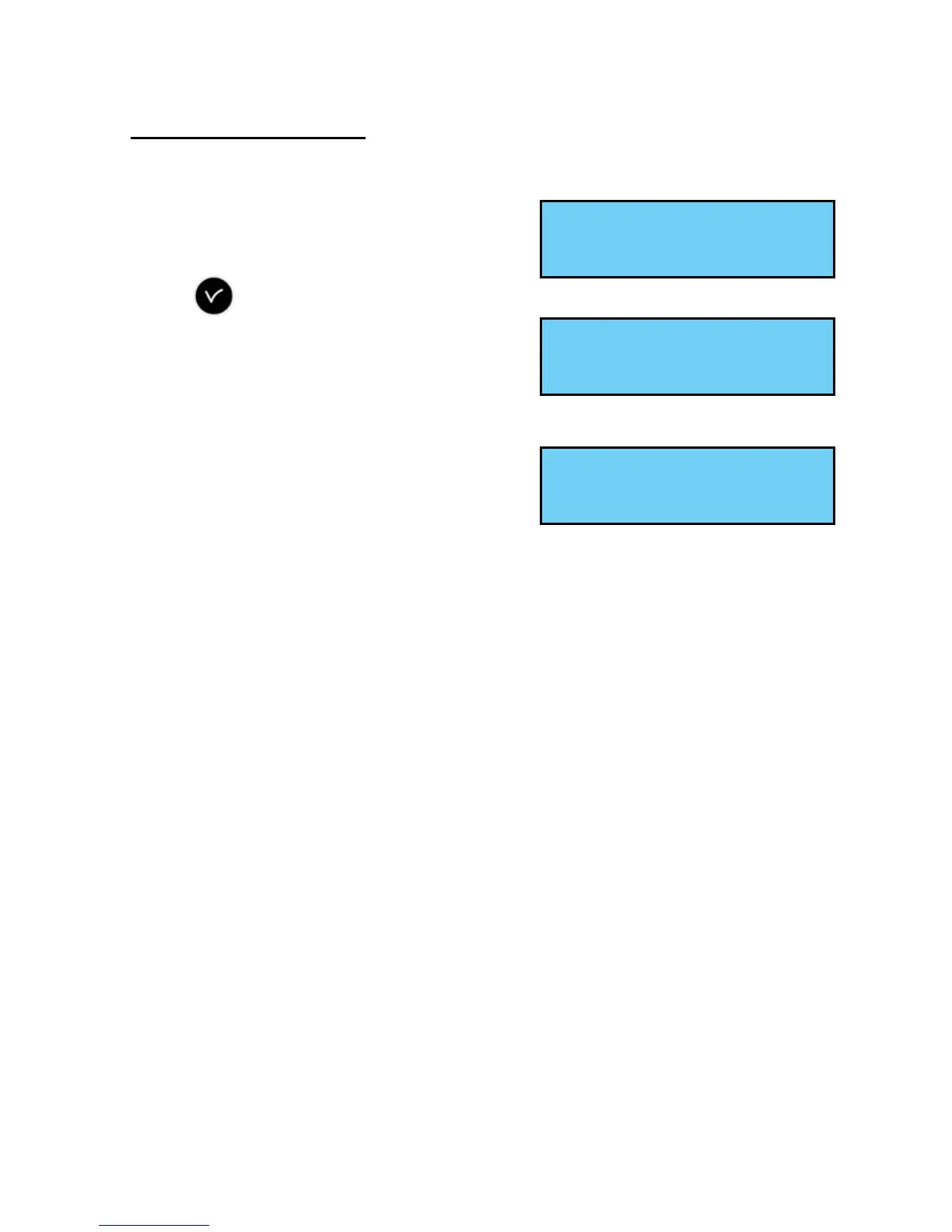
This menu can be used to assign the
relays (D1D2 and alarm).
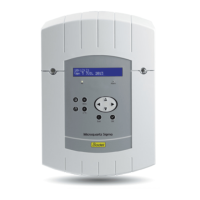
To go to the SIGMA relay assignment menu,
validate the option in the technician menu
with the key,
The following screen is displayed :
By default, relay 3 (R/T relay) is assigned to
the “Alarm” output and relays 1 and 2 (T relays) to the D1D2 time distribution.
Note: when no alarm is active, the alarm
relay is set to ON.
To allow them to be used for another function
(control of heating, lighting, etc.), these relays must be set to No in this menu.
The relay option boards are recognised immediately on connection in the
SIGMA. If the board is removed the programming is retained. It is deleted
either with the PC software or in the technician menu with the “Del.” option.
The assignment of the hard-wired relays is automatic. If a relay board is
connected, the 3 relays will be dened according to the following logical output
number :
Slot 1, relays 4, 5 and 6,
...
Slot 4, relays 13, 14 and 15,
Slot 5 (In Extens module), relays 16, 17 et 18,
...
Slot 8 (In Extens module), relays 25, 26 et 27.
Relay setting ok
RHF Circuit õ
Rel. 3 alarm :Yes ú
ok
Relais01/02 D1D2:Yes ú
ok


 To Next Page