33
11.1 Time synchronisation menu
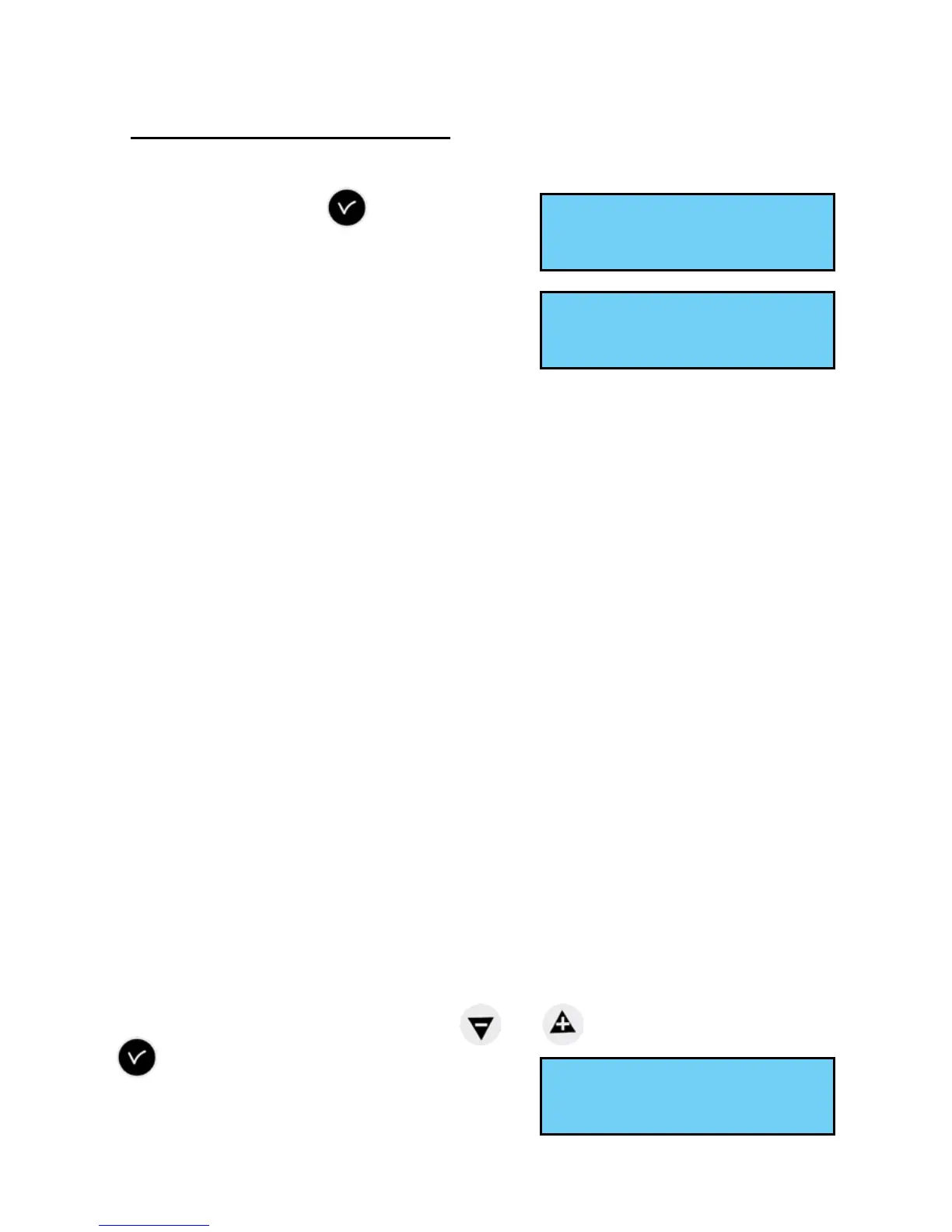
To congure the time synchronisation of the SIGMA, validate the option in the
technician menu with the
key,
The following screen is displayed :
Select the time synchronisation mode from the
following options:
Radio DCF,
Minute radio (mode used for countries
receiving the DCF radio signal but for which
the time is different from Paris/Berlin [only minute is synchronised, date and hour
must be set manually]),
EXTERNAL (mode used for synchronisation from a Sigma “Master” which
transmits a GPS signal simulation from an ASCII extension card),
NONE: if you choose to have no synchronisation, the radio pictogram is not
displayed.
GPS,
AFNOR (requires an option board),
NTP, In the case of redundancy in multicast, congure the emission period
(poll) at a ratio of 1: 2 between the servers (eg. main transmitter: 32s,
secondary transmitter: 64s). Number of simultaneous requests as possible: 500
unicast requests per second (driving an unlimited amount of clocks).
Auto (the master clock will select the best time source automatically; in that
case, several time sources can be connected to the master clock; it will change
time source in case of failure of one of them; the priority is given at rst to NTP
then AFNOR, GPS, DCF).
Remark : all the synchronisation options are proposed without checking that an
antenna is connected (by default, the conguration is DCF mode).
In case of synchronisation input failure, an alarm message is sent.
This alarm is triggered after 3 hours without synchronisation in NTP or Auto
mode, after 24 hours in the other synchronisation modes.
Select the synchronisation mode with the
and keys and validate with the
key.
The following screen is displayed if “Prog” mode
has been validated in the customer menu (see
“Time and date”, page 22) :
This menu can be used to program non-standard winter/summer time changeovers.
Time synchro ok
Time outputs õ
Synchro:EXTERNAL ú
ok
Prog. time change:Yesú
ok


 To Next Page