64
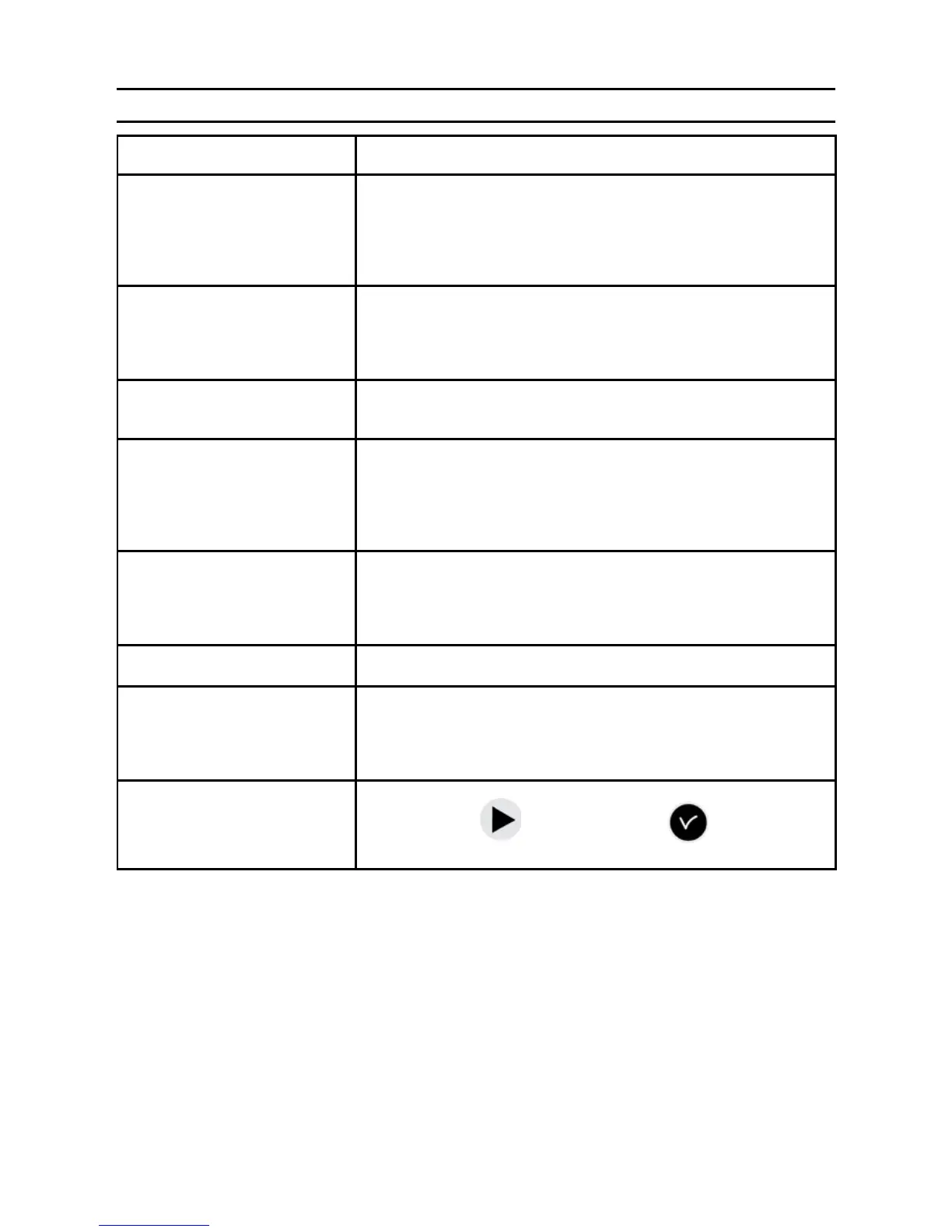
16 ) What to do if ...? Check that …
What to do if ...? Check that … (see page 8 for references)
The green LED does not light
up when the unit is switched
on.
>Check that the mains is present (D).
>Check that the terminal strips (K) are correctly positioned on the
printed circuit.
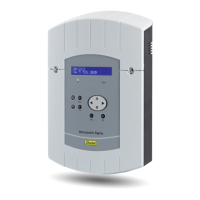
>Check that the at cable (Q) of the keypad is correctly
connected on the terminal strip on the printed circuit.
The mains is present but
there is no secondary voltage.
>Check that the terminal strip is correctly positioned on the
printed circuit.
>Replace the transformer after checking that there is no short-
circuit.
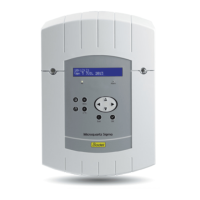
No message appears when
the unit is switched on.
>Check that the at cable (Q) of the display is correctly
connected on the terminal strip on the printed circuit.
Nothing happens when a key
is pressed on the keypad.
> It is possible that the key has not been pressed long enough.
>Check that the at cable (Q) of the keypad is correctly
connected on the terminal strip on the printed circuit.
> Check that the keypad is not locked (incorrect access code
entered).
With an antenna connected,
the “radio” pictogram is still
ashing.
>Check that a radio synchronisation antenna is connected to the
unit and that its LED is ashing.
> Wait at least 4 minutes.
Drift of the time base. >Refer to the section on setting the time base drift (page 35).
Considerable drift (> 0.5
seconds per day) of the time
base.
>Send the equipment back to the BODET maintenance
department.
An alarm is displayed. >To acknowledge the alarm, after setting the problem with this
alarm, press the
button and conrm .
If the problem persists, call for Bodet technical support.


 To Next Page