EasyManua.ls Logo

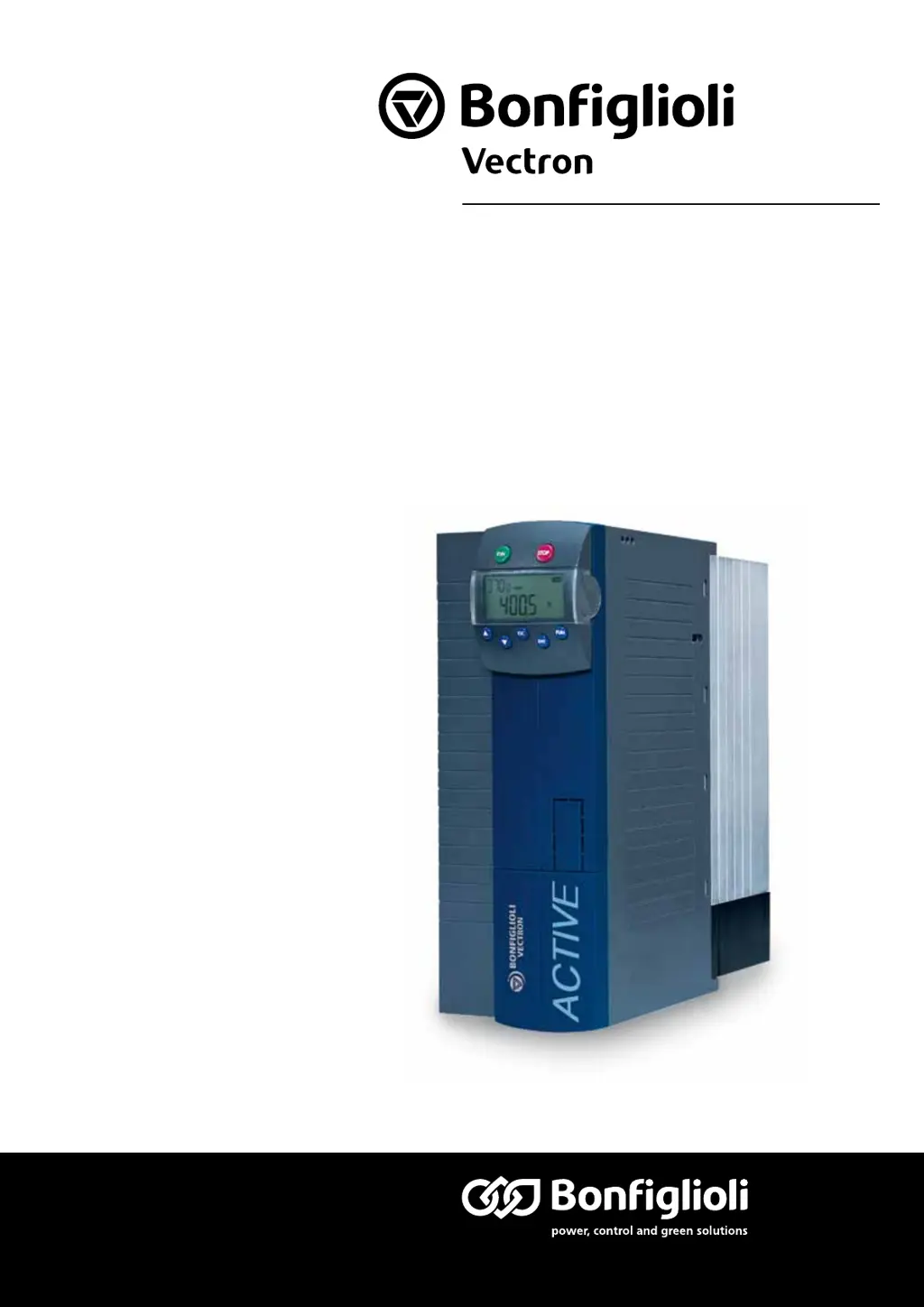
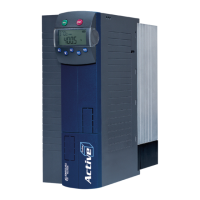
BONFIGLIOLI active - User Manual

BONFIGLIOLI active
50 pages
Print Icon
To Next Page IconTo Next Page
Loading...
www.bonfiglioli.com
Bonfiglioli Riduttori S.p.A.
Via Giovanni XXIII, 7/A
40012 Lippo di Calderara di Reno
Bologna, Italy
tel: +39 051 647 3111
fax: +39 051 647 3126
bonfiglioli@bonfiglioli.com
www.bonfiglioli.com
VEC 227 R1
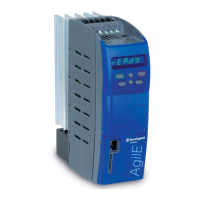
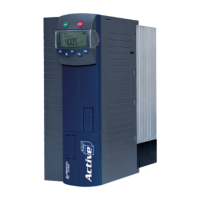
ACTIVE
CANopen Communication module CM-CAN
Frequency Inverter 230 V / 400 V
Bonfiglioli has been designing and developing innovative
and reliable power transmission and control solutions
for industry, mobile machinery and renewable energy
applications since 1956.

Table of Contents

Other manuals for BONFIGLIOLI active

Questions and Answers

  • C
    Cindy GonzalesJul 26, 2025
    What to do if BONFIGLIOLI Inverter has incorrect software configuration or telephone connection?
    • A
      amanda17Jul 26, 2025
      If the BONFIGLIOLI Inverter experiences issues due to incorrect software configuration or telephone connection, you can: * Check the 'Record log file' option in 'Telephone and Modem Options'. * Verify if a free line signal is detected, if the modem accepts the call, or if the line is busy. * Restart the computer if the required modem is not available in control software VPlus. * Compare VPlus settings to the plant parameters. * Follow the order for establishing the connection to the plant. * Change the factory configuration if using a modem for a device series which deviates from the modem configuration. * Ensure the Node ID of the VCI-485 matches the Node ID set in control software VPlus.

Summary

1 General safety and application information

1.2 Proper use

Describes the intended use of frequency inverters and compliance with directives.

1.5 Electrical connection

Information and standards for electrical connection of frequency inverters.

3 Assembly of the CANopen communication module CM-CAN

4 Plug occupancy;bus connection;line

5 Baud rate setting;line lengths

6 Setting node address

7 Operational behaviour if the bus connection fails

8 Objects

8.6 Manufacturer Objects (0 x2000;n)

Manufacturer-specific objects for parameterization.

9 Control; reference value

9.1 Control via Contacts

Control method using contact inputs.

9.2 Control via State Machine

Control method using internal state machine.

9.3 Control via Remote Contacts

Control method using remote contacts.

9.4 Reference Value; Actual Value

How reference and actual values are handled.

10 Parameter list

BONFIGLIOLI active Specifications

General IconGeneral
BrandBONFIGLIOLI
Modelactive
CategoryDC Drives
LanguageEnglish

Related product manuals