EN
26
Operation
www.bora.com
5.3.4 Control lock
Activating the control lock
Long press on the lock button
The operating panel display is dimmed.
The lock button lights up.
All functions except for the power button and lock
button are locked.
INFO If the system is switched off when the control lock
is active, the control lock will no longer be active
next time the system is switched on.
Deactivating the control lock
Long press on the lock button (5 sec.)
The operating panel display lights up and the operating
panel is active again.
The lock button is dimmed.
5.3.5 Cleaning lock (wipe function)
Activating the cleaning lock
Tap the cleaning button
The operating panel display is dimmed.
The cleaning button lights up.
The operating panel is locked.
All settings stay the same.
The countdown starts in the multi-function display.
Time lapsed
After the end of the time set, the operating panel is
automatically unlocked.
5.3.6 Childproofing feature
The lock symbol lights up in the operating panel
display.
Permanently activating the childproofing feature
see 5.6 Menu and 5.6.2 menu item 2: Childproofing
feature
Deactivating the childproofing feature for a cooking
session
Long press on the lock button (5 sec.)
The operating panel display lights up and the operating
panel is active again.
The lock button is dimmed.
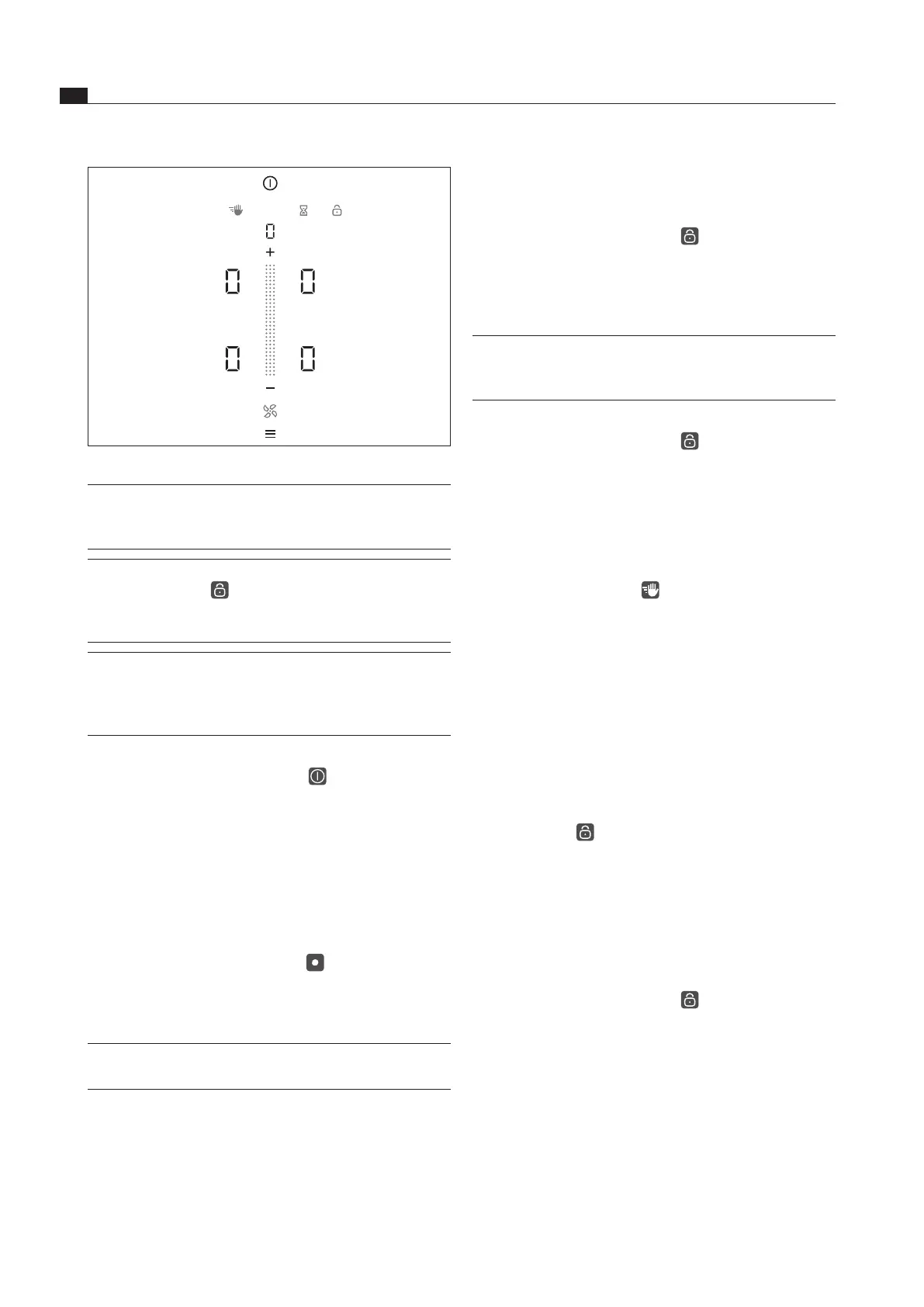
Fig. 5.1 Standard display after switching on
INFO The menu button does not appear after switching
on if there is still residual heat at one of the
cooking zones.
INFO When the childproofing feature is active, the
lock button lights up after system start. The
standard display is only shown when it has been
deactivated (also see Childproofing feature).
INFO If
appears in the display after switching
on the system, the basic configuration is
stil
l incomplete and must be carried out (see
Installation instructions, Basic configuration).
5.3.3 Switching off
Long press on the power button
The switching off animation appears and the display
goes out.
The cooktop extractor was switched on:
The fan symbol flashes and the automatic after-run
function is started.
As soon as the after-run period is over, the switching
off animation appears and the display goes out.
The cooktop was switched on:
In the case of previously active and still hot cooking
zones, the residual heat symbol lights up in signal
red and
is displayed.
The display goes out when no more residual heat is
present.
INFO The system can be switched off at any time: Long
press on the power button



 To Next Page