EN
35
Operation
www.bora.com
5.6.8 Menu item 8: System software update
INFO A system software update may be necessary for
troubleshooting.
INFO A USB stick with FAT32 formatting is needed
to save the update file. This USB stick must
be inserted into the USB port on the cooktop
extractor.
INFO A valid update file must be stored on the USB
stick. When the occasion arises, you can
obtain the update file from the BORA Service
department.
Starting the software update
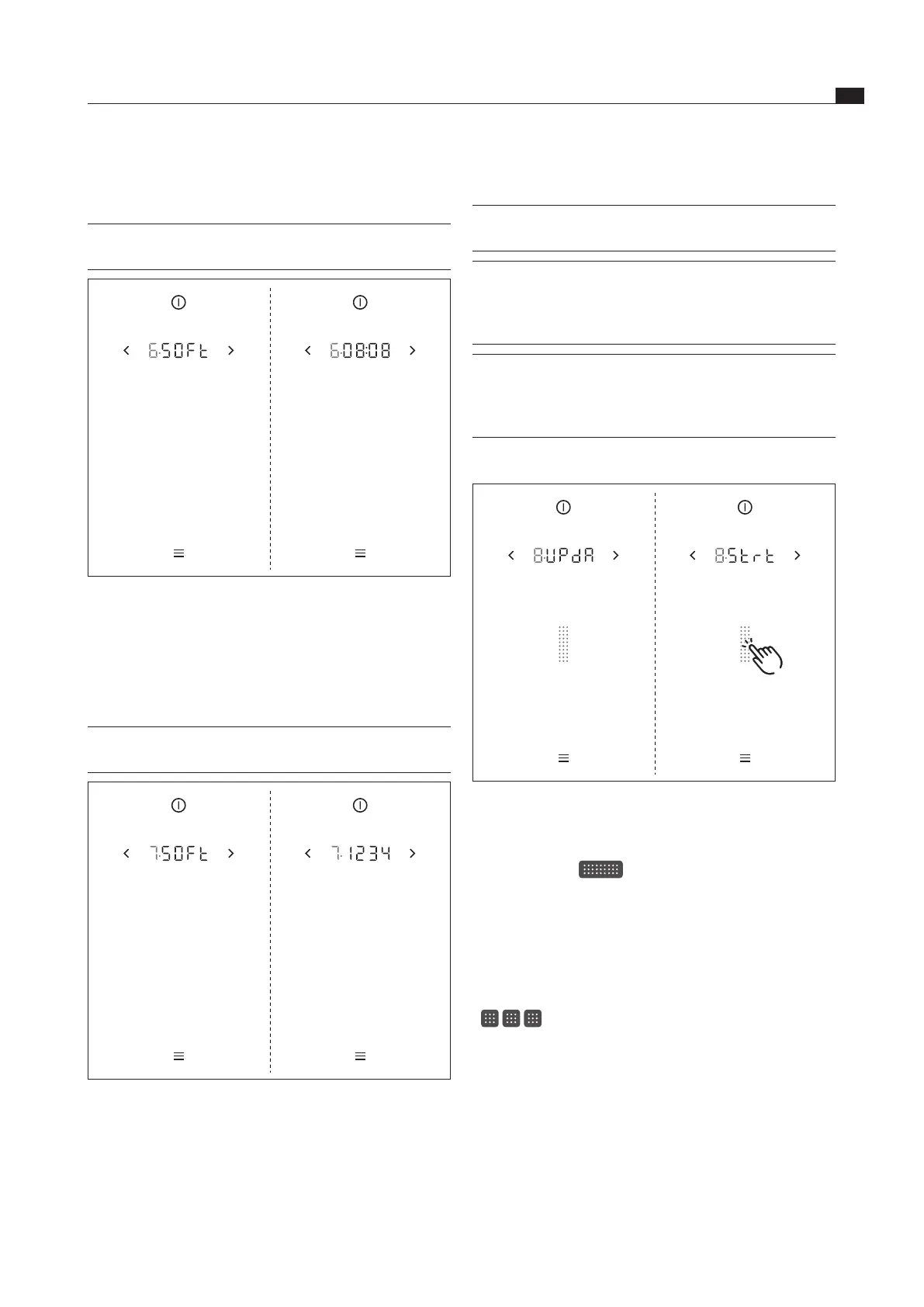
Fig. 5.10 Menu item 8: Starting the software update
Insert the USB stick with the update file in the USB
port on the cooktop extractor.
Tap the slider
The software update is started.
The indicator for the first part of the update process
flashes.
Update process
The update process has three stages. These three stages
are shown in the display by beige slider segments
(
). The currently active stage will flash. If a
stage in the process has been completed successfully,
the corresponding segment will stop flashing and will light
up green. The next stage in the process is started.
5.6.6 Menu item 6: Retrieving the software
version
INFO The system software version may be needed by
the BORA Service Team during an error search.
Fig. 5.8 Menu item 6: Retrieving the software version
The current system software version is displayed after
2 seconds.
5.6.7 Menu item 7: Retrieving the hardware
version
INFO The appliance hardware version may be needed
by the BORA Service Team during an error search.
Fig. 5.9 Menu item 7: Retrieving the hardware version
The current hardware version of the appliances is
displayed after 2 seconds.



 To Next Page