EN
36
Operation
www.bora.com
Start data export
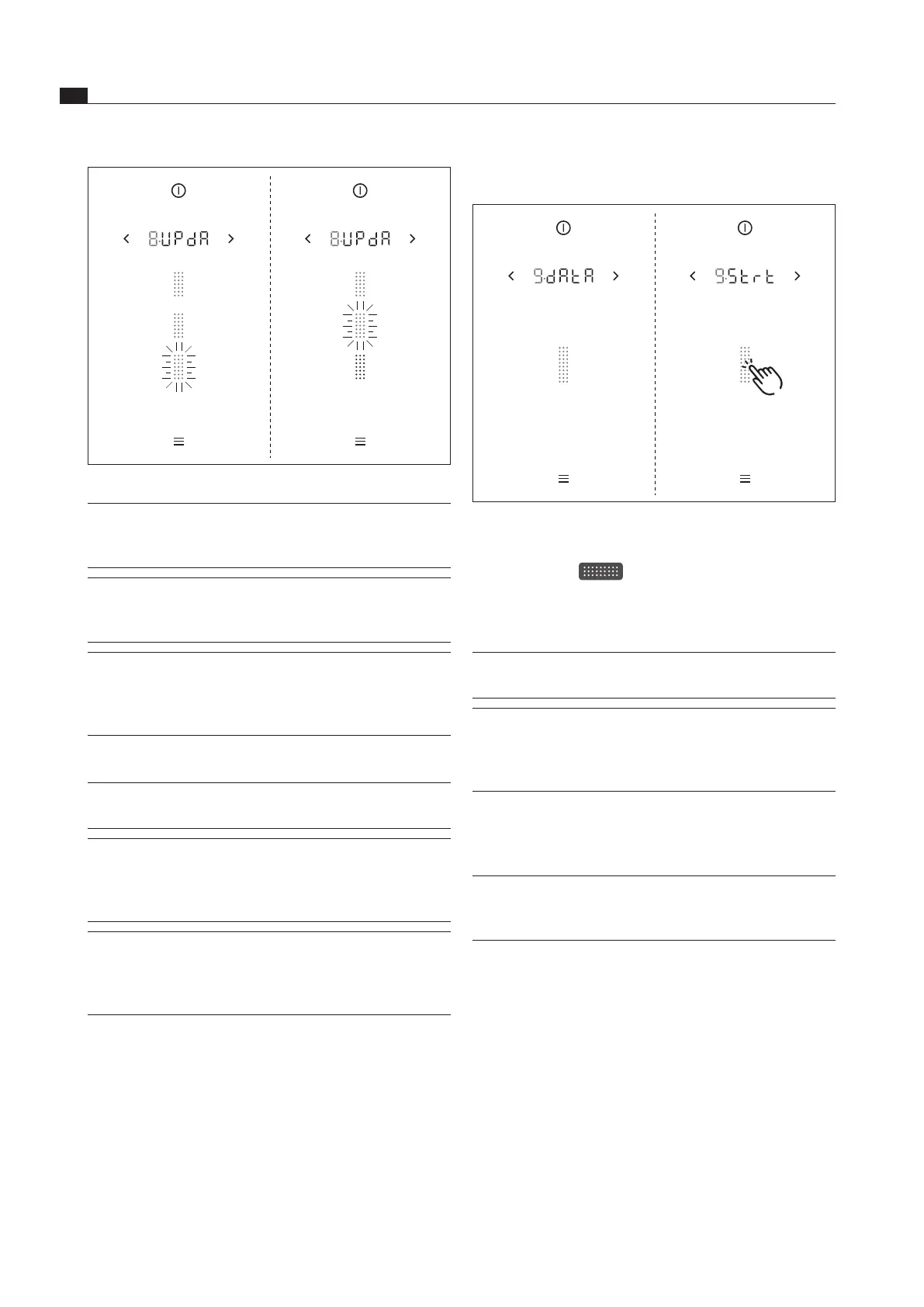
Fig. 5.12 Menu item 9: Data export
Insert the formatted USB stick into the USB port.
Tap the slider
Data export is initiated.
The indicator for the first part of the export process
flashes.
INFO
If the data export is completed without errors, all
three segments will light up green.
INFO If an error occurs during the data export, the data
export is terminated. An error message appears
in the operating panel display (e.g.
; see
Troubleshooting chapter).
5.6.10 Menu item A: Show the recirculation
filter service life (only in recirculation
mode)
INFO The maximum service life of the recirculation
filter is defined by the filter type configured in the
system.
Fig. 5.11 Menu item 8: Software update process stages
INFO If the update is completed without errors, all three
segments will light up green. The system will then
be restarted automatically.
INFO The update has been completed successfully if
is shown in the display when the system is
restarted.
INFO If an error occurs during an update stage, the
complete update process is ended. An error
message appears in the operating panel display
(e.g.
; see Troubleshooting chapter).
5.6.9 Menu item 9: Data export
INFO Exporting data makes error analysis easier and
ensures optimum configuration of your system.
INFO A USB stick with FAT32 formatting is needed
to save the exported data. This USB stick must
be inserted into the USB port on the cooktop
extractor.
INFO Data is exported in three stages. The stages of
the three processes can be seen in the operating
panel display as in the “software update” (see
Menu item 8).



 To Next Page