M211 User Manual 7
Setup
Power and Battery
Charging the Printer
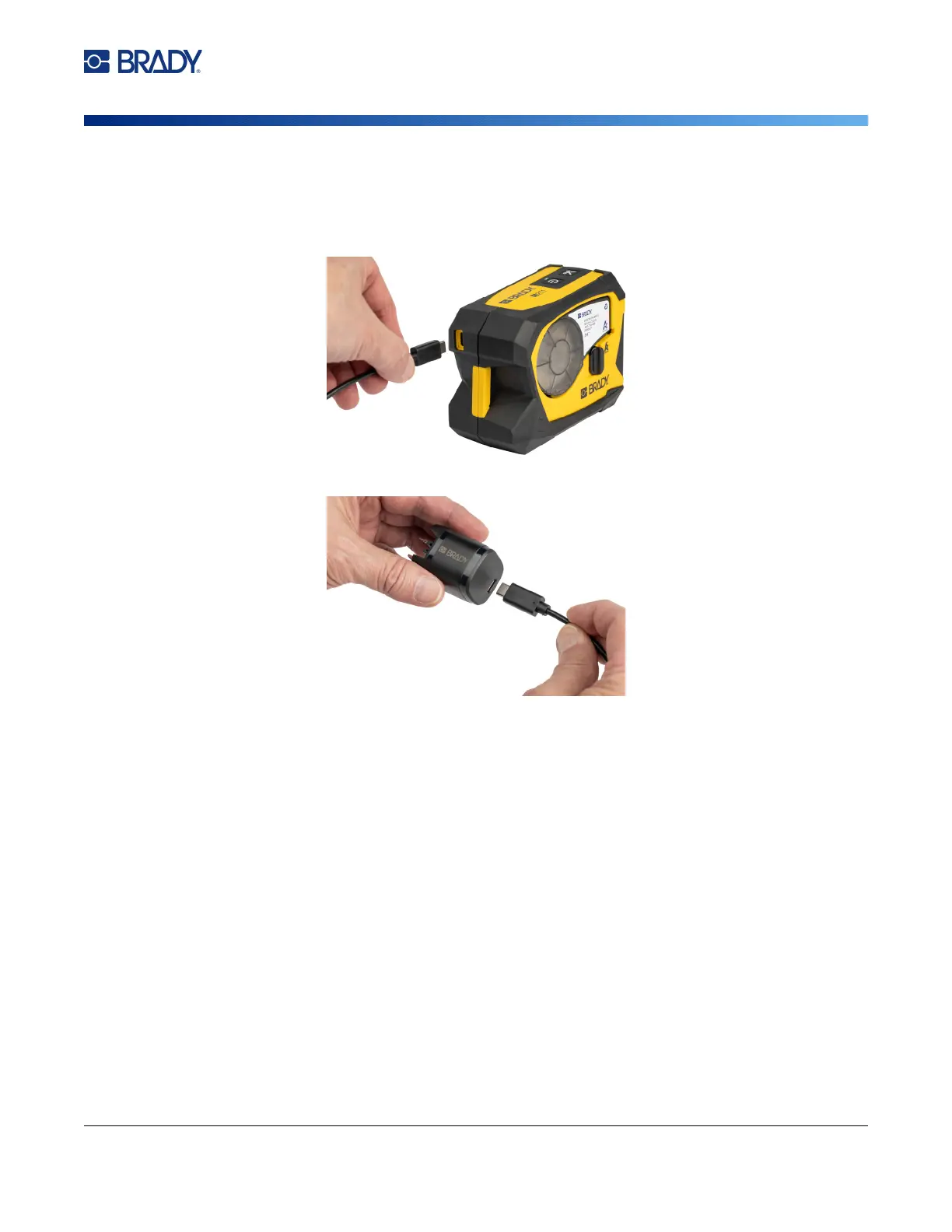
To plug the printer in to an electrical outlet:
1. Insert one end of the USB-C cable into the USB port on the printer.
2. Insert the other end of the USB-C cable into the USB-C port on the AC adapter.
3. Use the appropriate plug for your region.
•
North America:
Plug the AC adapter into an electrical outlet.
•
Europe, Middle East, and Africa:
Attach the type C or G plug to the AC adapter and then
plug the adapter into an electrical outlet.
•
Asia-Pacific:
Attach the type C, G, or I plug to the AC adapter and then plug the adapter into
an electrical outlet.



 To Next Page