M211 User Manual 8
Setup
Power and Battery
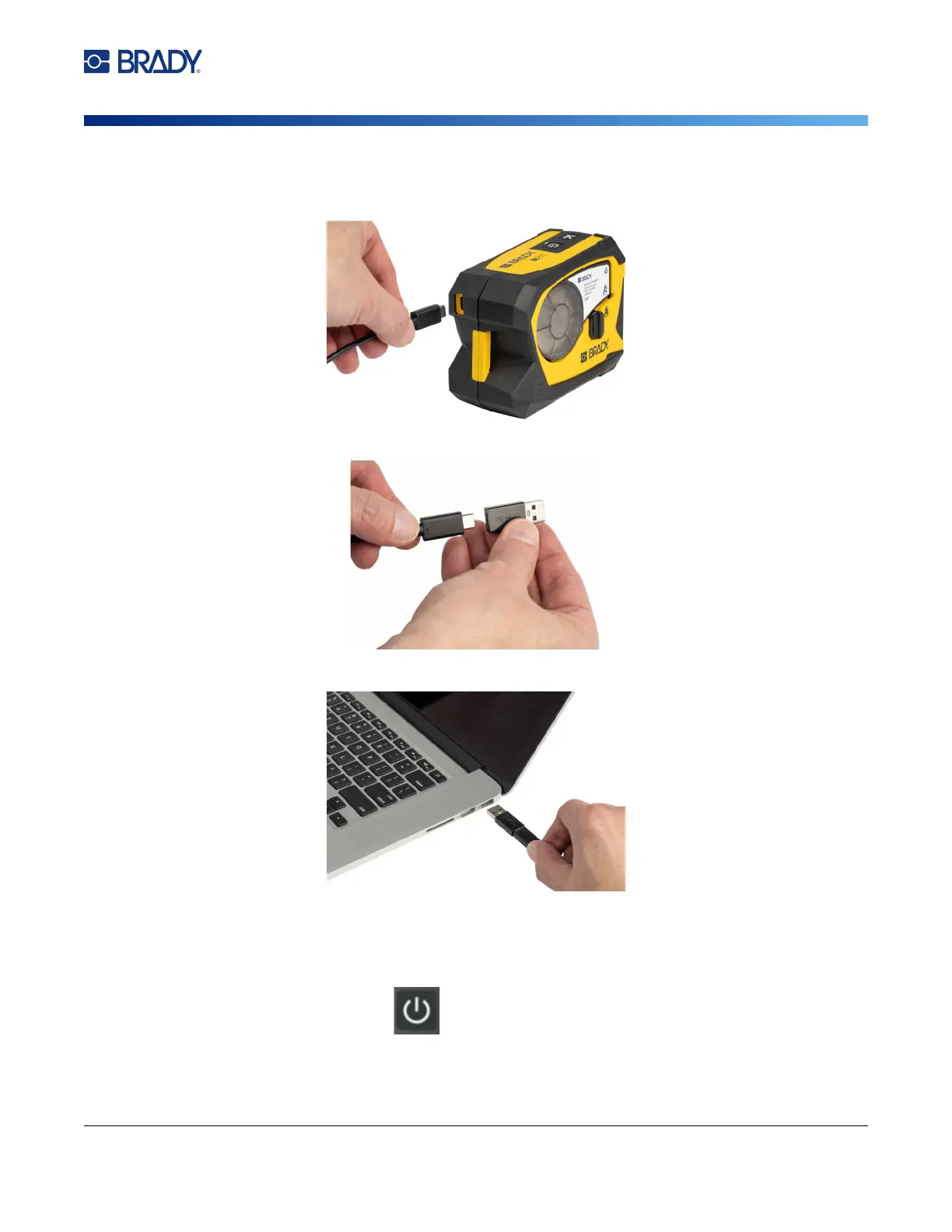
To plug the printer in to a USB-A port:
1. Insert one end of the USB-C cable into the USB port on the printer.
2. Insert the other end of the USB-C cable into the USB C port on the USB C to A coupler.
3. Plug the USB coupler into a USB-A port on a computer or in a vehicle.
Power On
To turn the printer on or off:
1. Press the power button.



 To Next Page