M211 User Manual 23
Maintenance
Cleaning the Sensor
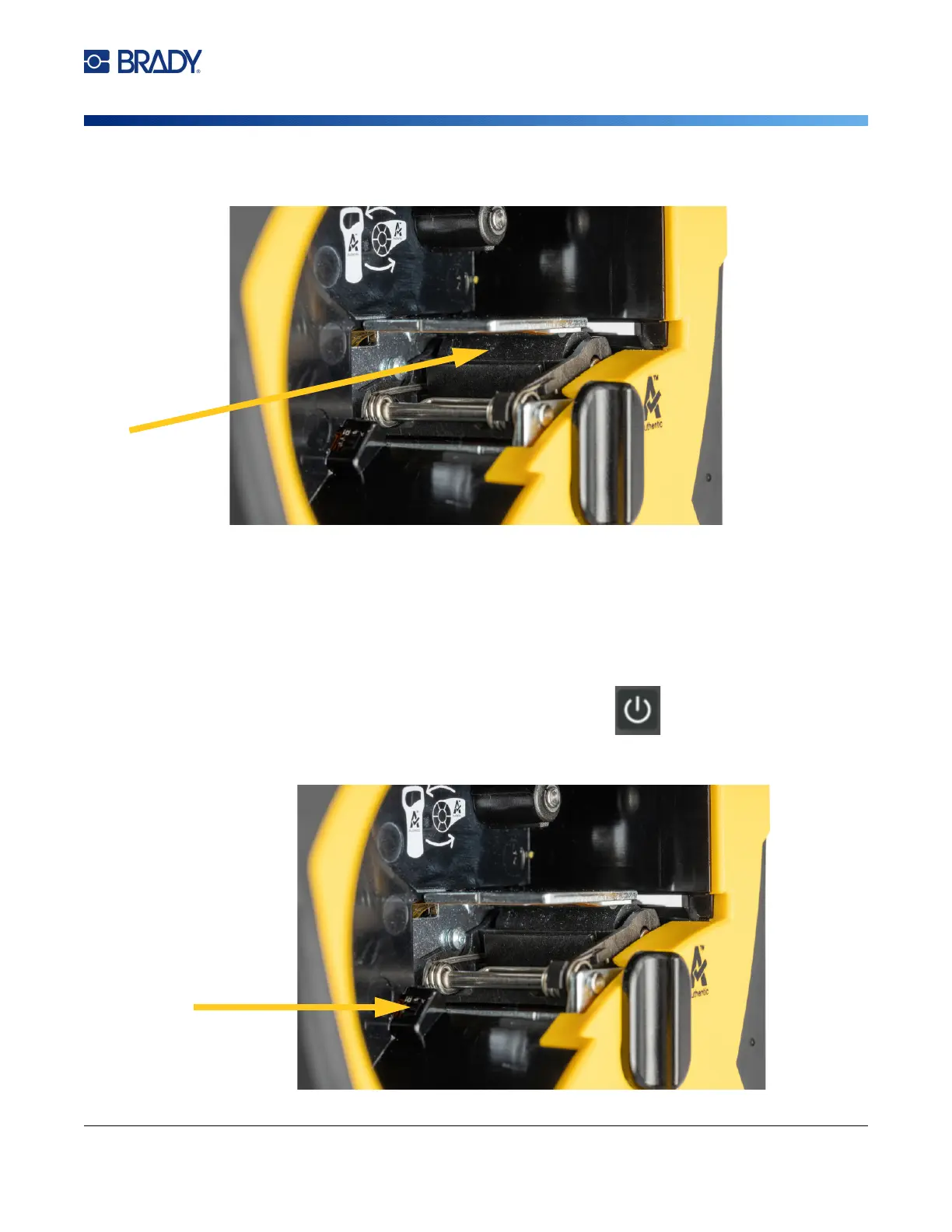
5. Using a clean moistened swab, gently brush the platen roller. You may need to move the
locking lever to the locked position to access the platen roller.
Cleaning the Sensor
Debris on the sensor can cause print to be offset on pre-sized labels.
To clean the position sensor:
1. Press the power button on top of the printer to turn it off.
2. Remove the cartridge. See “Loading Cartridges” on page 10.
3. Clean debris off the sensor either with a can of compressed air or a lint-free swab.



 To Next Page