M211 User Manual 22
4 Maintenance
Cleaning the printer improves print quality and legibility. It also increases output, machine life, printer
reliability, and performance.
Cleaning the Printhead and Platen Roller
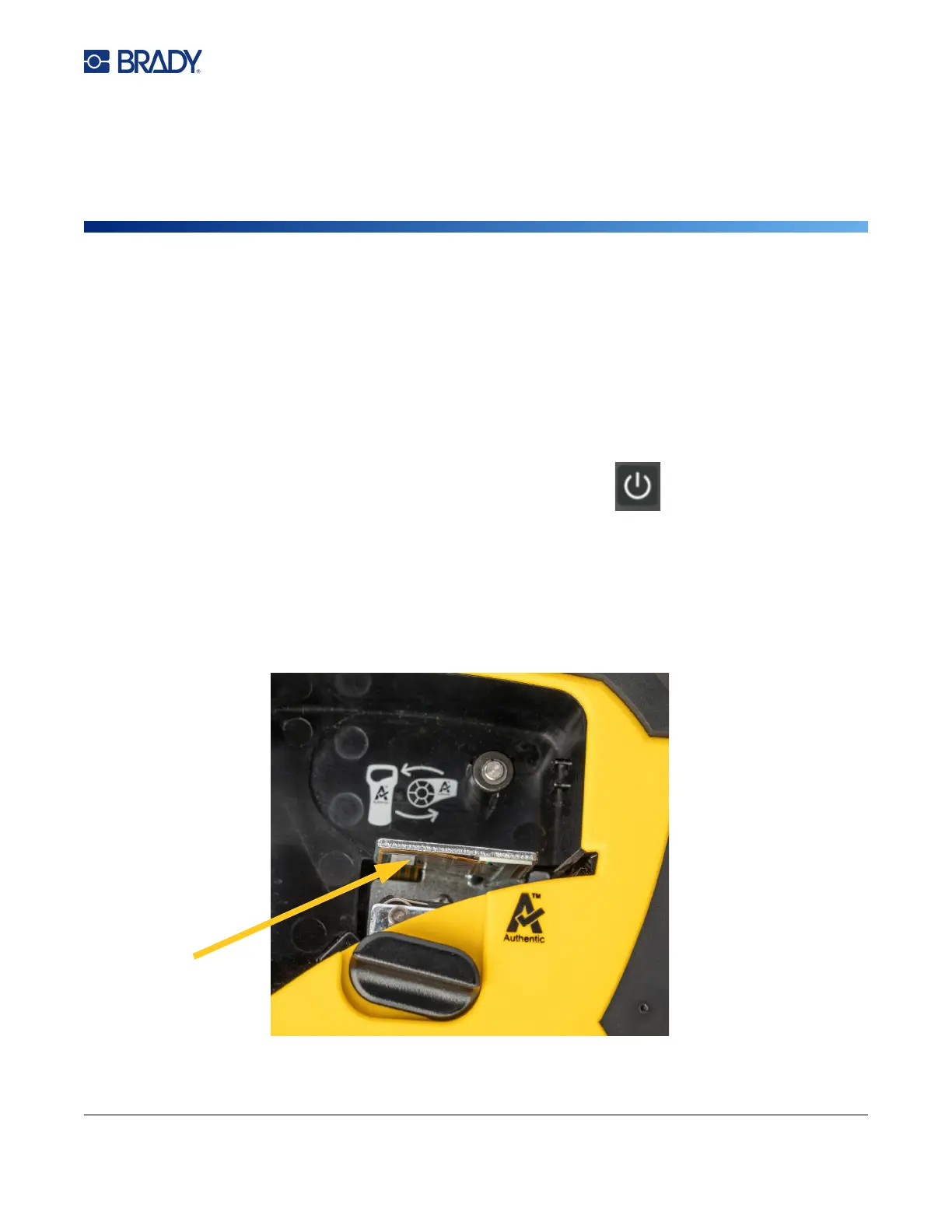
To clean the printhead and platen roller:
1. Press the power button on top of the printer to turn it off.
2. Remove the cartridge. See “Loading Cartridges” on page 10.
Note: Make sure the locking lever is in the unlocked (horizontal) position. If not, you will not be able
to access the printhead.
3. Lightly moisten a lint-free swab with isopropyl alcohol or use pre-moistened cleaning swabs
(PCK-6). We recommend using Brady part number PCK-6 pre-moistened swabs because they
are lint free and the isopropyl alcohol contains no additives.
4. Gently swab the printhead.



 To Next Page