ENGLISH 55 / 77 CAP. 13 - MAINTENANCE
M
ULTIGAS 8500 PLUS
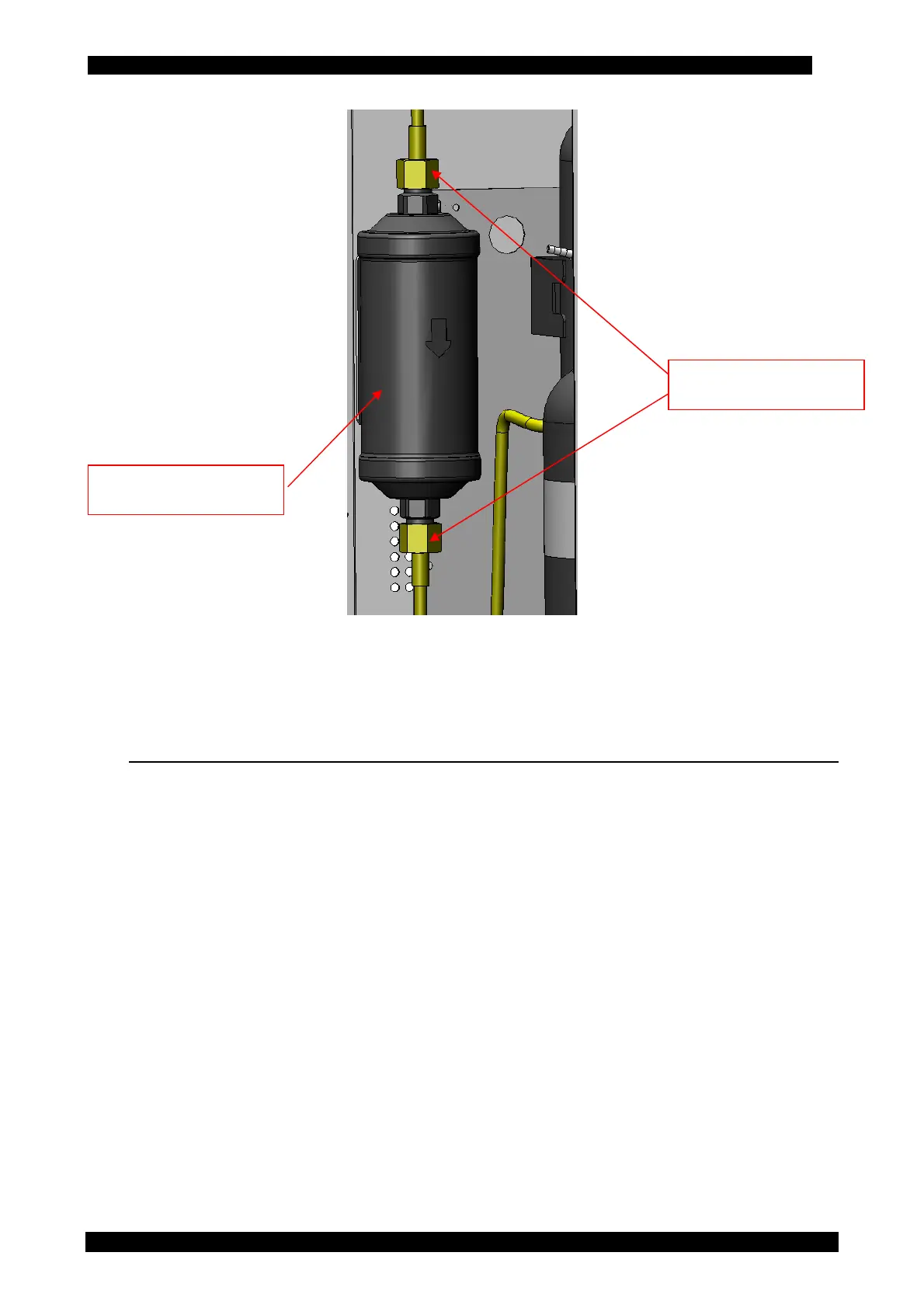
8. Install the new filter paying attention to the position of gaskets and to the direction of the
arrow indicating the fluid flowing direction.
9. Screw the two connection nuts of the filter.
10. Carry out the automatic leak test requested by the software when switched on again after the
filter replacement.
13.5 COUNTERS
In the COUNTERS menu, at any time, the vacuum pump and compressor hours of life can be
displayed; besides, remaining time before replacement of vacuum pump oil and dryer filter can also
be displayed.
To access the COUNTERS menu, from the main menu enter the MAINTENANCE menu and press
COUNTERS.
COUNTERS display the following information:
• Pump activation
• Compressor activation
• Pump oil remaining time
• Filter residual capacity



 To Next Page