CAP. 13 - MAINTENANCE 60 / 77 ENGLISH
M
ULTIGAS 8500 PLUS
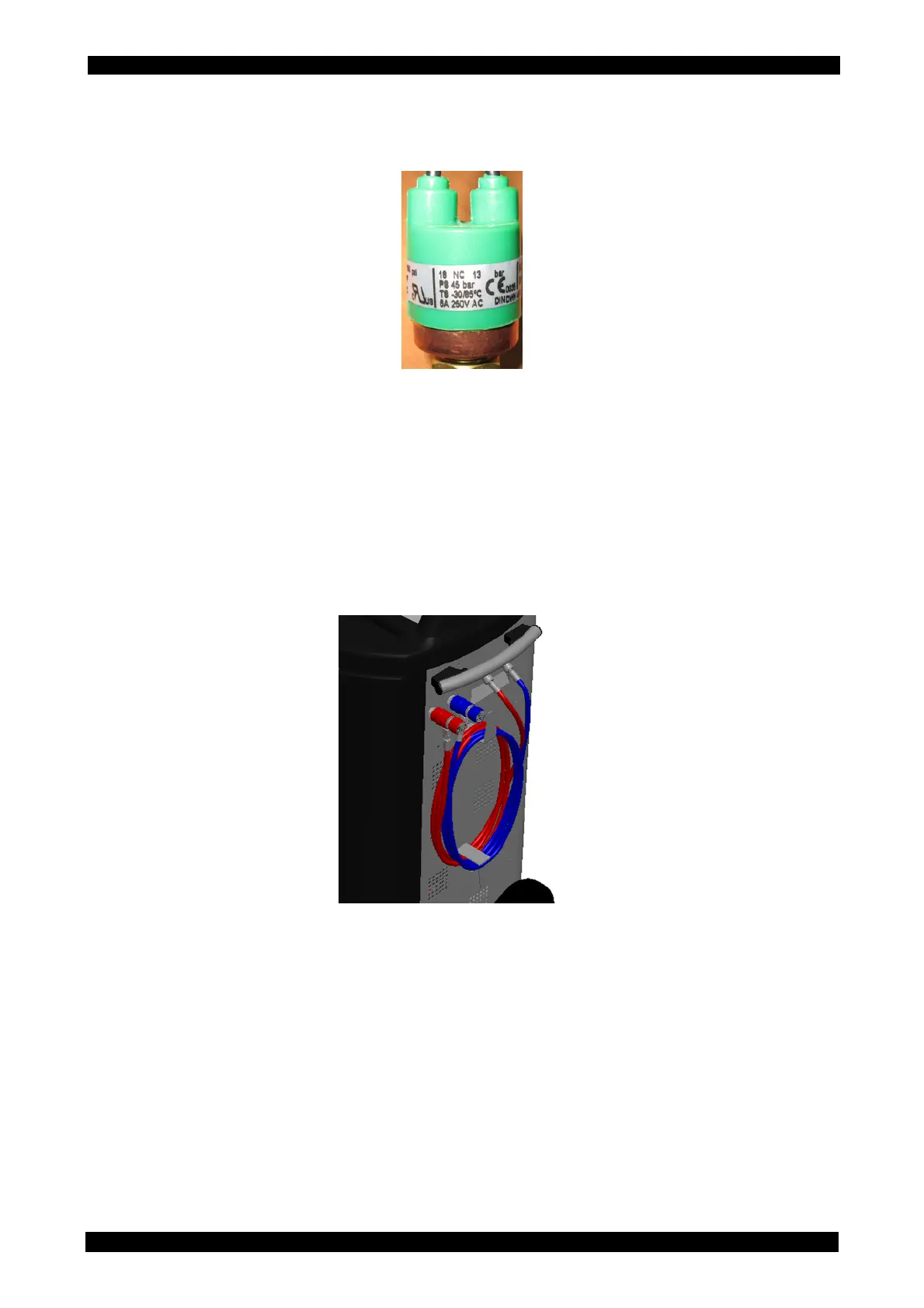
PRESSURE SWITCH 13/18bar 1/4SAE
Category IV (Dir. 97/23/EC)
• Check presence of the device with references indicated above, wholeness of connection
cables and connector, and the correct connection to the equipment printed circuit board. In
case the pressure switch must intervene, please contact the technical customer service that
will check the equipment and remove any defect.
HOSES
• Periodically check that the external charging hoses, red (HP) and blue (LP), are in good order
and undamaged. In case damages to the hoses are detected, stop using MULTIGAS 8500
PLUS and contact the technical customer service for the related replacement.
OTHER CHECKS
• Verify that the lubricants (pump oil) and filters (dryer) have been replaced according to the
scheduled periodicities for a proper functioning of the equipment.



 To Next Page