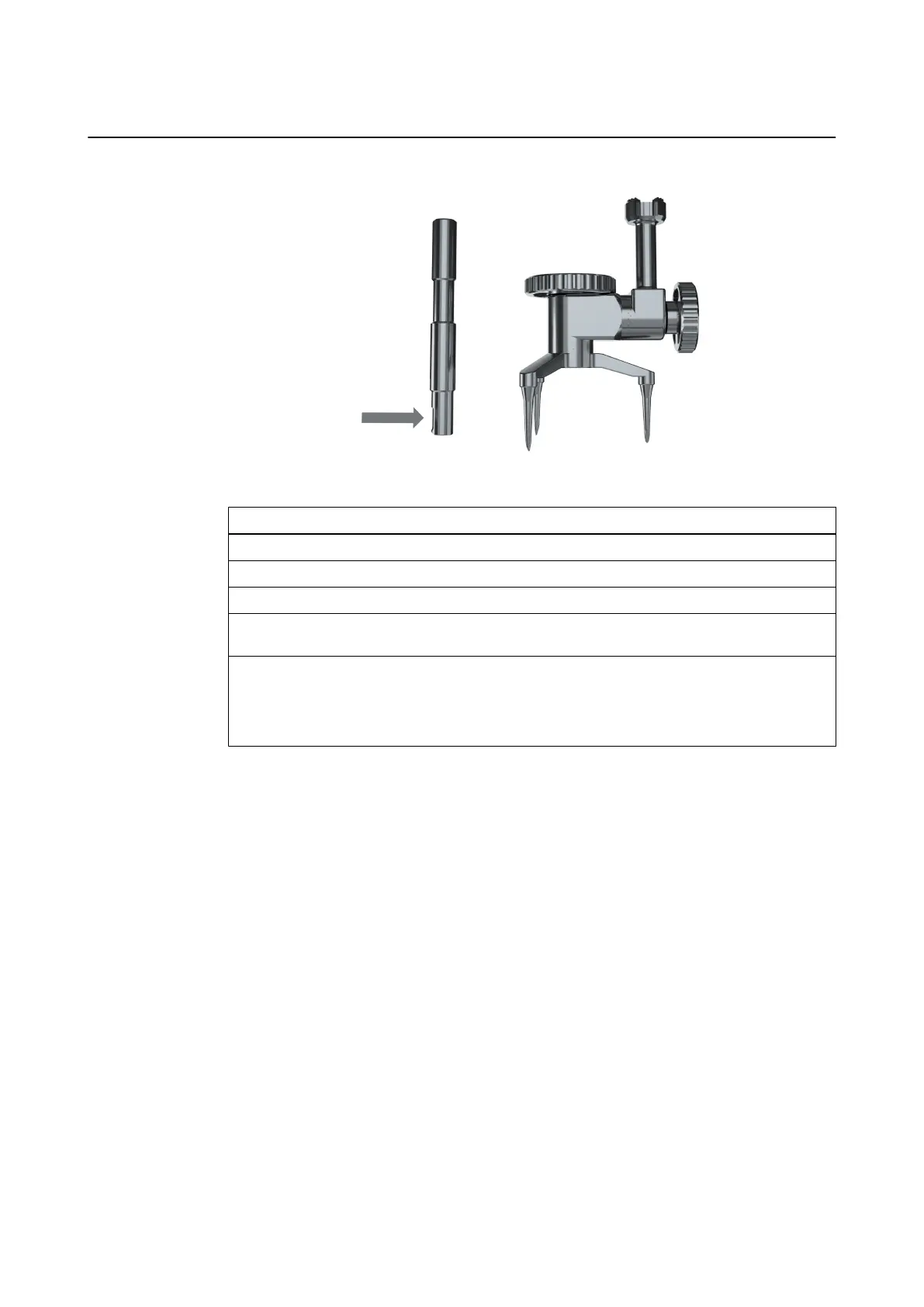
Procedure for Windowed Tube
Figure 34
Step
1. Unscrew and remove the Skull Reference Array.
2. Unscrew and remove the tube cap nut completely from the tube.
3. Remove the Skull Reference Base by pulling it upwards over the tube.
4. If the screw is visible, use the window (arrow) as a visual aid to position the screwdriver
on the screw. Unscrew and remove the screw with the screwdriver, and lift the tube away.
5. If the screw is not visible, carefully unclip and remove the tube. Unscrew and remove the
screw with the screwdriver.
NOTE: If the screw was loosened a half turn during installation, slide the tube laterally to
disengage it from the screw and lift it away.
Removing the Skull Reference Package
74 Instrument User Guide Rev. 2.6 Cranial/ENT Optical Tracking



 To Next Page