136 Software User Guide Rev. 1.0 Kolibri cranial/ENT Ver. 2.7
Accessing Calibration
Loading Precalibrated Geometries and Restoring a Calibration
Loading
Precalibrated
Geometries
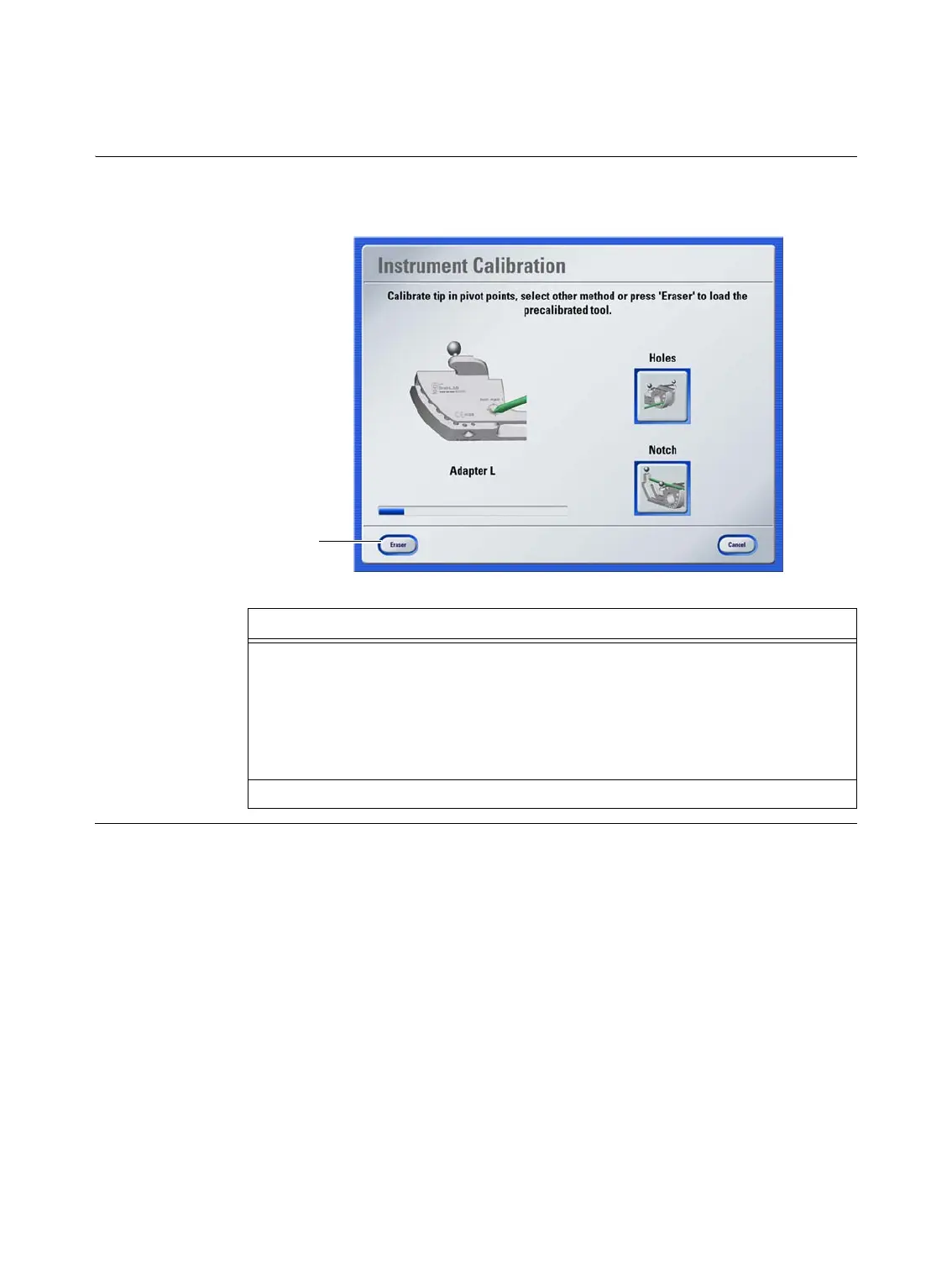
Some instruments are precalibrated. When held in the camera field of view, the software
recognizes that a precalibration is available for the instrument.
Figure 50
Steps
1. To load a precalibration, press the button a in the
Instrument Calibration
dia-
log.
NOTE: If only one precalibrated instrument is available, then the button is named
accordingly, e.g.,
Eraser
. If more than one precalibrated instrument is available,
the button is named
Load
, and you must select the required instrument in a sepa-
rate dialog.
2. Verify the calibration in the verification dialog that opens.
a



 To Next Page