74 Software User Guide Rev. 1.0 Kolibri cranial/ENT Ver. 2.7
Registration Accuracy
Verifying Accuracy
Patient Registration
Dialog
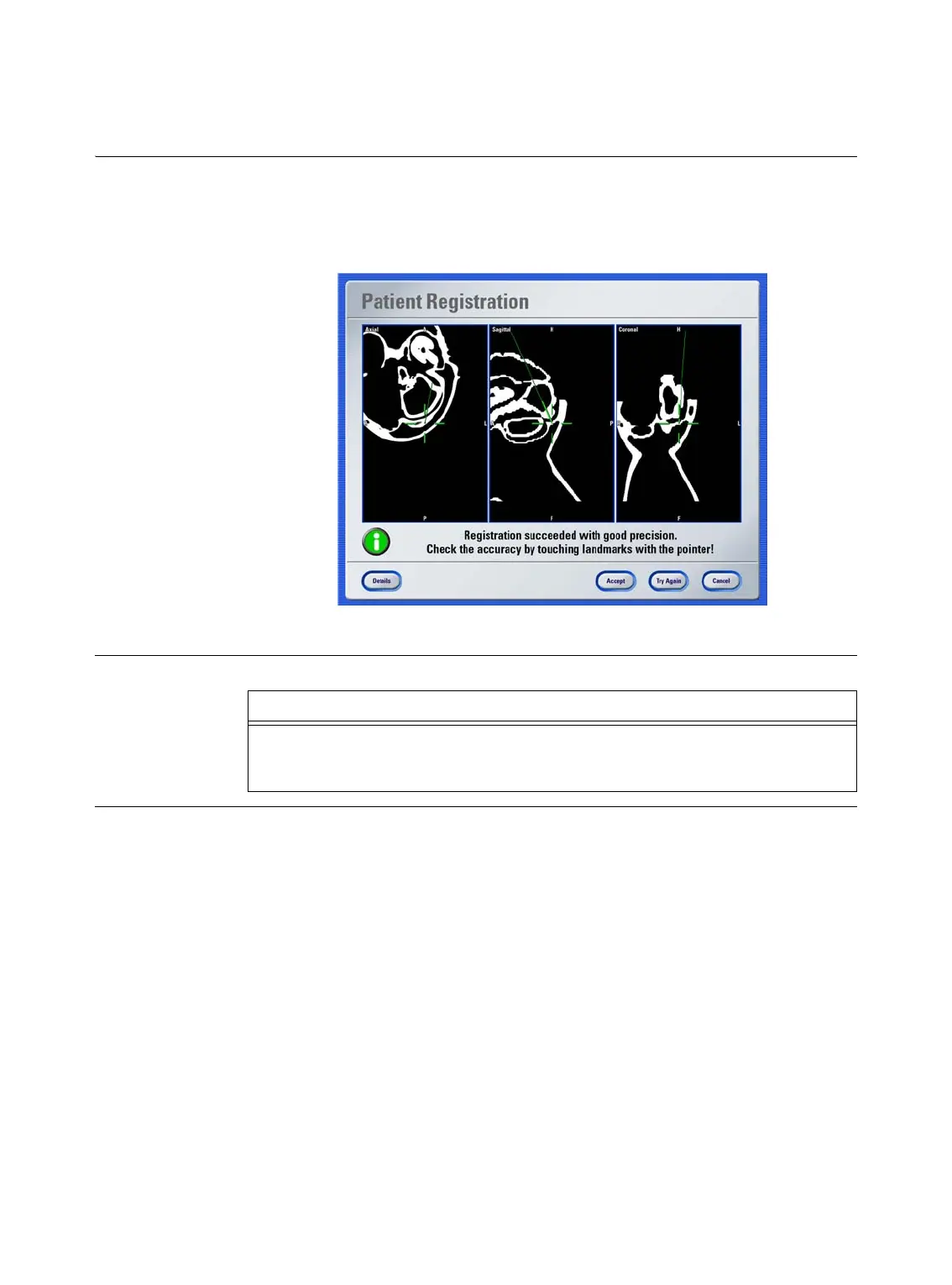
The software displays the
Patient Registration
dialog when registration is complete. This
dialog provides information on the general registration accuracy, i.e., how well the software
was able to match the patient data to the overall area of registered points. The example be-
low shows a registration with good accuracy.
Figure 20
How to Visually
Verify Accuracy
Step
Hold the pointer to at least three known anatomical landmarks and verify that the posi-
tion of the pointer displayed in the image views corresponds with the actual point on the
patient’s anatomy.



 To Next Page