92 Software User Guide Rev. 1.0 Kolibri cranial/ENT Ver. 2.7
Surface Matching Registration Accuracy
Verifying Accuracy: Standard Procedure
Patient Registration
Dialog
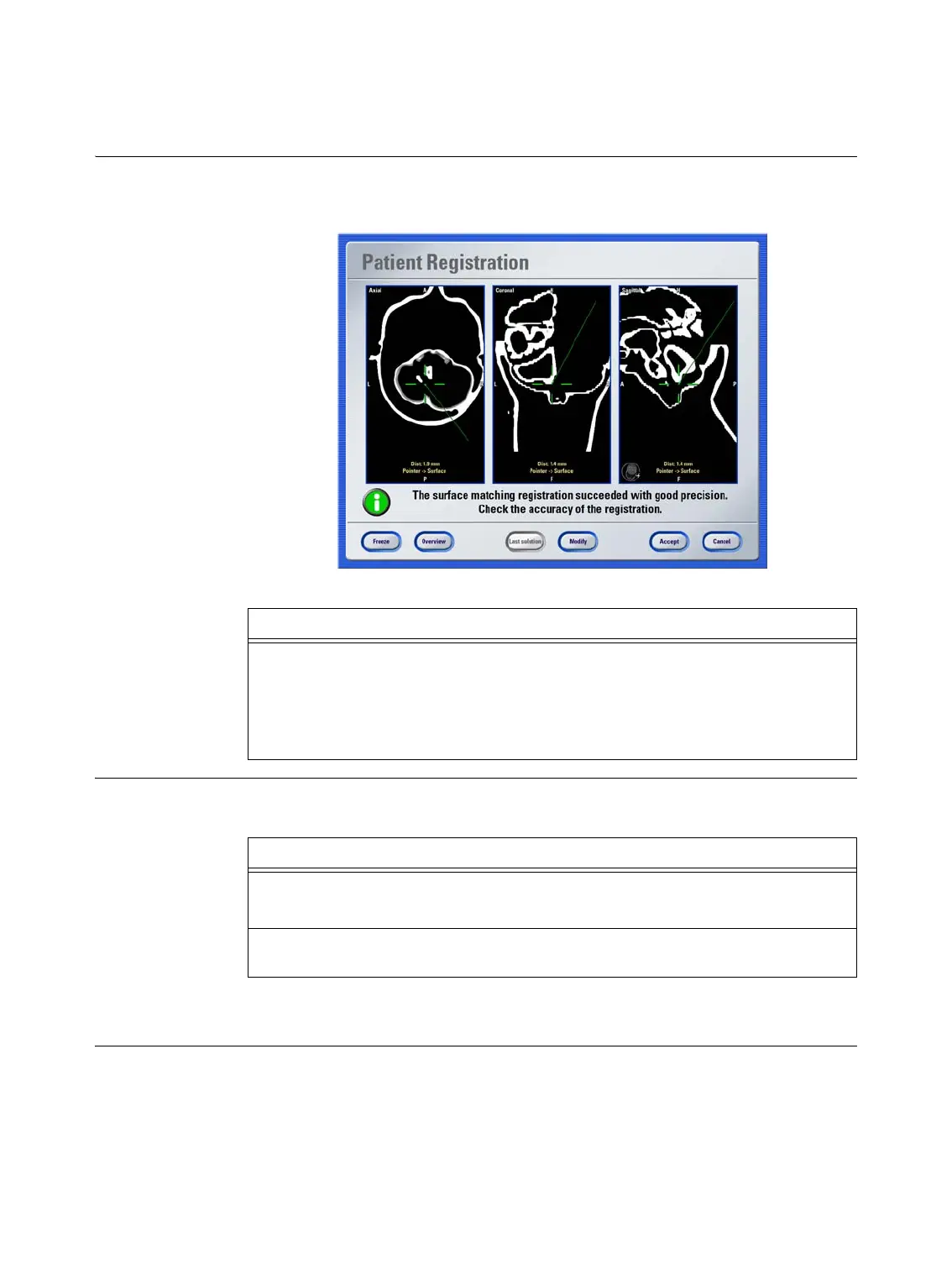
The software displays the
Patient Registration
dialog when registration is complete. The
example below shows a registration with good accuracy.
Figure 27
Next Steps Based on the precision calculated by the software and the visual verification, you can pro-
ceed as follows:
NOTE: If during visual verification a deviation of more than 3 mm is observed, we recom-
mend that you select
Modify
, and/or check the pointer accuracy.
Step
Hold the pointer to known anatomical landmarks (e.g., nasion, tragus) and verify that
the position of the pointer displayed in the image views corresponds with the actual
point on the patient’s anatomy.
The software displays the deviation (distance to surface) from virtual pointer tip to cal-
culated surface.
Options
If accuracy is sufficient, press
Accept
.
The main screen opens and you can begin navigation.
If accuracy is insufficient, or if you would like to review accuracy information in more
detail, using advanced options, see page 93.



 To Next Page