64 Software User Guide Rev. 1.0 Kolibri cranial/ENT Ver. 2.7
Introduction to Standard Registration
Registration Instruments and Software Guidance
Registration
Instruments
You can perform standard registration using the pointer or the
Softouch
.
• Markers are registered by placing the pointer/
Softouch
tip in the indent of the registra-
tion marker and slowly pivoting the instrument while keeping the tip in place.
• Landmarks are registered by holding the pointer/
Softouch
tip to the landmark and
slowly pivoting the pointer while keeping the tip in place.
Avoiding Skin Shift When registering fiducial markers and preplanned landmarks, hold the pointer/
Softouch
perpendicular to the marker/landmark. This prevents inadvertent skin shifting caused by the
force of the instrument.
Safety
Considerations
When using the pointer for registration, take care that the pointer tip does not
injure the patient. Blood vessels, eyes, etc., are not suitable for landmark regis-
tration.
Visual Software
Cues
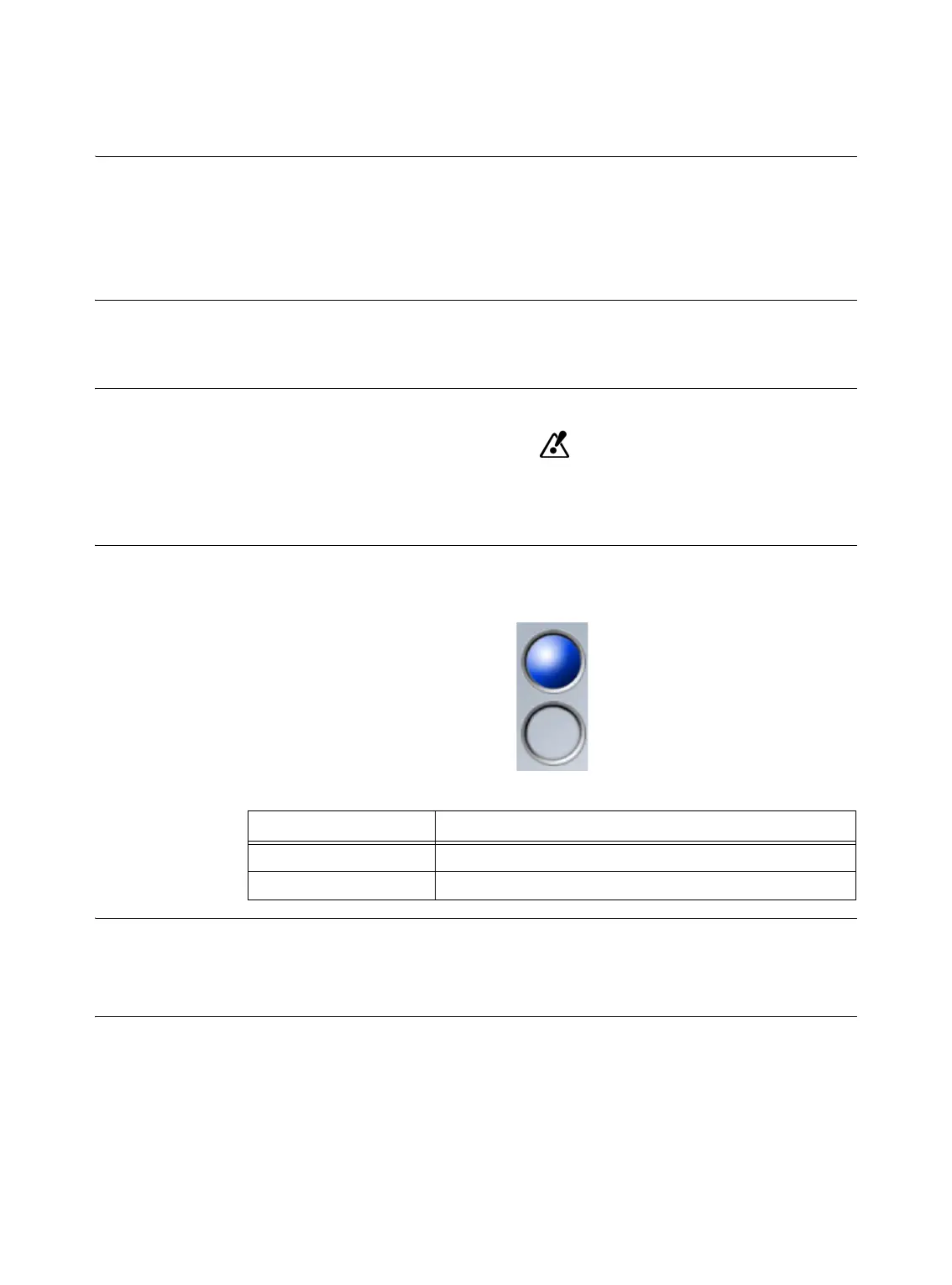
The number of markers or landmarks which can be registered is indicated by spheres in the
registration dialog.
Figure 15
Auditory Software
Cues
The software emits a beep each time you register a marker or landmark.
If you attempt to register the same marker and landmark more than once, the software emits
a lower toned “beep” and does not re-register the point.
Sphere Color Explanation
Blue Registered markers and landmarks
Gray Unregistered markers and landmarks



 To Next Page