40 Software User Guide Rev. 1.0 Kolibri cranial/ENT Ver. 2.7
User Interface
Menu Bar Overview
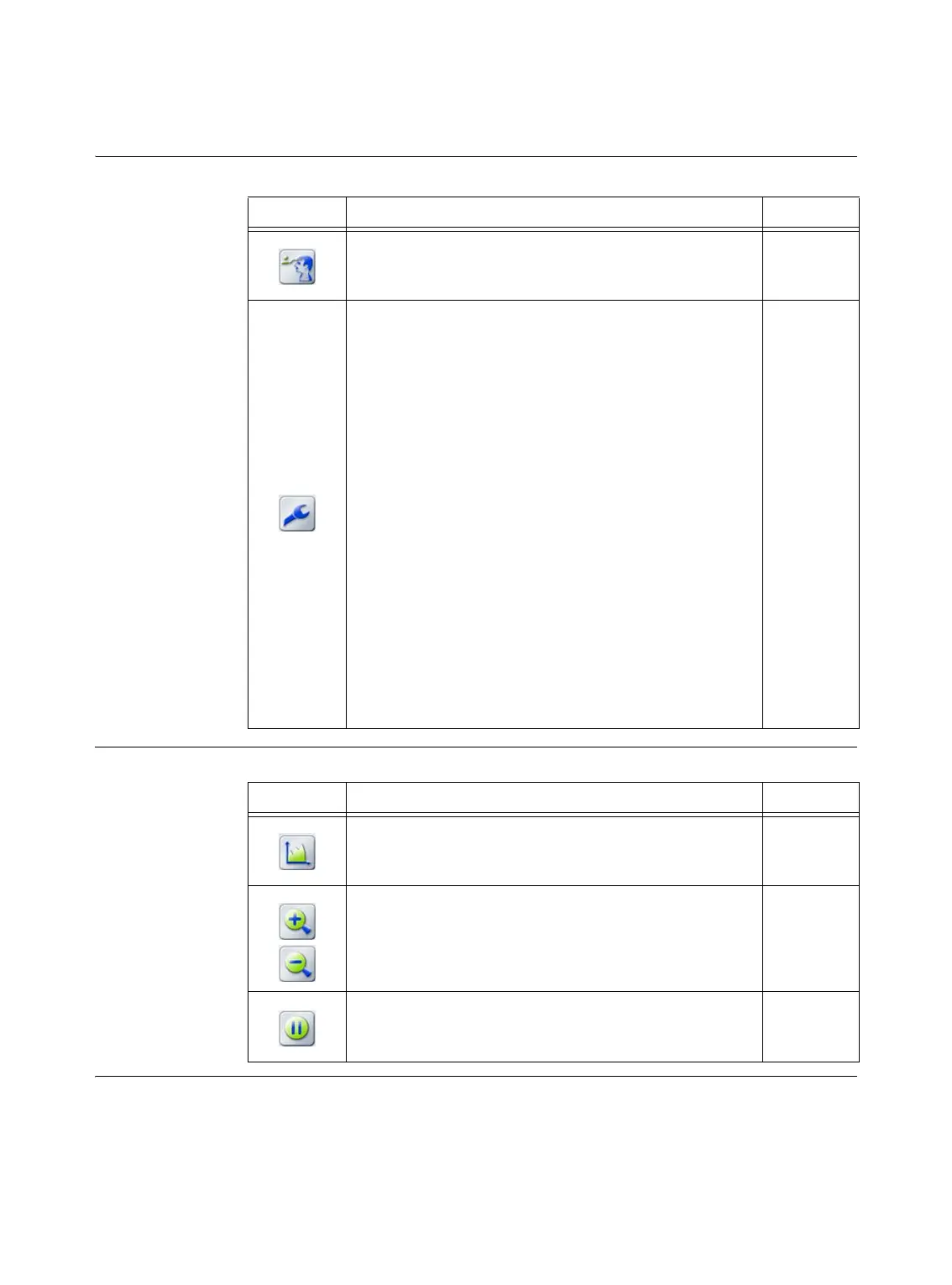
Patient Registration
and Tools
Adjusting Views
Button Function See
Register
activates patient registration page 55
-
Tools
opens the
Tools
dialog which provides access to:
• Hotline information page 50
• System settings (sound output) page 51
• Microscope navigation page 203
• VarioGuide page 178
• Tool calibration/verification
- Biopsy needle (use with
VarioGuide
)
page 180
- Biopsy needle (use with
Frameless Biopsy System
)
page 192
- Alignment tools
page 193
-VarioGuide
page 179
- Calibration/verification
page 134
• Live video settings page 52
• Measurement functions page 156
• Trajectories page 167
• Orientation page 155
Button Function See
Windowing
allows you to adjust windowing in image sets page 127
The
Zoom
buttons change the magnification of displayed
images
page 117
Freeze
locks the navigated display page 160



 To Next Page