32 Software User Guide Rev. 1.0 Kolibri cranial/ENT Ver. 2.7
Opening a Session
Loading Patient Data
Confirming Patient
Data
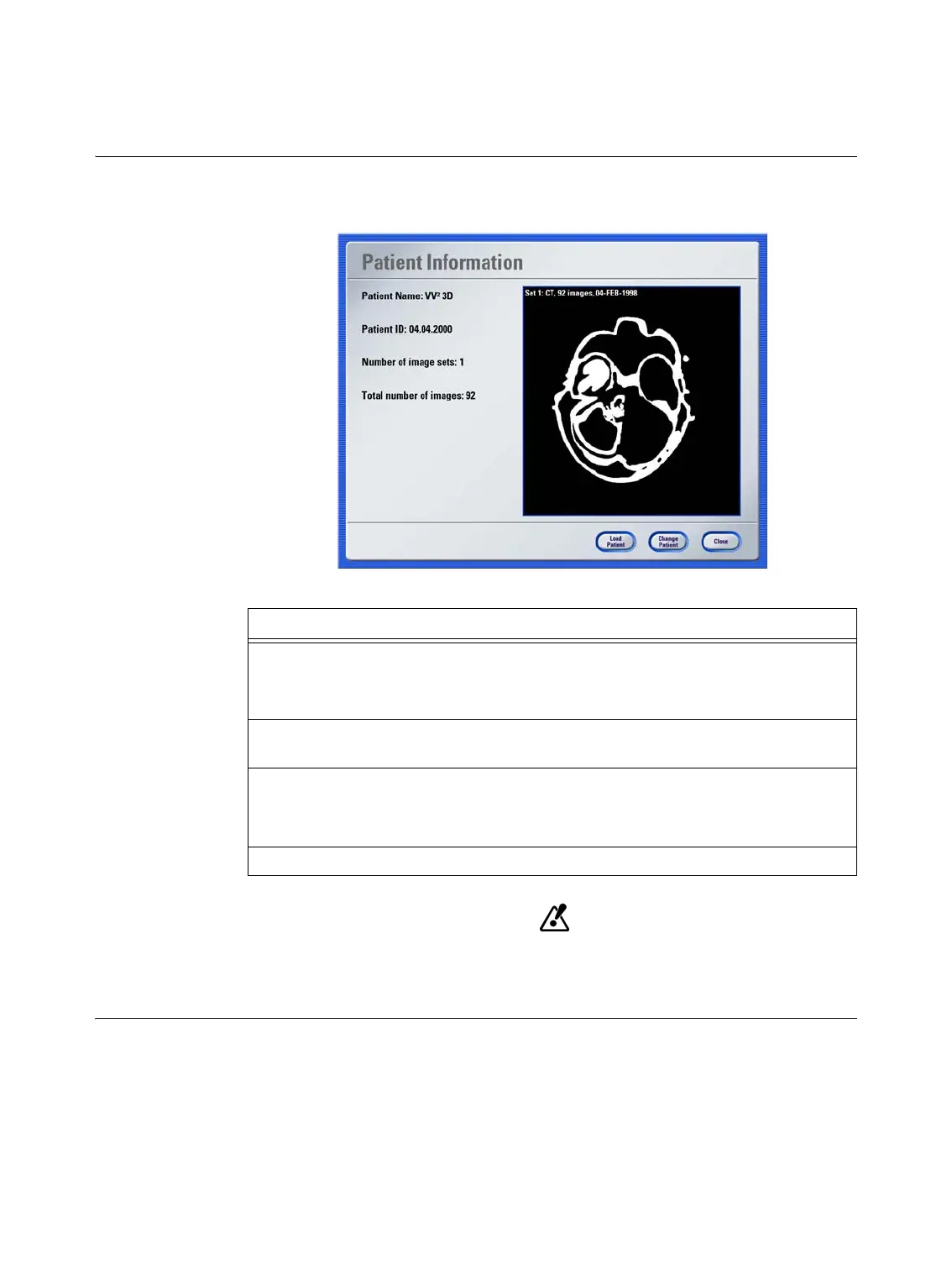
You can now load the patient’s data (containing CT/MR images, preplanned trajectories,
markers, etc.).
Figure 4
Image sets which were localized with the
VectorVision Cranial Planning 1.3
soft-
ware, or where the scaling feature of the image fusion was used, cannot be load-
ed to
Kolibri cranial/ENT 2.x
.
Options
If the correct patient data is shown, press
Load Patient to transfer data to the navigation
system.
Once the data has loaded, the main screen is shown (see page 47).
To load data from a different patient, press
Change Patient and insert Zip disk or USB
flash drive.
To start the software without loading data, e.g., for standalone ultrasound (see page 291)
or intraoperative imaging (see page 355), press
Skip
.
NOTE: Availability of this option depends on your system configuration.
If you would like to exit the procedure, press
Close
to open the
Close Program
dialog.



 To Next Page