Software User Guide Rev. 1.0 Kolibri cranial/ENT Ver. 2.7 71
Standard Registration
Sequential Registration (Registering Fiducial Markers and Preplanned
Landmarks)
Overview If the image set selected for registration contains both planned fiducial markers and pre-
planned landmarks, or preplanned landmarks only, the software prompts you to perform se-
quential registration.
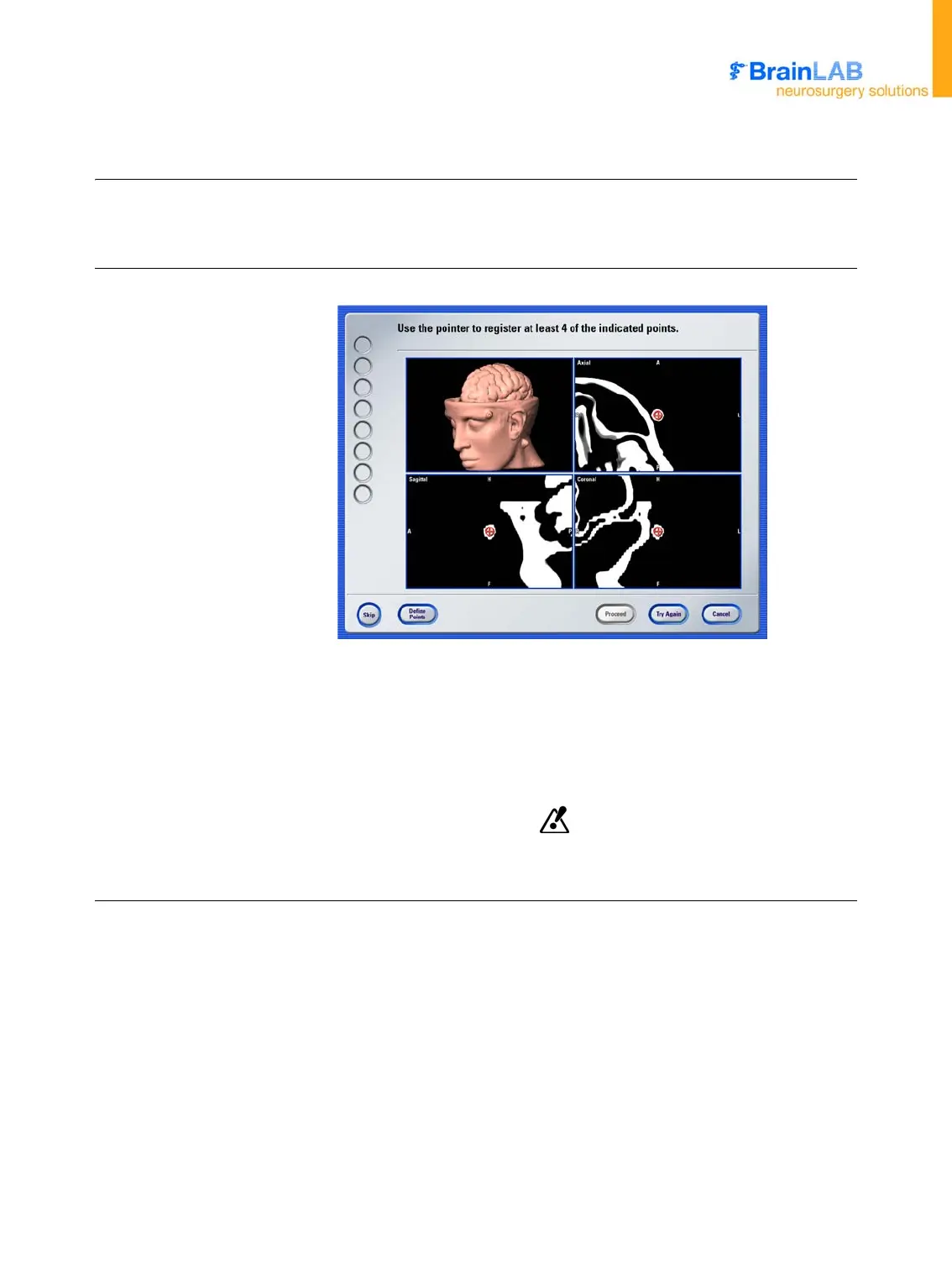
Registration Dialog
Figure 19
The circled cross-hair indicates the current landmark/marker to register:
• Markers are red
• Landmarks are blue
Once you register a marker/landmark, it is shown as a circle.
The color representation of the markers/landmarks might be different from
those chosen in the planning software.



 To Next Page