142 Software User Guide Rev. 1.0 Kolibri cranial/ENT Ver. 2.7
Calibration Using the ICM4
Calibration and Verification Using Pivot Points
How to Calibrate
and Verify Using
Pivot Points
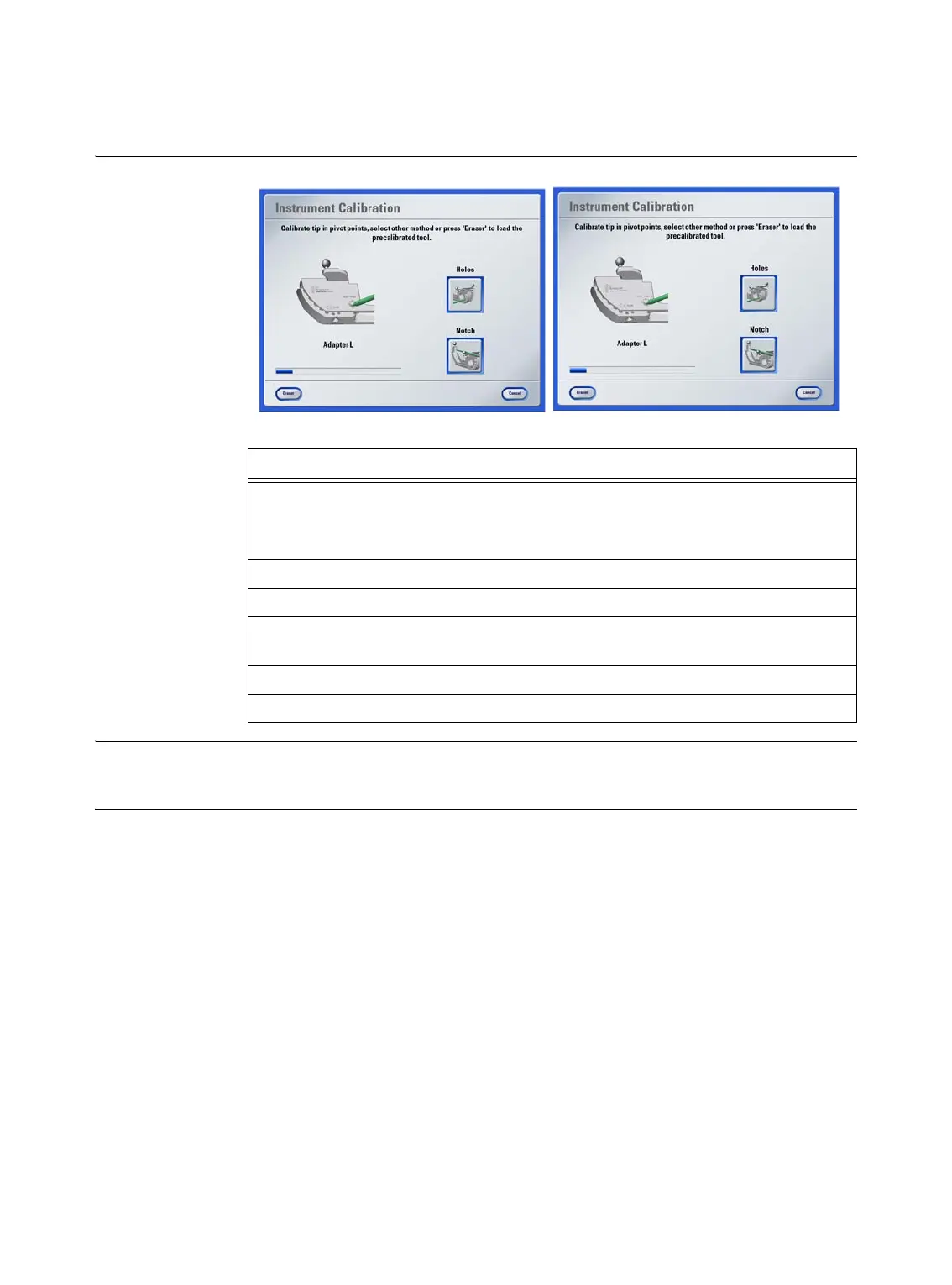
Figure 56
Other Options You can define an instrument diameter by pressing
Set Diameter
in the
Verification of Cal-
ibration
dialog (see page 140).
Steps
1. Hold
ICM4
and instrument with
StarLink
tracking array attached in camera field
of view.
The
Instrument Calibration
dialog opens.
2. Insert instrument tip into a pivot point and rotate instrument slightly.
3. Once tip calibration is complete, the
Verification of Calibration
dialog opens.
4. Insert instrument tip into same pivot point used for calibration and slightly rotate
instrument to display the tip deviation.
5. To confirm calibration, press
Accept
, or press
Try Again
to repeat calibration.
6. Remove
ICM4
from camera field of view.



 To Next Page