Software User Guide Rev. 1.0 Kolibri cranial/ENT Ver. 2.7 95
Surface Matching Registration
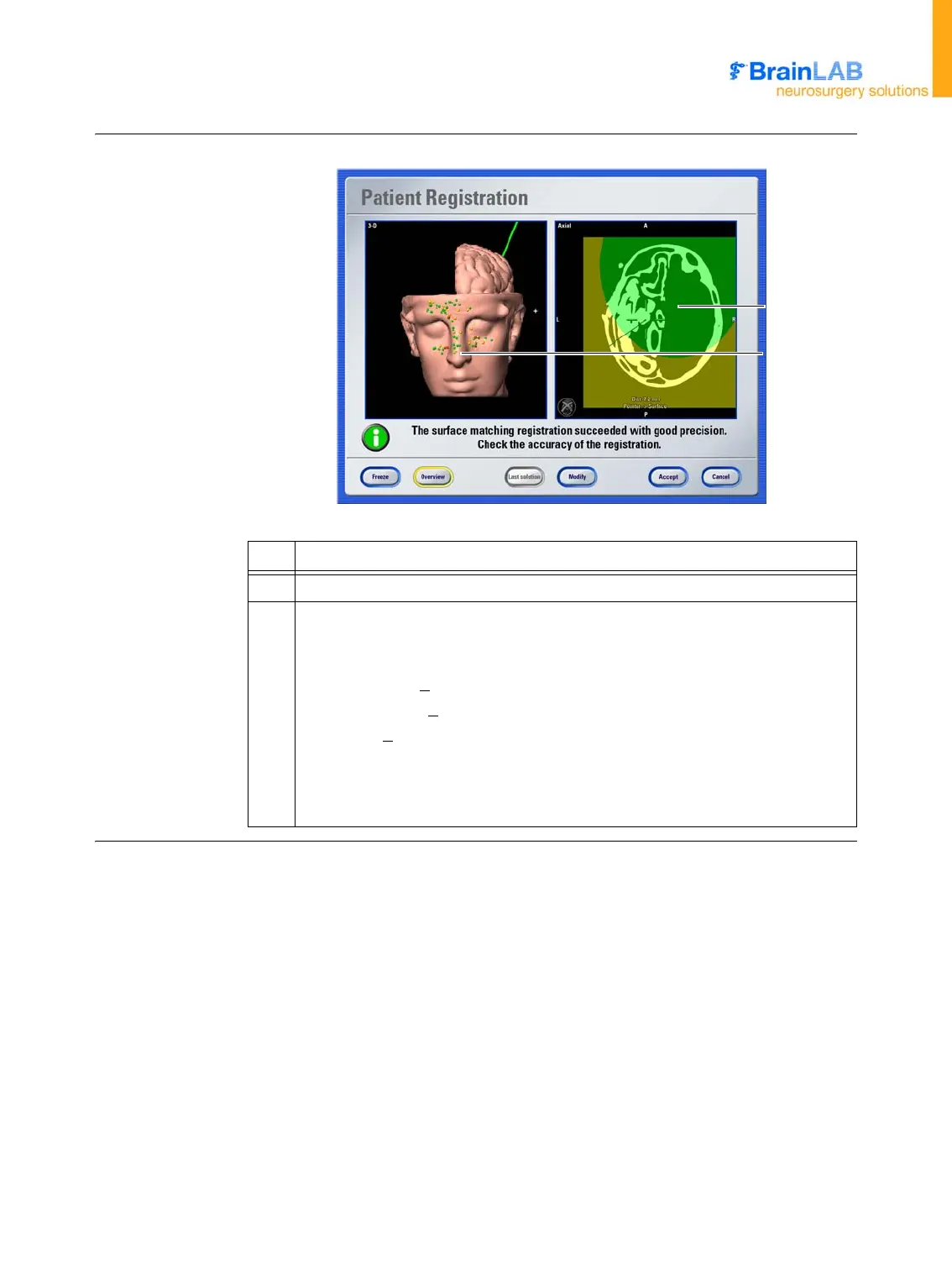
Patient Registration
Dialog (Overview
Display)
Figure 29
No. Explanation
a Reliability map in axial view
s
3D view displays individual points acquired during surface matching. Points are
color-coded according to their distance to the skin surface based on the surface-
matching algorithm.
• Green points: <
0.7 mm
• Yellow points: <
1.4 mm
•Orange: <
5.0 mm
• Red: > 5.0 mm
NOTE: For example, a red point may indicate that you acquired a point on an
area of the patient that is not included in the scan.
a
s



 To Next Page