67XXU USB/Serial Scale Service Manual 15
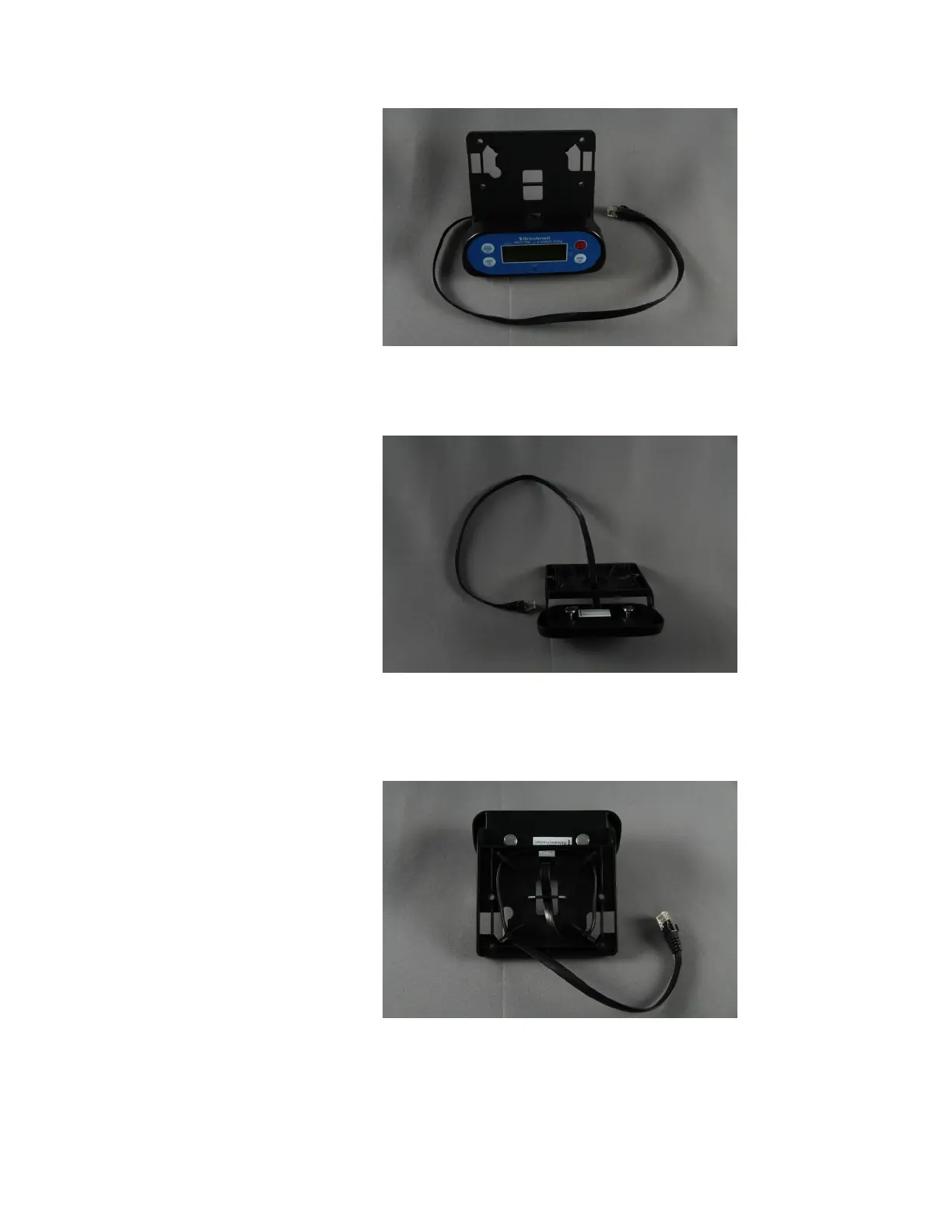
2. Clip the display to the bracket.
Figure 2.15 Display Attached to the Bracket
3. Pull the cable all of the way through.
Figure 2.16 Display Cable
4. Wrap the display cable around the four corners of the bracket. Pull cable
through the center holes..
Figure 2.17 Cable Routing
5. Remove the top shroud and turn the scale base over to expose the under side.
If a shipping screw is installed, it must be removed.














 To Next Page