24
5. CONNECT CONSOLE TO WI-FI
5.1 DOWNLOAD WSLINK CONFIGURATION APP
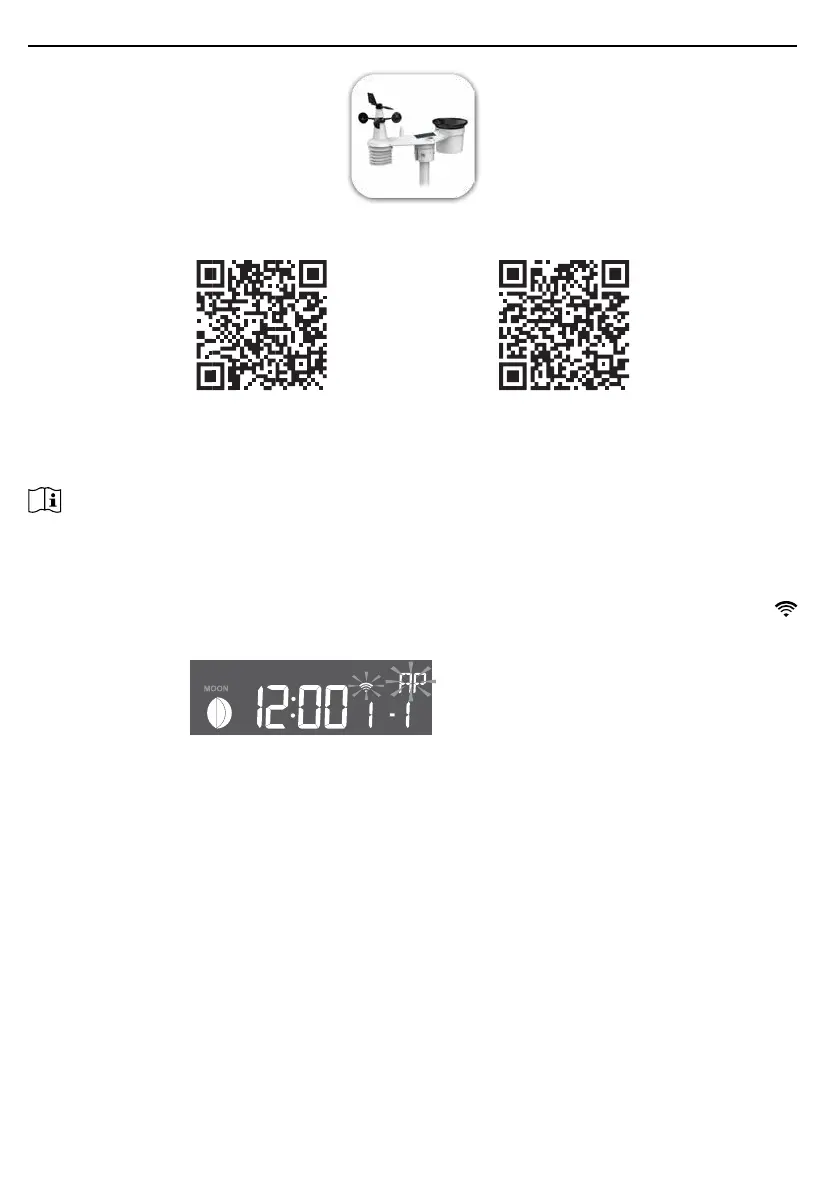
To connect console to WI-FI, you need to download the "WSLink" conguration app from one of
the following links by scanning the QR code or search "WSLink" in App Store or Google Play.
App Store Google Play
WSLink app is required for the console to connect to WI-FI and Internet, setup weather server,
perform sensor calibration and rmware update.
NOTE :
- WSLink app is only for conguration. It is not used to remotely view your weather data.
- WSLink app may subject to change and update.
5.2 CONSOLE IN ACCESS POINT MODE
1. When you power up the console for the rst time, the console LCD will show ashing "AP" and "
" icon to signify that it has entered AP (Access Point) mode, and is ready for WI-FI settings. User
can also press and hold the [ SENSOR / WI-FI ] key for 6 seconds to enter AP mode manually.
AP mode of the console



 To Next Page