12
5. Software
5.1 Startup and Run Screen
5.1.1 Startup with Passwords Enabled
If the Cee
®
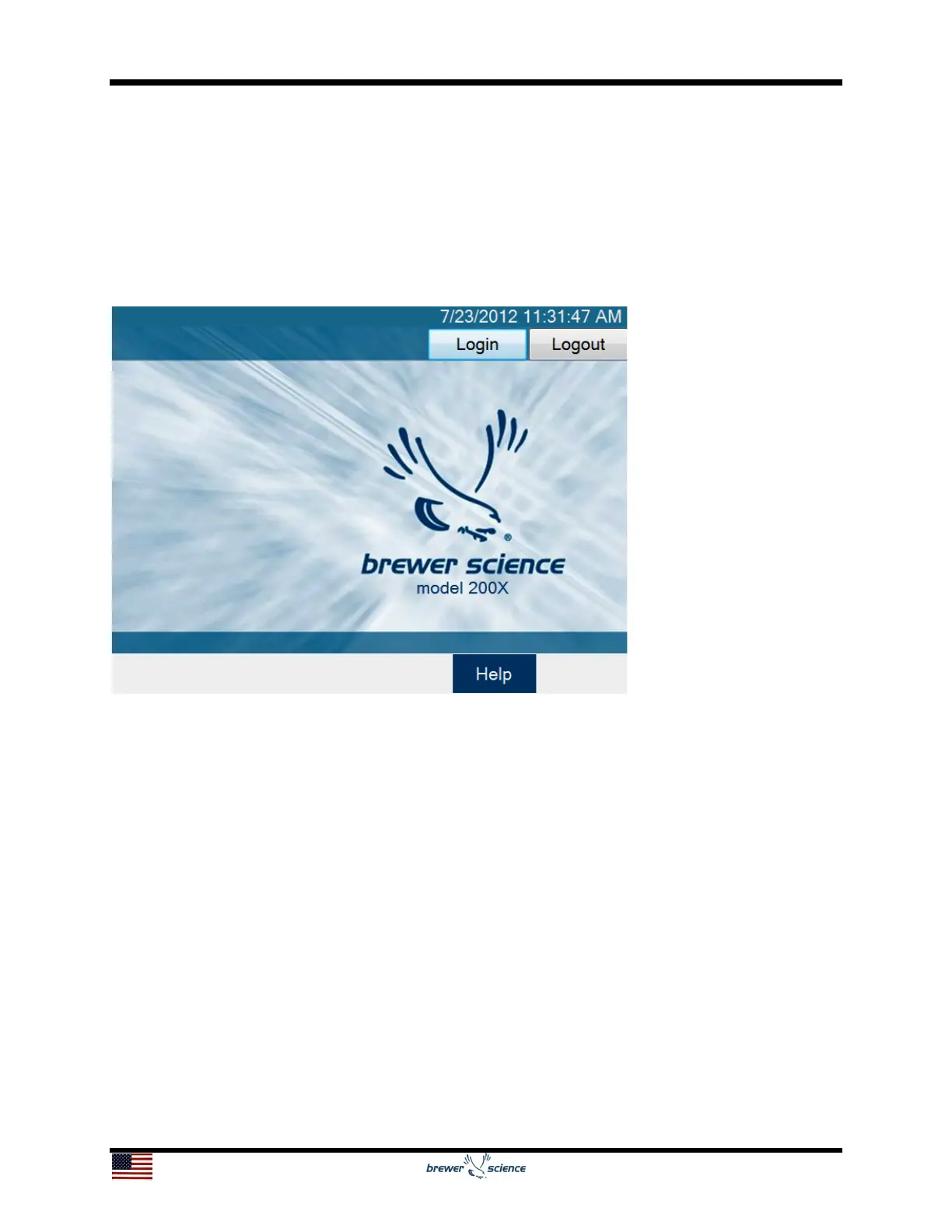
200X unit has passwords enabled, the initial screen will be blank with login
and logout buttons.
To log in, press the Login button, shown in the figure above, to view the touch screen
keyboard, and then enter your password. By default, the passwords for a Cee
®
200X
tool are:
Super User Level: CEE
User Level: 200X
Maintenance: DIAG


 To Next Page