34
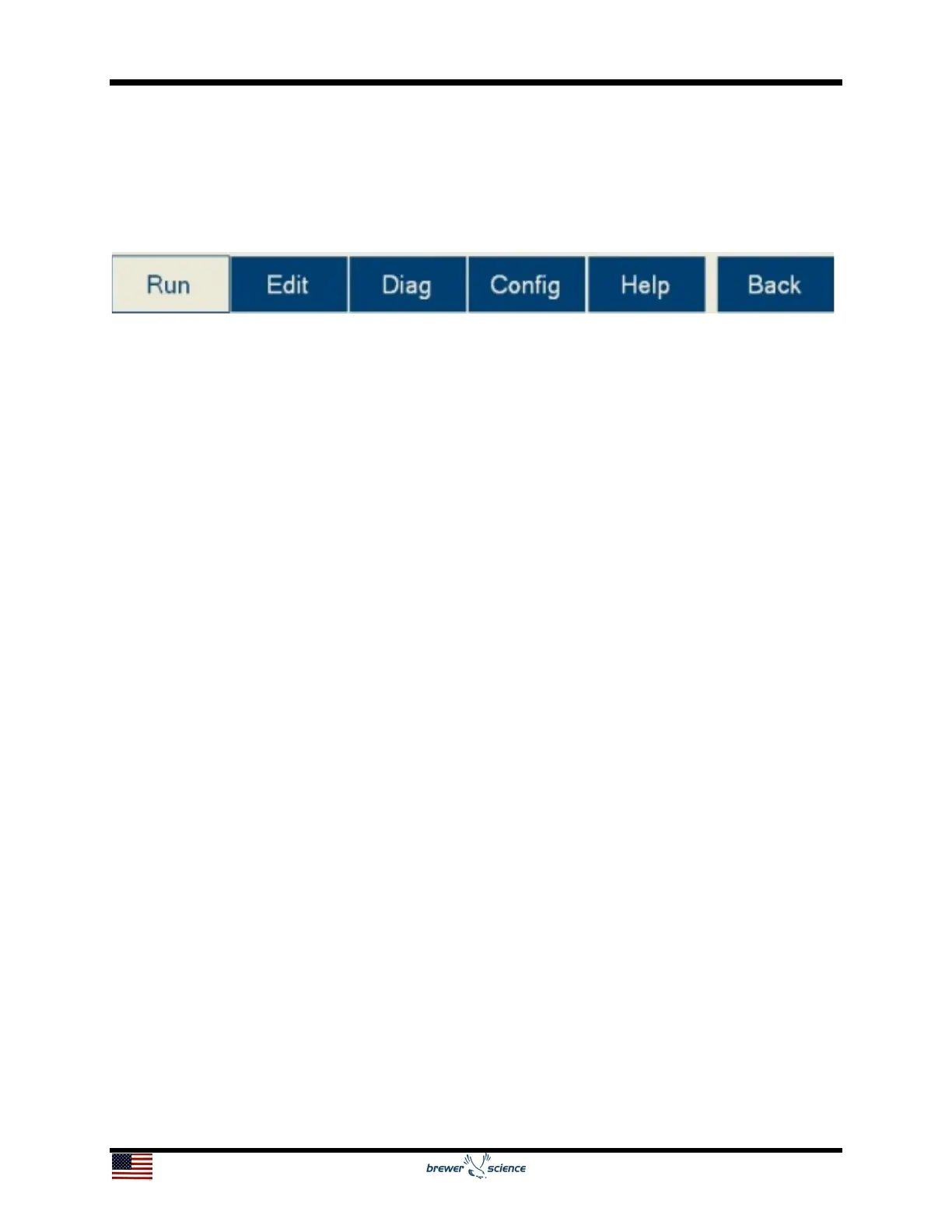
5.6 Navigation Bar
The navigation bar enables quick navigation of the Cee
®
200X tool’s software. The
currently selected page is highlighted in white. The buttons on the navigation bar are
listed below:
Run button: Navigates to the Run screen, which is where processes are run and
monitored on the Cee
®
200X tool.
Edit button: Navigates to the Edit screen, which is where processes are created,
edited, and deleted on the Cee
®
200X tool.
Diag button: Navigates to the Diagnostics screen. From here, the Cee
®
200X tool can
be operated manually, allowing maintenance and diagnostics to be performed.
Config button: Navigates to the Configuration screen. All the user-configurable settings
for the Cee
®
200X tool can be viewed or edited here.
Help button: Navigates to the Help page, which contains the User Manual.
Back button: Returns to the previous screen.


 To Next Page